Are standing desks good for you? It’s a question many office workers and remote professionals ask as they consider ways to combat the health risks of prolonged sitting. The short answer is yes, but with an important caveat: standing desks work best when used as part of a balanced approach that includes regular movement, proper ergonomics and quality seating.
Let’s explore what the research actually says about standing desks and how to use them properly.
What is an adjustable standing desk?
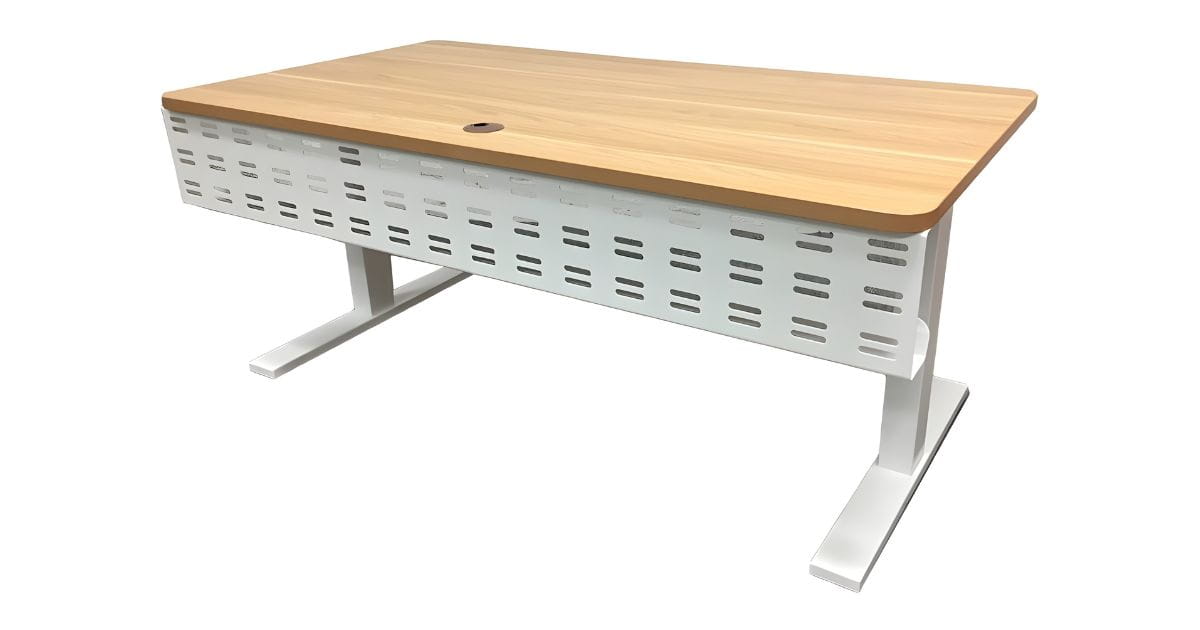
Standing desks, also called sit-stand desks or adjustable desks, let you work while standing rather than sitting. They come in several types, from fixed-height standing desks to electric or manual adjustable models that let you switch between sitting and standing throughout the day.
Traditional desks keep you sitting all the time, which isn’t ideal for most people. Manual adjustable desks use a crank or lever to change height, whilst electric models adjust at the push of a button. Desk converters sit on top of your existing desk, raising your monitor and keyboard to standing height.
Why people ask: Are standing desks good for you?
Office workers may spend 8 hours a day sitting, and Safe Work Australia now recognises prolonged sitting as a workplace hazard.
Standing desks may improve posture, reduce musculoskeletal discomfort and relieve back pain. But marketing claims don’t always match reality, which is why it’s worth looking at what the evidence actually shows.
The question isn’t really whether standing is better than sitting. It’s about finding the right balance and understanding how to use a stand-up desk properly in a healthier workspace.
Is standing better than sitting? What the research says
The relationship between standing position and sitting isn’t as simple as “one good, one bad.” Both positions have benefits and risks when maintained for too long.
Benefits of breaking up sitting time
Studies show that using a standing desk can reduce total sitting time, but estimates vary. A 2024 study found that substituting just 30 minutes of sitting with standing each day led to a small but significant drop in systolic blood pressure (about 3.5 mmHg after six months).
Standing does burn slightly more calories than sitting, but the difference is modest. You’ll burn approximately 0.15 extra calories per minute whilst standing, which adds up to about 24 extra calories over a three-hour work block.
Some studies indicate that alternating between sitting and standing can improve blood flow and reduce discomfort. This may leave you feeling more alert and energised throughout the day.
Risks of prolonged standing
Standing for more than six hours a day comes with its own problems. Standing all day can lead to muscle fatigue, foot pain and lower back strain if your posture isn’t correct.
The key takeaway? Physical activity matters more than the position itself. Alternating between sitting and standing, combined with regular breaks to walk or stretch, delivers the best health outcomes.
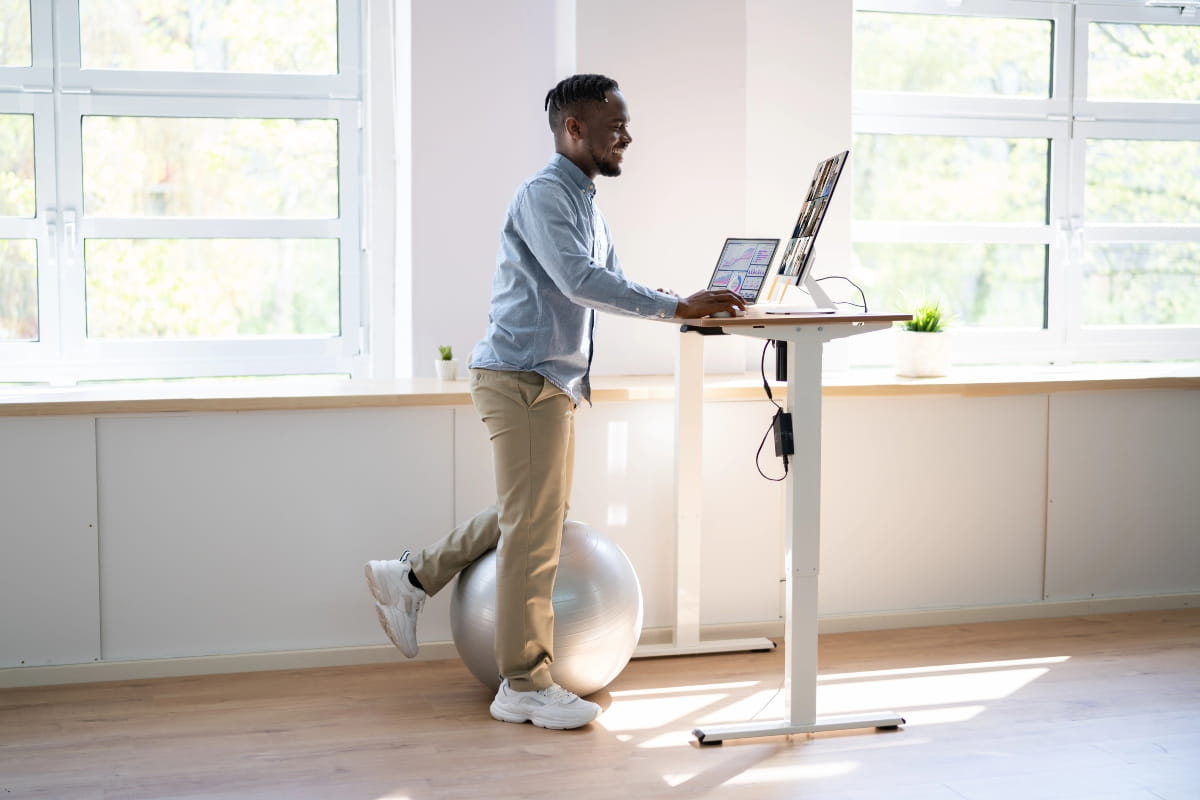
The role of ergonomics in using a standing desk
Whether standing desks are good for you depends largely on how you set them up. Poor ergonomics whilst standing can cause just as much discomfort as slouching in a chair.
When you’re standing at your desk, your elbows should form a 90-degree angle when your hands rest on the keyboard. The top of your monitor should sit at eye level, about an arm’s length away.
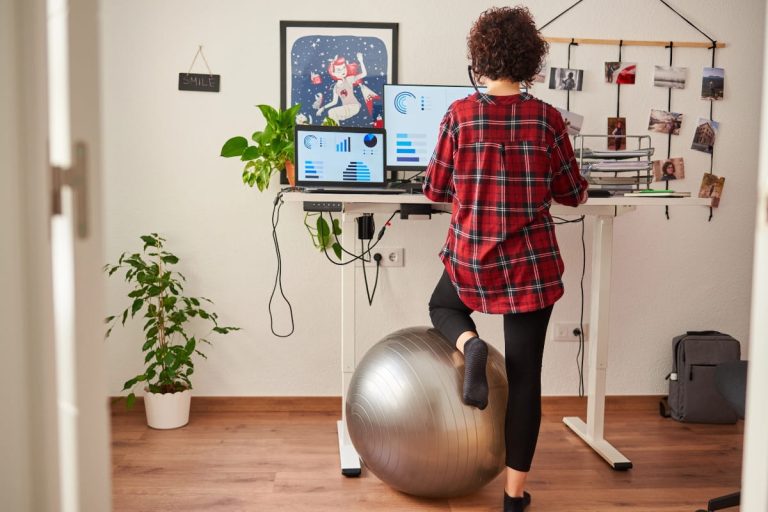
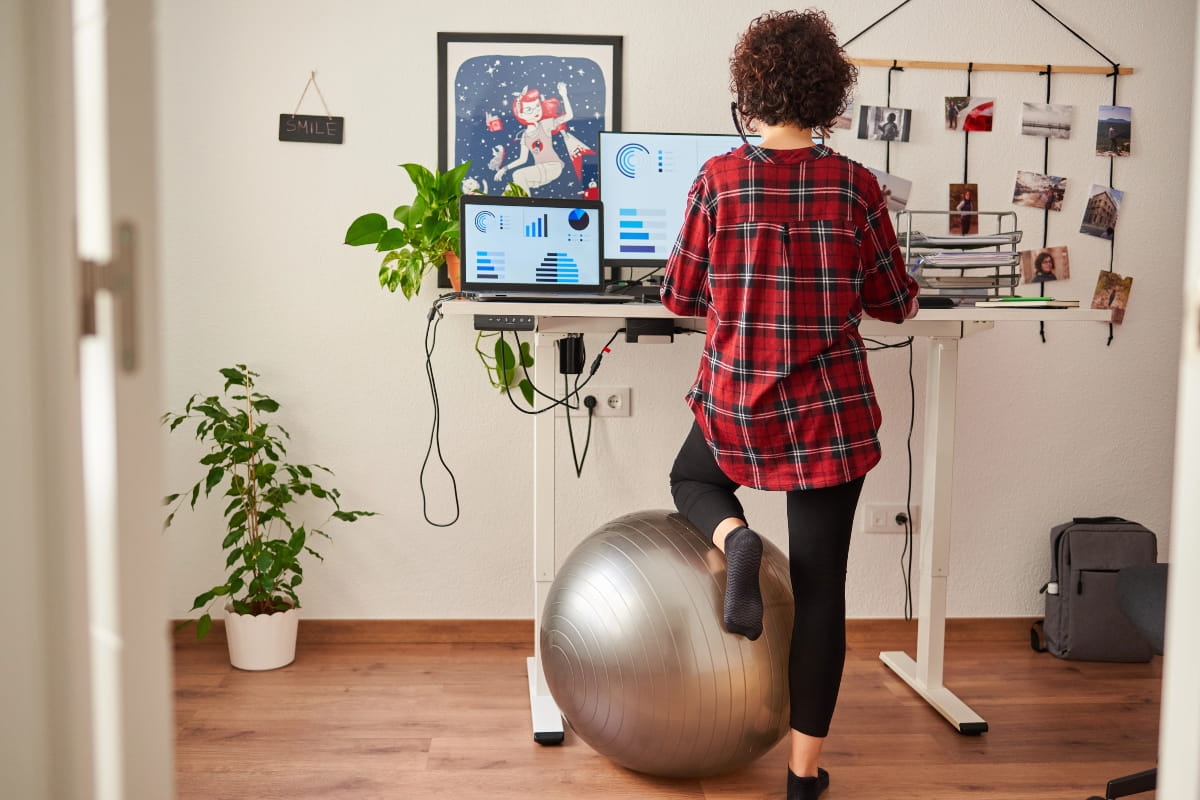
Your feet should be flat on the floor, shoulder-width apart. Locking your knees or standing on one leg puts unnecessary strain on your joints and lower back. An anti-fatigue mat can reduce perceived leg fatigue.
Keyboard and mouse placement matters too. Keep them close enough that you don’t need to reach forward, which can cause tension in your shoulders and upper back. Your wrists should remain in a neutral position, not bent up or down.
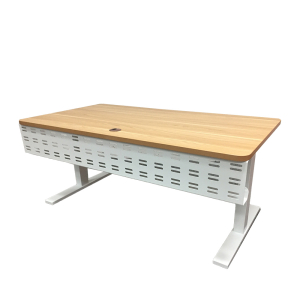
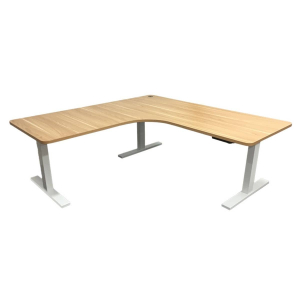
The Elevate Sit-Stand Desk and Elevate Sit-Stand Desk (L Shape) both offer smooth electric height adjustment, making it easy to find the right position for your body throughout the day.
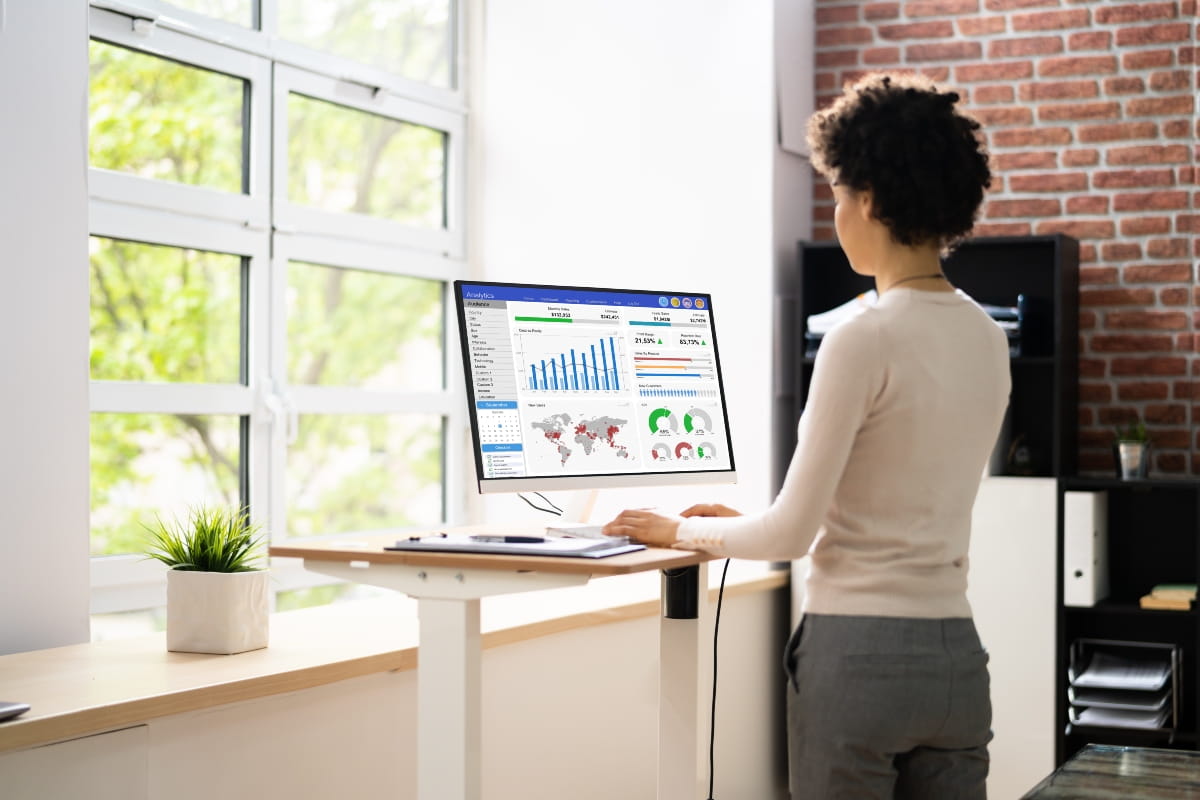
Posture matters more than standing alone
You can stand all day and still end up with back pain if your posture is poor. Slouching whilst standing is just as harmful as slouching whilst sitting.
Good standing posture starts with a neutral spine. Your ears should align with your shoulders, your shoulders with your hips, and your hips with your ankles. Pull your shoulder blades back slightly and engage your core muscles to support your lower back.
Many people unconsciously lean on one hip or lock their knees, which throws the spine out of alignment and creates muscle imbalances over time.
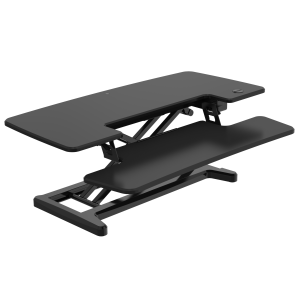
The Elevate Computer Riser can help position your screen at the correct height, supporting neck and shoulder alignment.

How long should you stand at a standing desk?
There’s no single perfect ratio that works for everyone. Start gradually if you’re new to using a standing desk.
Practical guidance suggests standing for 15–30 minutes per hour, gradually increasing as your body adapts. Listen to your body’s signals. If your feet or legs start to ache, sit down. If you feel stiff from sitting too long, stand up.
The beauty of electric sit-stand desks is that you can adjust your position whenever you need to, making it easy to find a rhythm that works for your body and your tasks.
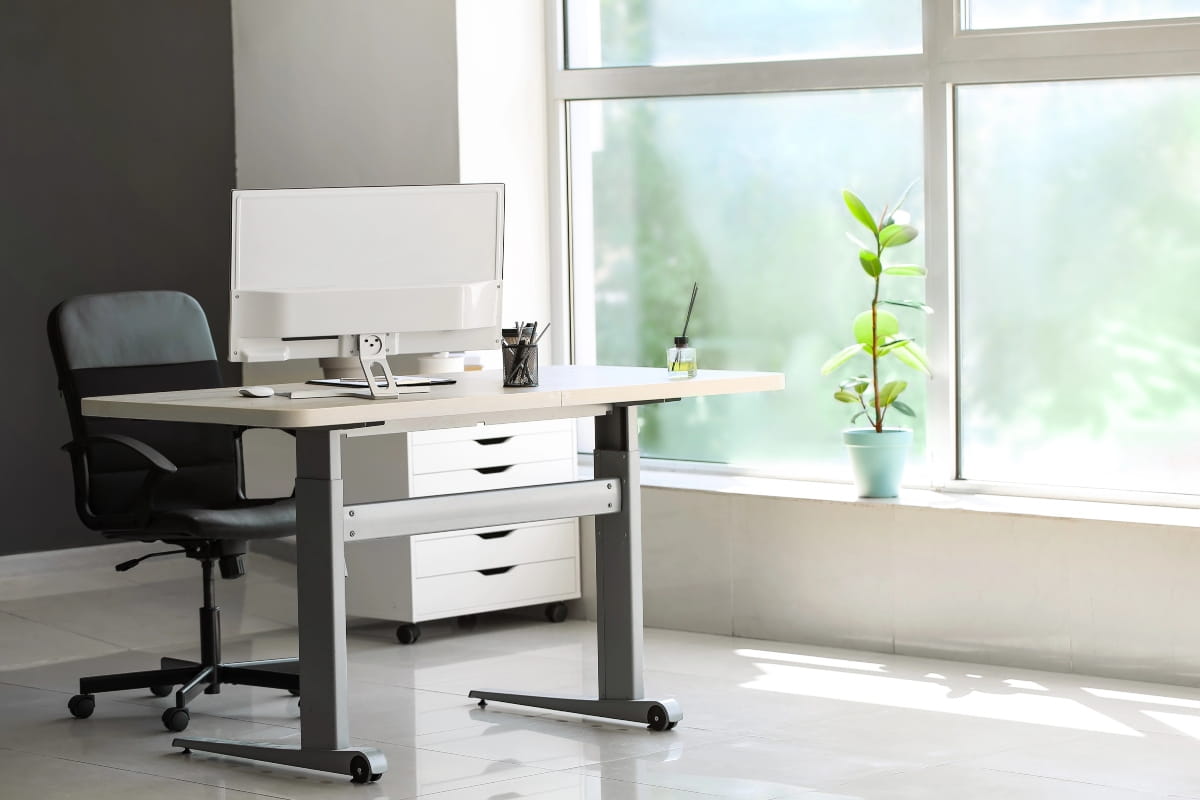
Do you still need an ergonomic office chair?
Absolutely. A stand-up desk isn’t a replacement for a quality office chair; it’s a complement to one. The goal is flexibility and movement, not eliminating sitting altogether.
Sitting isn’t inherently bad. What causes problems is sitting in one position for hours without moving, especially in a chair that doesn’t properly support your body.
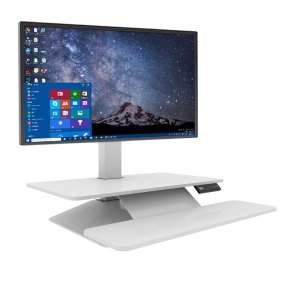
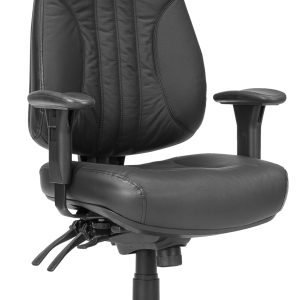
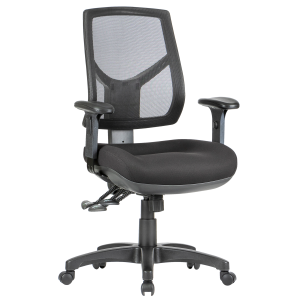
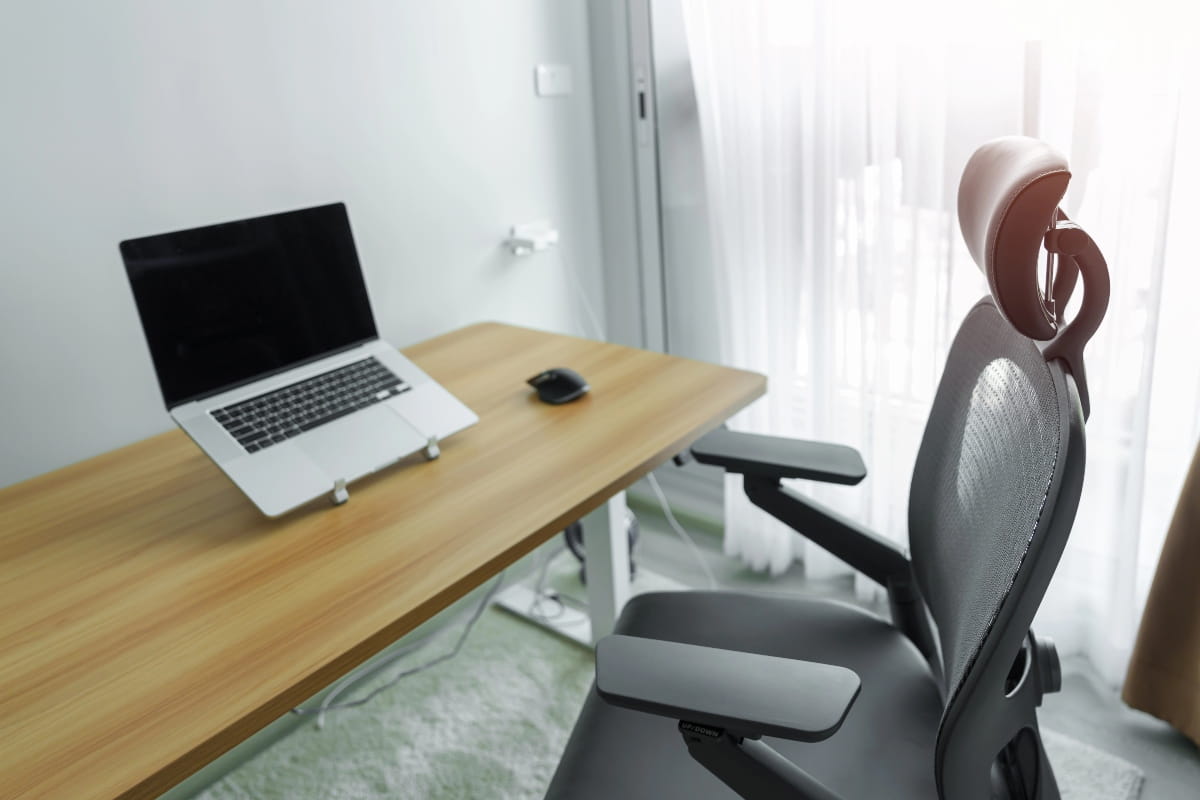
Your chair should support your lower back with proper lumbar support, allow your feet to rest flat on the floor, and keep your thighs parallel to the ground. The Elevate Sit Stand Desk Converter works well with ergonomic mesh office chairs, giving you the flexibility to alternate between sitting and standing without replacing your entire workspace.
When you pair a supportive chair with a height-adjustable desk, you create a workspace that encourages the movement and variety your body needs to stay comfortable throughout long workdays.
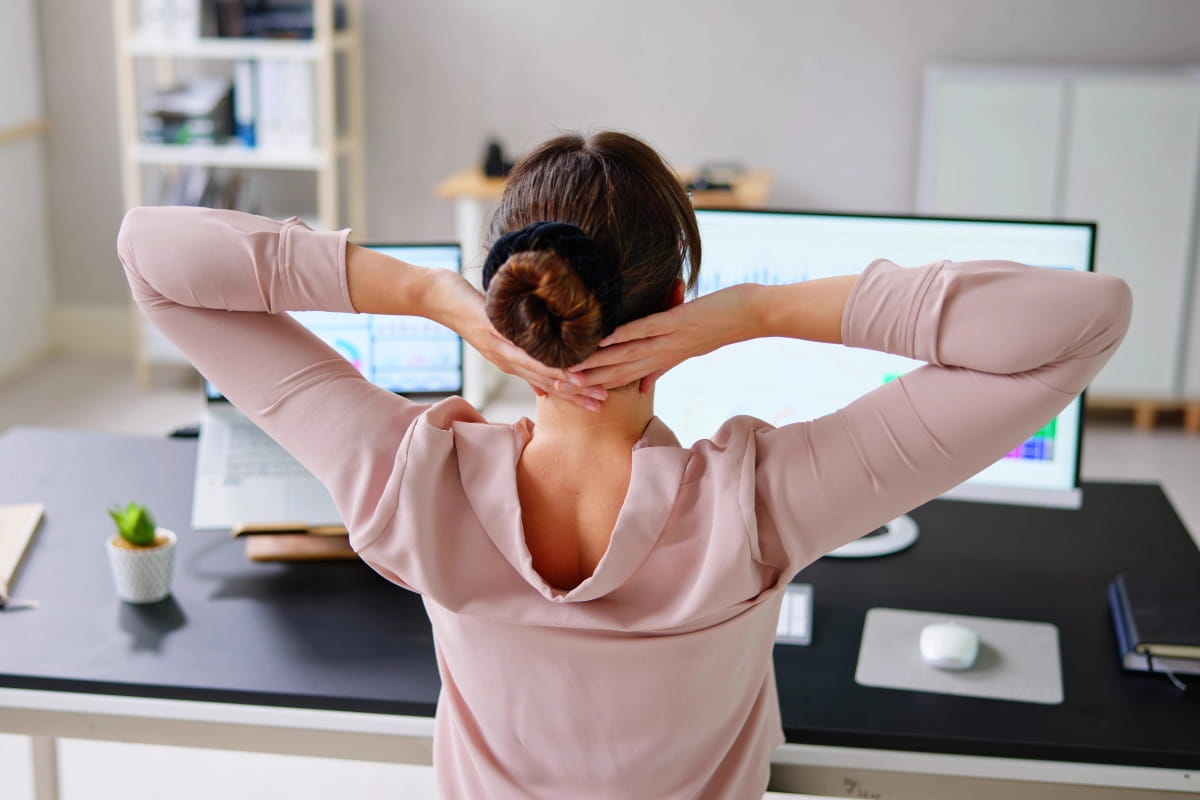
Who benefits most from standing desks?
Standing desks work best for office workers, remote professionals and anyone who spends most of their day at a computer.
If you’re working from home in Perth and finding that sitting all day leaves you stiff and uncomfortable, a sit-stand desk can help you build more movement into your routine.
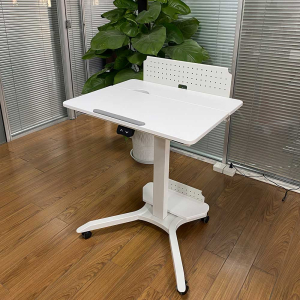
The Elevate Mobile Sit-Stand Desk is particularly useful for home offices where flexibility and space efficiency are important.
People with certain health conditions, including severe varicose veins, joint problems or circulatory issues, should consult a health professional before switching to a standing desk. Standing for long periods might aggravate these conditions rather than help.
The key is understanding that standing desks support better habits. They won’t fix poor posture, lack of exercise or other health issues on their own. They’re one tool in creating a healthier workspace, not a magic solution.
Common myths about standing desks
Myth: Standing all day is healthier than sitting all day
Standing for extended periods carries its own risks, including leg fatigue, foot pain and increased risk of varicose veins. The healthiest approach is alternating between sitting and standing regularly.
Myth: Standing desks cure back pain
Research shows standing desks can provide modest symptom reduction when combined with proper ergonomics and regular movement, but they’re not a cure for chronic back pain. If you have persistent pain, see a health professional rather than relying on a desk change alone.
Myth: You’ll burn hundreds of extra calories by standing
The calorie difference between sitting and standing is small. Standing burns slightly more calories than sitting, often estimated around 0.1 to 0.2 extra calories per minute, depending on body weight and metabolism.
You’d need to stand all day, every day, to see significant weight loss from standing alone. Regular exercise and movement breaks matter far more.
Myth: One desk setup works for everyone
Everyone’s body is different. Desk height, monitor position and the right sit-stand ratio vary based on your height, build and any existing health conditions. What works for your colleague might not work for you.
Making standing desks work for you
So, are standing desks good for you? Yes, the benefits come from movement and variety, not from standing in one position all day.
Pair your standing desk with a quality ergonomic chair, and pay attention to proper setup to create a workspace that supports your body throughout the workday.
Visit our O’Connor showroom to try our range of sit-stand desks and find the right setup for your body and workspace. Our team can help you understand proper ergonomics and choose office furniture that supports your comfort and well-being for years to come.
Get in touch today to discuss how we can help you build a healthier workspace.
Frequently asked questions
Position your desk so your elbows form a 90-degree angle when typing. Place your monitor at eye level, about an arm's length away. Keep your feet flat on the floor, shoulder-width apart. Alternate between sitting and standing, and use an anti-fatigue mat to reduce leg fatigue. Pair your standing desk with a quality ergonomic chair for the best results.
Standing desks can reduce mild lower back discomfort when combined with proper ergonomics. Many users report improved productivity and energy levels when they regularly alternate positions.
Standing desks require proper setup to avoid shoulder and neck strain. They're not suitable for everyone, particularly people with certain circulatory or joint conditions.
Adjustable desks can help reduce prolonged sitting, improve circulation and encourage movement throughout the day. The key to health benefits is alternating between sitting and standing, as prolonged standing can cause problems like leg fatigue and foot pain.