Highlights
- Balance matters most when asking, “Is standing better than sitting?” because your body needs regular movement, position changes, and ergonomic support throughout the workday.
- Prolonged sitting can strain your lower back by increasing pressure on it, slowing circulation, and contributing to stiffness, fatigue, and poor posture.
- Standing for too long also poses risks, including foot pain, leg fatigue, lower back discomfort, and increased joint pressure.
- A sit-stand desk helps you move more often by making it easier to switch between sitting and standing without disrupting your workflow.
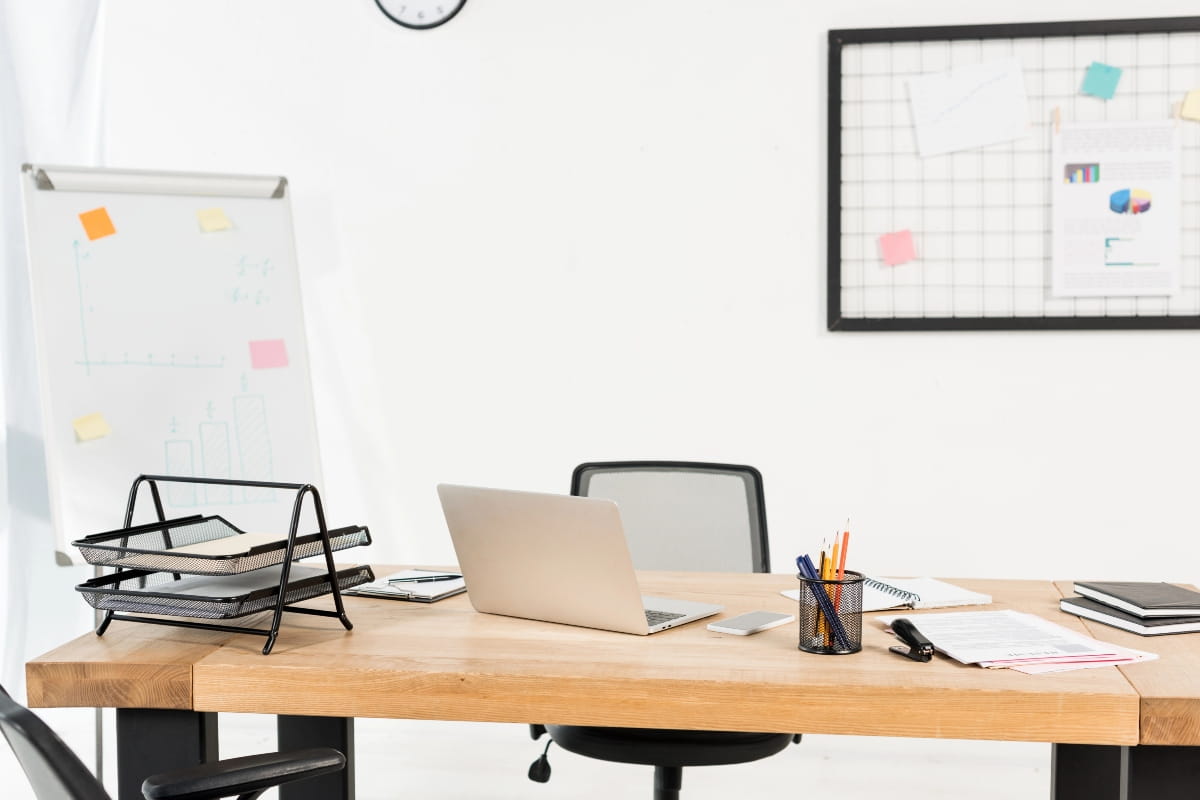
Is standing better than sitting? If you work at a desk, you have probably asked yourself this question. Maybe your lower back aches after a few hours of sitting. Or you have read that sitting is “the new smoking” and wondered if standing all day or using an adjustable desk is the better option.
The short answer is simple. Neither sitting nor standing wins on its own. Your body is not built to stay in one position for hours. What it really needs is movement, variety, and the flexibility to switch things up throughout your workday.
Is standing better than sitting? A quick overview
Standing versus sitting isn’t really a fair fight. Both have their place, and both come with problems if you overdo them.
Standing reduces the time you spend sedentary, which is good. It keeps your blood moving and your muscles engaged, can contribute to calorie burning, and may help boost energy levels by increasing blood flow and oxygen delivery to the brain. But standing for too long without shifting your weight, you’ll start to feel it in your feet, knees, and lower back.
Sitting, on the other hand, gives your body stability and support. A seated position is generally more stable for tasks requiring fine motor control and high concentration, making it easier to focus on detailed work when you’re seated. But sitting for hours without a break puts pressure on your spine, slows your circulation, and lets your muscles switch off.
The real solution lies in balance. Alternating between sitting and standing, combined with regular movement, helps keep your body functioning the way it should.
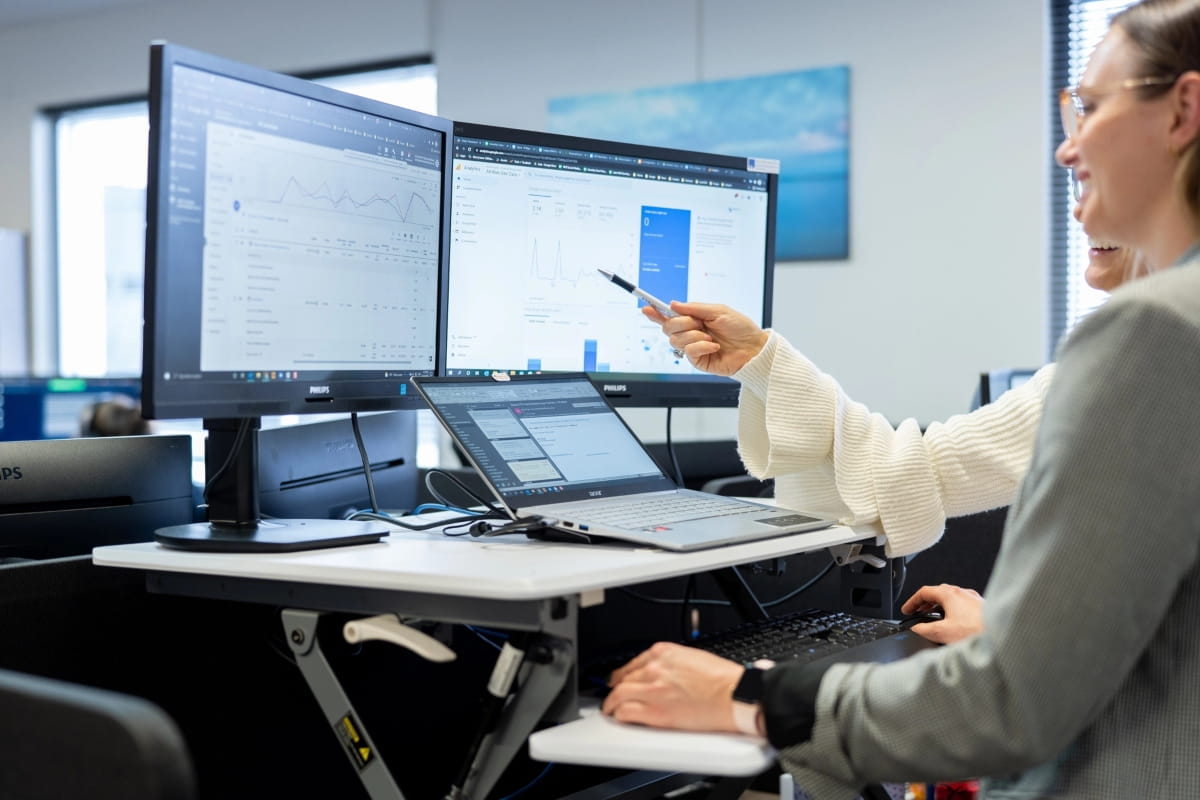
What happens to your body when you sit for long hours
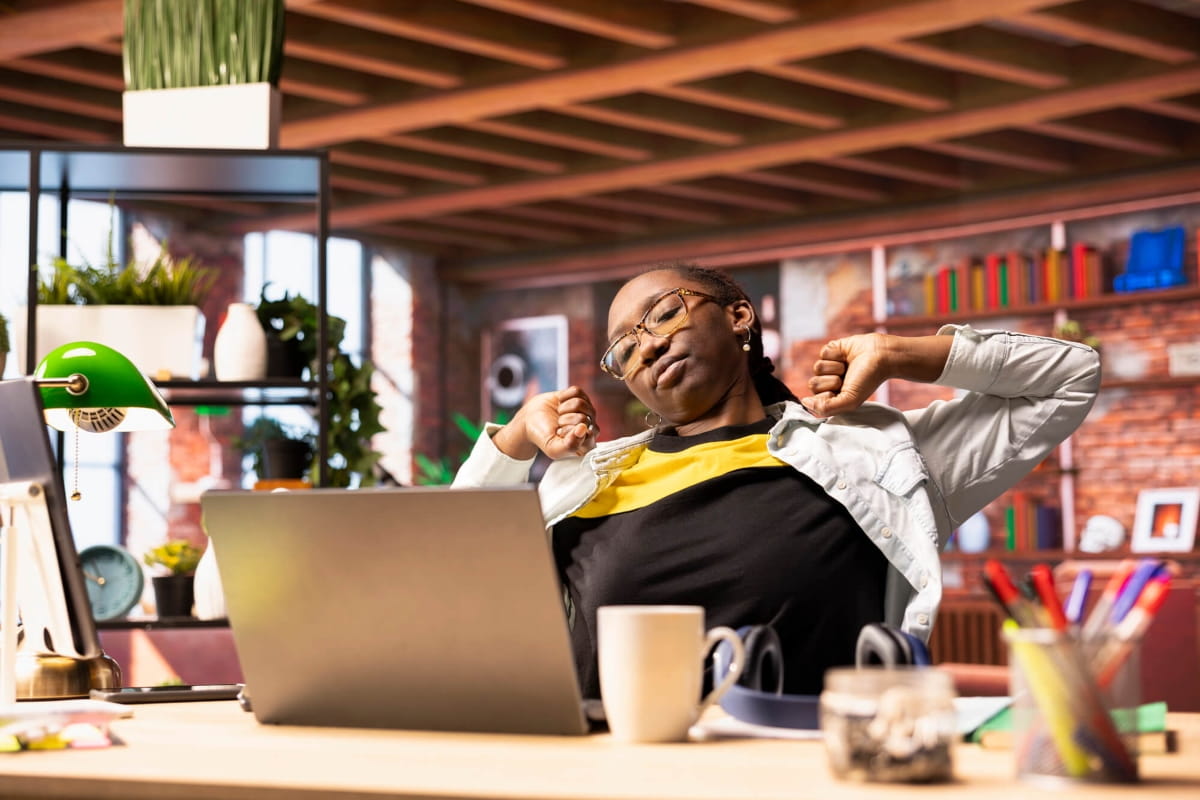
Sitting might feel comfortable at first, but your body pays a price when you stay put for too long.
- Your lower back and spine take on extra pressure. The discs in your lumbar region compress more when you’re seated than when you’re standing upright. Over time, this can lead to discomfort, stiffness, and even chronic pain.
- Blood flow slows down, especially in your legs. Your calf muscles, which normally help pump blood back to your heart, barely engage when you’re sitting. Within 90 minutes, leg blood flow can drop by half. That’s why you might feel sluggish or notice your legs getting heavy during a long afternoon at your desk.
- Your hip flexors tighten, and your glutes weaken. Spending hours in a seated position shortens the muscles at the front of your hips and switches off the muscles in your backside. This imbalance affects your posture and can make it harder to stand comfortably later.
- Neck and shoulder strain creeps in if your screen isn’t at eye level or your keyboard isn’t positioned properly. Poor posture while sitting compounds the problem, pulling your head forward and rounding your shoulders.
- Excessive sitting has negative health implications, including an increased risk of weight gain, metabolic issues, and could even lead to cardiovascular problems.
- Fatigue builds up. Sitting in one spot for hours drains your energy. Your body isn’t designed to stay static. When you don’t move, your brain gets less oxygen, your focus drifts, and that mid-afternoon slump hits harder.
What happens to your body when you stand for long hours
Standing at work feels active, but how long you stand is not without its own issues.
- Your feet, knees, and lower back take on more load. Standing for extended periods puts continuous pressure on your joints and the muscles that support your frame, which can contribute to musculoskeletal issues, foot pain, neck pain, and neck strain. After a couple of hours, you’ll likely feel discomfort building in your lower back or a dull ache in your feet.
- Prolonged standing can also increase blood pressure in the legs, contributing to discomfort, fatigue, and circulatory strain.
- Varicose veins and leg swelling become a risk. When you stand still for too long, blood can pool in your lower legs. This increases the chance of developing varicose veins, especially if you’re standing for most of your workday. Studies show that people in predominantly standing occupations face a higher risk of venous issues compared to those who alternate positions.
- Muscle fatigue sets in. Your leg muscles work constantly to keep you upright. Without breaks or shifts in posture, they tire out. You might notice your legs feeling heavy or sore by the end of the day.
- Common posture mistakes when standing at a desk include locking your knees, leaning on one leg, or hunching your shoulders. These habits create unnecessary strain and can lead to pain over time.
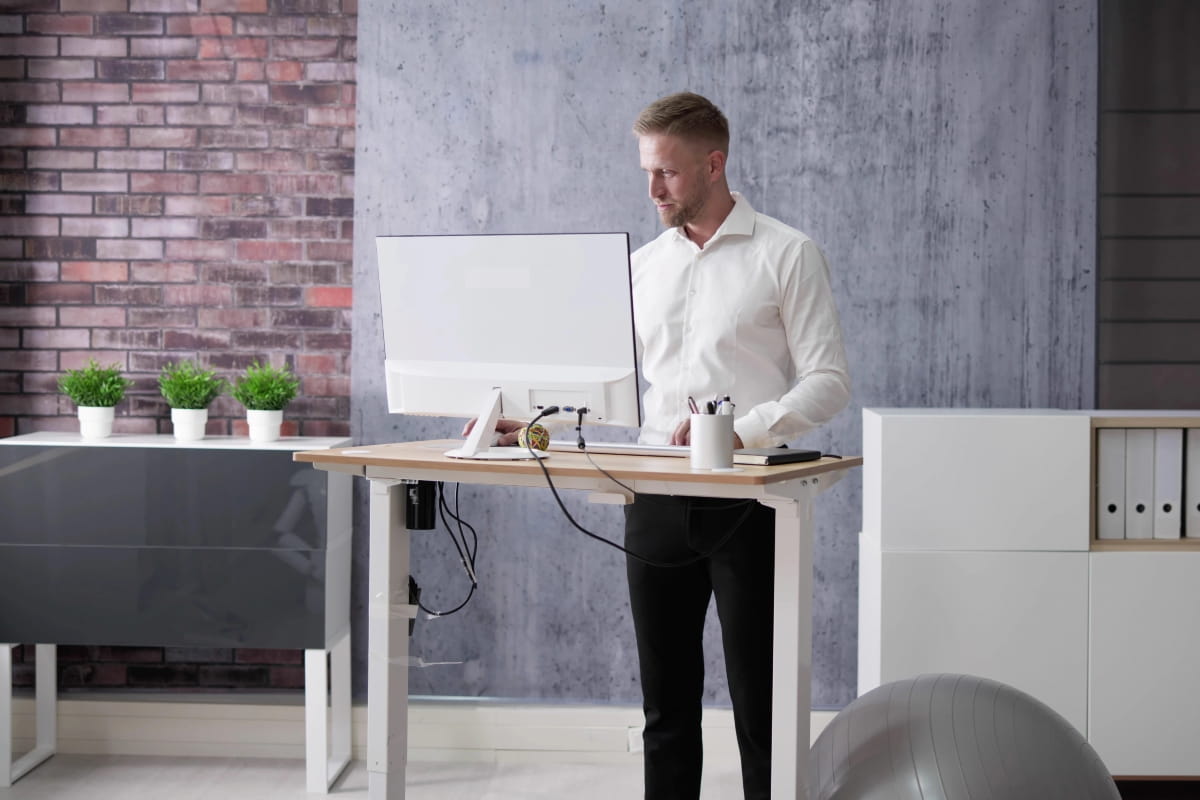
Why movement matters more than position
Your body is built to move. Muscles, joints, and circulation all function better when you shift positions regularly rather than staying locked in one spot, as increased muscle activity and improved blood circulation help maintain metabolic and cardiovascular health.
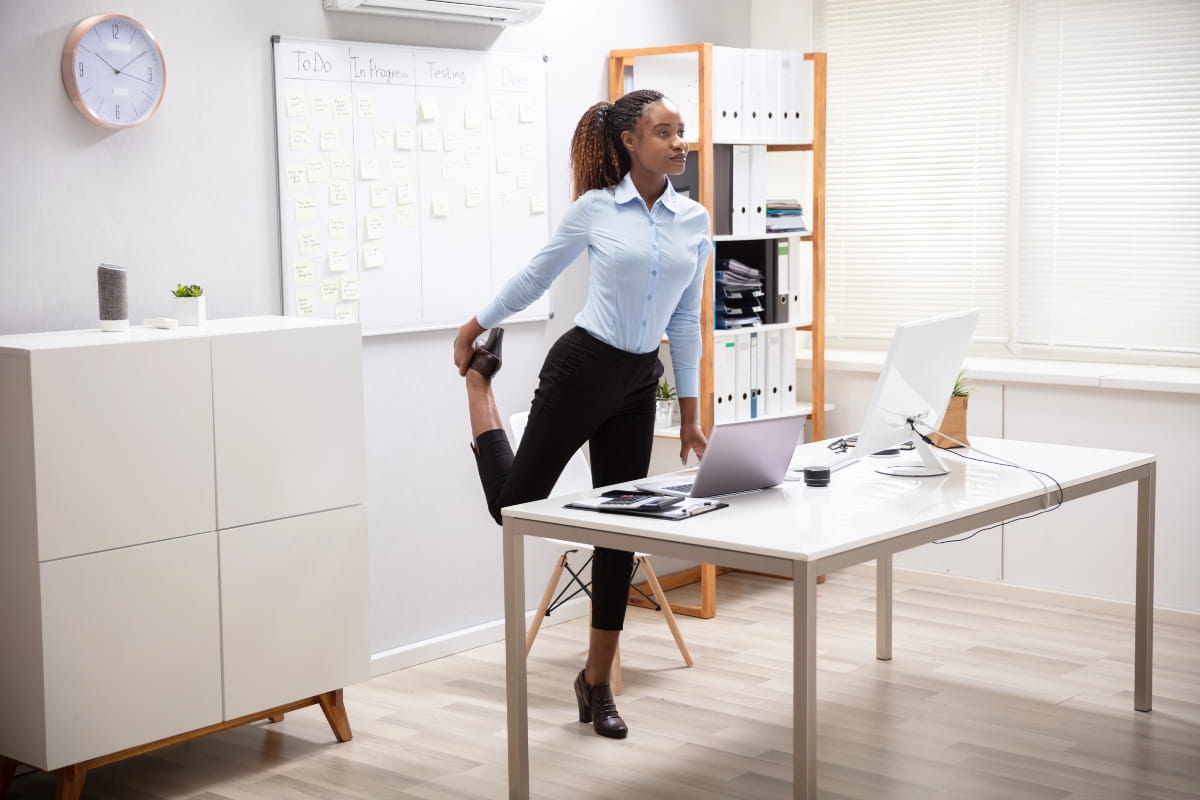
- Frequent posture changes keep your blood flowing and prevent muscles from stiffening up. Even small adjustments, like shifting your weight from one foot to the other or standing up to stretch, make a difference. Standing also helps prevent blood from pooling in the lower limbs, reducing the risk of high blood pressure, diabetes, and heart disease.
- Micro breaks are key. Taking a minute or two every half hour to walk around, stretch, or simply change your position helps reset your body. It doesn’t have to be a full workout. Just moving interrupts the static load and gives your muscles a chance to recover. If you want a little more, regular simple activities like jumping jacks can increase blood circulation and muscle activity, supporting a healthy lifestyle.
- Alternating between sitting and standing throughout the day gives you the benefits of both positions without the downsides of either. You get the stability and focus that sitting provides, plus the circulation boost and muscle engagement that come with standing.
- Walking, stretching, and shifting your weight all contribute to greater health benefits. Incorporating regular exercise and movement breaks into your workday, along with ergonomic practices, is essential for maintaining a healthy lifestyle.
These small actions add up over the course of a day and help you avoid the health problems linked to prolonged sitting or excessive standing.
Who should consider a standing desk?
Not everyone needs one, but many people find standing desks good for improving comfort during the workday. If you spend long periods at a desk, having the option to change positions can make a noticeable difference.
- Office workers with recurring back discomfort often find relief by alternating between sitting and standing. If your lower back aches after a few hours at your desk, using an adjustable standing desk or sit-stand workstation can help reduce pressure on your spine and keep you moving throughout the day.
- People who feel sluggish after long periods of sitting benefit from the option to stand. Standing increases blood flow and can help shake off that afternoon energy slump. In fact, a study found that 87% of workers felt more energised by spending just an hour of their workday standing. If you find yourself struggling to stay alert during computer work, switching to a standing position might give you the lift you need.
- Roles requiring frequent collaboration or coworking spaces suit adjustable desks well. If you’re constantly moving between tasks or talking to colleagues, being able to adjust your desk height quickly makes the workflow smoother.
- Hybrid and home office workers often spend more time seated than they would in a traditional office. Working solo reduces the natural movement that comes from walking to meetings or chatting with coworkers. A standing desk gives you an easy way to add movement to your day.
- People seeking more movement in their day appreciate the flexibility. If you’re proactive about workplace wellbeing and want to reduce sedentary behaviour, a standing desk is a practical step in the right direction.
Ergonomics still applies in both positions
Whether you’re sitting or standing, proper ergonomics matter. Getting your workspace set up correctly reduces strain and helps you stay comfortable throughout the day. Applied ergonomics takes into account the shape and movement of the human body when designing office furniture and computer equipment, helping to reduce strain and support overall health.
Switch between sitting and standing
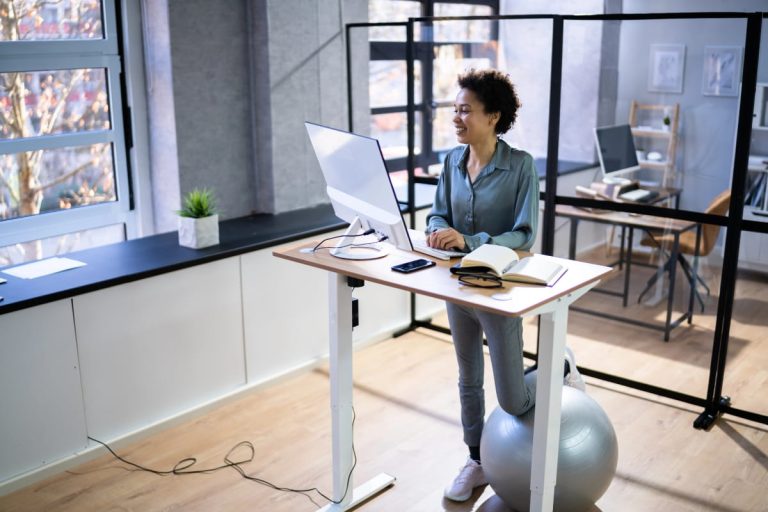
Adjustable standing desks make it simple to move between sitting and standing throughout the day, which is a key part of good standing desk ergonomics. This flexibility helps reduce strain and keeps you more comfortable over long periods of work.
Look for desks with motorised height adjustment. These allow you to quickly and easily change positions without interrupting your workflow, helping you maintain proper standing desk ergonomics throughout the day.
Desks for different workspaces
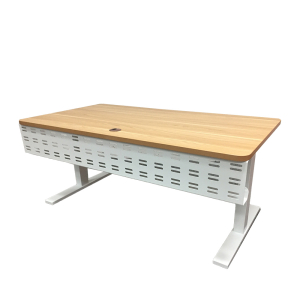
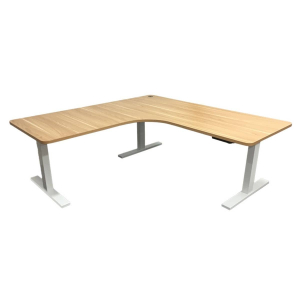
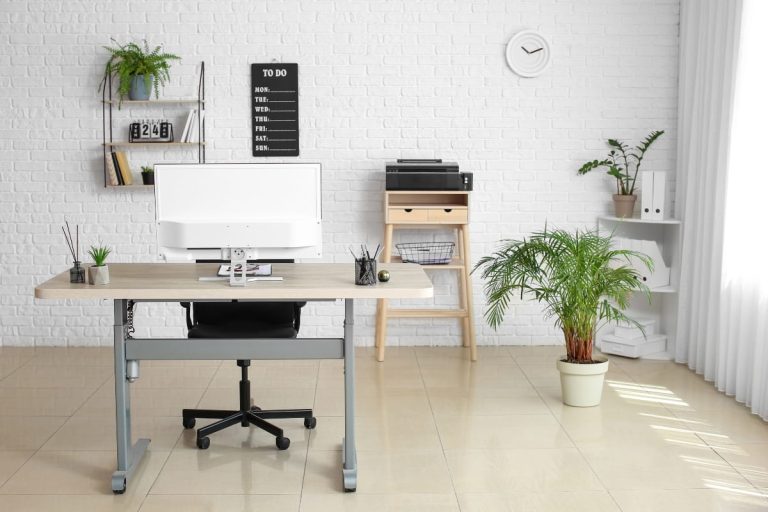
Our Elevate range includes sit-stand desks designed to suit a variety of setups, including:
- Standard sit-stand desks for everyday use
- L-shaped desks for multi-monitor workstations
This ensures you can find a solution that fits your space and your way of working.
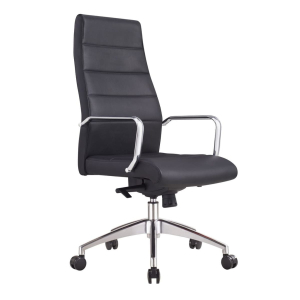
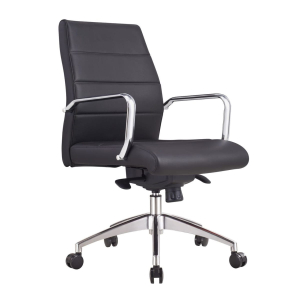
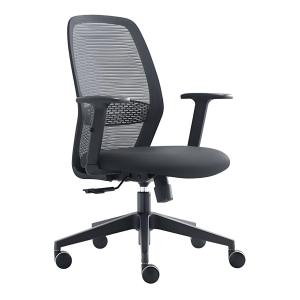
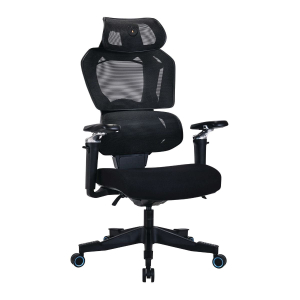
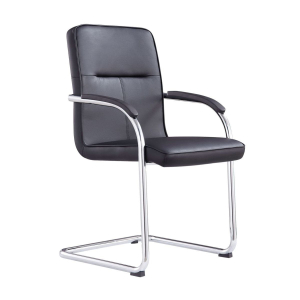
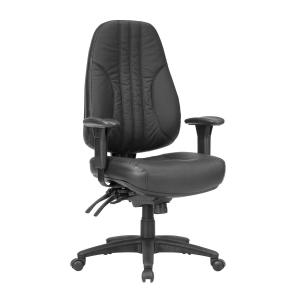
Choose a supportive ergonomic chair
A supportive ergonomic office chair is essential for sitting comfortably throughout the day. It should:
- Support your lower back
- Keep your thighs parallel to the floor
- Allow your feet to rest flat on the ground or on a footrest
Mesh office chairs are a good choice in Perth’s warm climate, promoting airflow and keeping you comfortable during long periods at your desk.
Set your screen at the right height
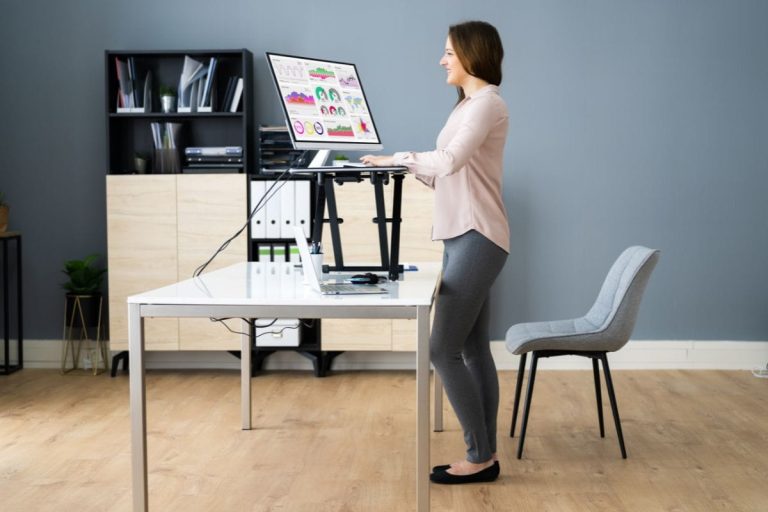
Your monitor position directly affects your standing desk posture. The top of your screen should sit at, or slightly below, eye level.
This setup helps you:
- Keep your neck in a neutral position
- Reduce strain on your shoulders
- Maintain a more natural viewing angle
Position your keyboard and mouse correctly
Your keyboard and mouse placement impact your wrists and forearms. Aim for:
- Elbows bent at a 90-degree angle
- Wrists straight and relaxed
- Forearms parallel to the floor
This alignment should stay consistent whether you are sitting or standing.
Maintain a neutral spine
Neutral spine alignment is the goal in any position. Your head, neck, and spine should form a straight line without leaning or twisting.
To support this:
- Avoid slouching or hunching forward
- Keep your shoulders relaxed
- Adjust your setup regularly as needed
Use adjustability to stay comfortable
Adjustability makes a big difference to long-term comfort and posture. Being able to fine-tune your setup allows you to stay aligned throughout the day.
Focus on adjusting:
- Desk height
- Chair settings
- Monitor position
A flexible workspace helps you maintain proper ergonomics, no matter how you work.
Common myths about standing and sitting
There’s a lot of conflicting advice out there. Let’s clear up a few common misconceptions.
“Standing all day is healthier.”
Not quite. Prolonged standing brings its own health risks, including varicose veins, joint problems, and lower back pain. Standing for six hours or more without breaks can be just as problematic as sitting for that long.
“Sitting is always bad.”
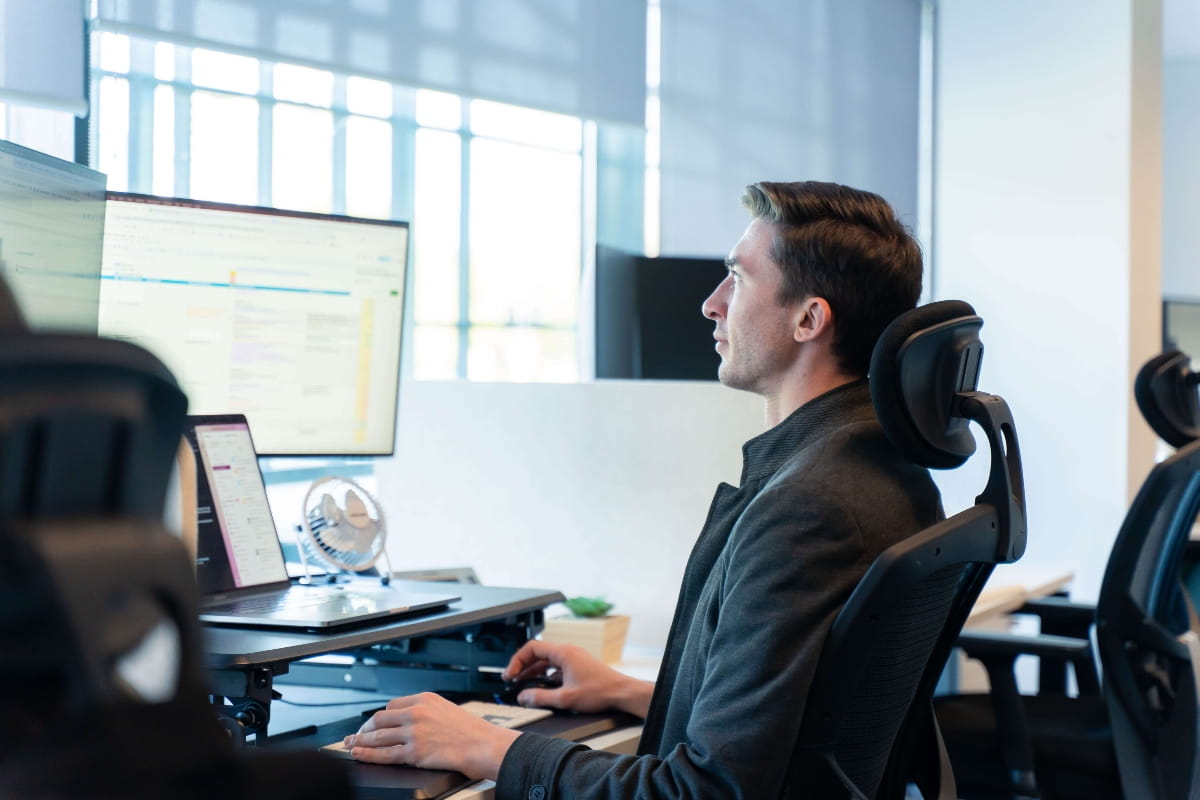
Sitting isn’t the enemy. It’s prolonged, uninterrupted sitting that causes issues. When you sit with proper ergonomic support and take regular breaks to move, sitting becomes a useful part of your workday.
“A standing desk removes the need for an ergonomic chair.”
This one misses the point. Sit-stand desks are most effective when used alongside a supportive ergonomic chair. Since you will still spend part of your day sitting, proper seating helps maintain posture, reduce strain, and support overall comfort during those periods.
“Standing burns lots of calories.”
The calorie difference between sitting and standing is smaller than you might think. Standing burns slightly more calories than sitting, but the difference is modest. The exact increase varies depending on factors like body size and metabolism, and while it can add up over time, it is not significant enough to rely on for weight loss.
“Any desk height works if you stand.”
Desk height matters just as much when you’re standing. If your desk is too high or too low, you’ll strain your shoulders, neck, and back. Proper desk height keeps your elbows at a 90-degree angle and your wrists neutral.

Finding the right balance for your workday
So how do you put this into practice?
- Alternating positions every 30 to 60 minutes is a good starting point. You might sit for 45 minutes, stand for 15, then take a short walk. Or you could follow the 20-8-2 rule: 20 minutes sitting, 8 minutes standing, 2 minutes moving. The exact schedule matters less than the principle of regular change.
- Gradually transitioning to a standing desk helps your body adapt. Start with an hour or two of standing per day, then add more time as your feet and legs get used to it. Jumping straight into standing for half the day can leave you sore and discouraged.
- Listening to body signals is important. If your feet hurt or your lower back starts aching, sit down. If you feel stiff or sluggish after sitting for a while, stand up. Your body will tell you when it’s time to switch.
- Setting reminders to change position can help until it becomes a habit. A simple timer or calendar alert every 30 minutes prompts you to shift gears and move around.
- Anti-fatigue mats make standing more comfortable. They provide underfoot cushioning when standing for extended periods, though the level of benefit can vary by individual and work environment.
Is standing better than sitting? The verdict
Neither standing nor sitting wins outright. Both have their place, and both come with risks if you overdo them.
What matters is balance and movement. Your body needs variety. Sitting can provide a stable position suited to tasks requiring sustained focus or fine motor skills. Standing increases muscle activation compared with sitting and may help reduce the risk of prolonged static load. However, the benefits for circulation and comfort depend on posture, duration, and frequency of movement.
Creating a well-designed, adjustable workspace gives you the tools to make this happen. Sit-stand workstations let you switch between sitting and standing positions easily. An ergonomic office chair supports you when you’re seated. Together, they help you stay comfortable, productive, and healthier throughout your workday.
If you’re ready to explore your options, take a look at our range of office chairs and adjustable desks. Whether you’re setting up a home office in Perth or outfitting a full workspace, contact us to find the right fit. Visit our O’Connor showroom to test different models and see what works best for your body and your work style.