Highlights
- Standing desk ergonomics works best with the right support. Supportive footwear, an anti-fatigue mat, a footrest and an ergonomic chair can all help create a more comfortable sit-stand workspace.
- Desk height should match your body. Your elbows should sit at roughly 90 degrees, with your forearms parallel to the floor and your wrists kept straight while typing.
- Monitor and keyboard placement matter. Your screen should sit at or slightly below eye level, while your keyboard and mouse should stay close together to reduce neck, shoulder and wrist strain.
- Movement is equally as important as desk placement. Effective standing desk ergonomics involves alternating between sitting and standing and taking brief movement breaks during the day.
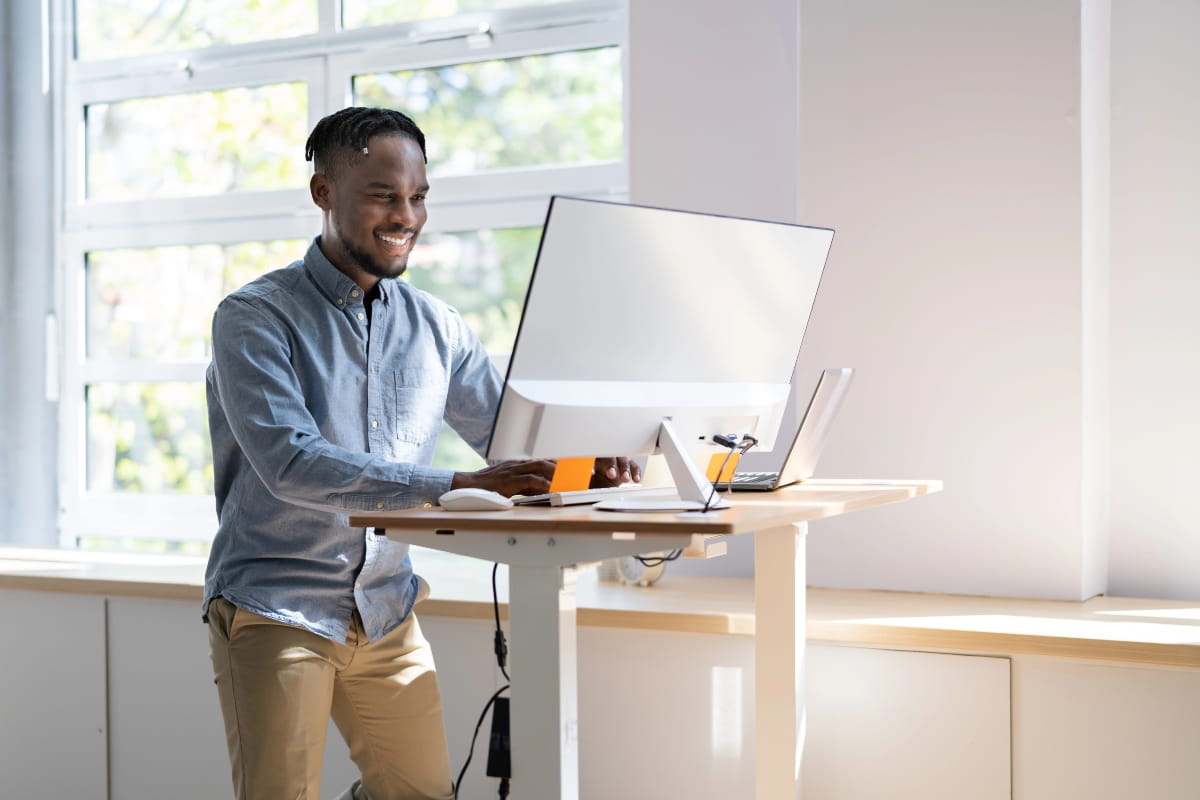
Setting up an adjustable desk isn’t as simple as raising the height and hoping for the best. Get it wrong, and you might end up with neck pain, shoulder strain, or tired legs that make you want to sit back down within the hour. Get it right, though, and you’ll notice the difference in how your body feels throughout the workday.
Proper standing desk ergonomics can help reduce pressure on your spine, support better posture, and keep you comfortable whether you’re standing or sitting. We’ve spent years helping Perth businesses and home office workers set up workstations that actually work for their bodies. Here’s what you need to know to set up your desk properly.
Why standing desk ergonomics matters
Poor workstation setup leads to more than just a bit of discomfort. Neck pain, back strain, and wrist issues can develop when your desk height is off, your monitor sits too low, or your posture isn’t supported. These problems don’t always show up immediately. Sometimes they build over weeks or months of working in awkward positions.
Sitting all day isn’t ideal either. Research shows that spending most of your workday seated can increase the risk of cardiovascular issues, back pain, and general stiffness. But standing all day comes with its own set of problems, including leg fatigue and increased pressure on your lower back.
If what you’re asking is standing better than sitting, the answer isn’t one or the other. The goal is to alternate between both and move regularly throughout your day. That’s where proper ergonomics for standing desks becomes essential. When your workstation is set up correctly, switching positions feels natural, and your body stays supported in either position.
The ideal standing desk height for ergonomics
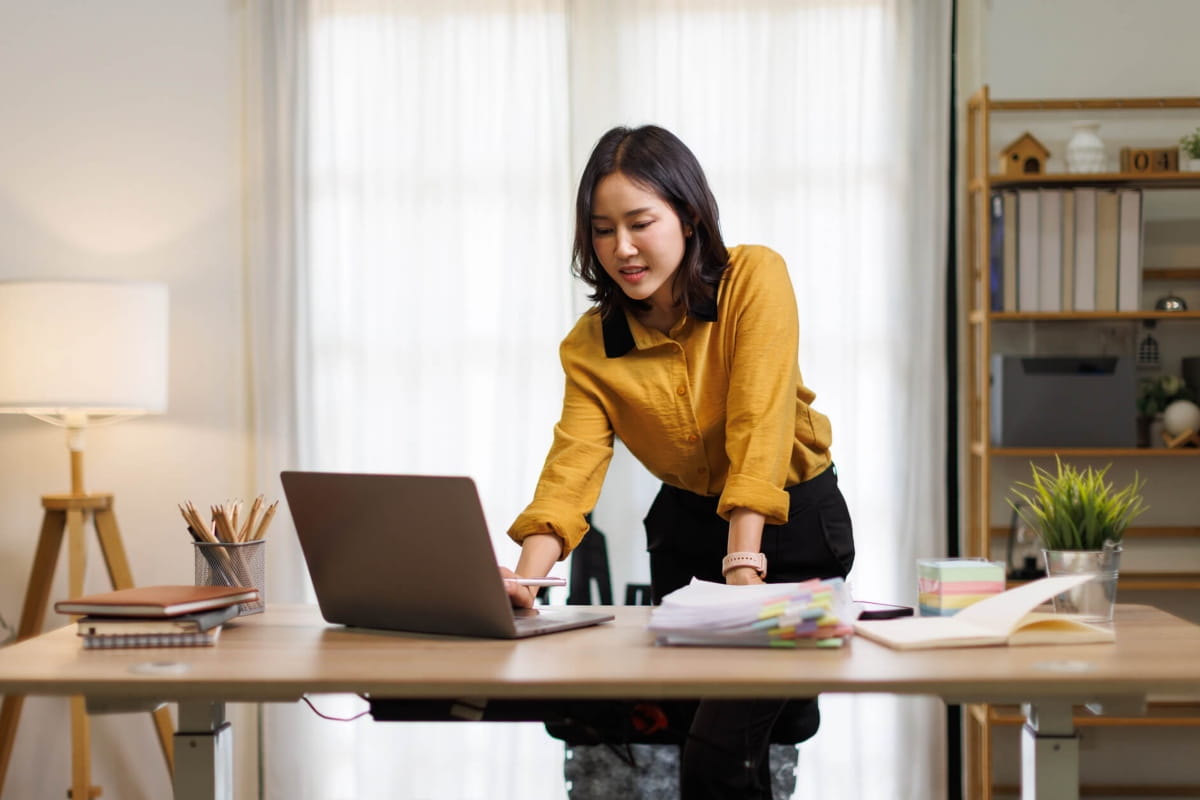
The right standing desk height should allow your elbows to rest at roughly a 90-degree angle when you’re typing. Your forearms should be parallel to the floor, and your wrists should stay neutral, not bent upward or downward.
Example sit-stand desk heights can be estimated based on your body height, but they should be used as a general guide rather than a fixed rule. For instance:
- 5’4″ (163 cm): Desk height around 95 to 100 cm
- 5’8″ (173 cm): Desk height around 100 to 105 cm
- 6’0″ (183 cm): Desk height around 105 to 110 cm
However, your ideal standing desk height can vary depending on factors like arm length, torso proportions, footwear, and posture, so adjustments are usually needed to achieve the correct ergonomic position.
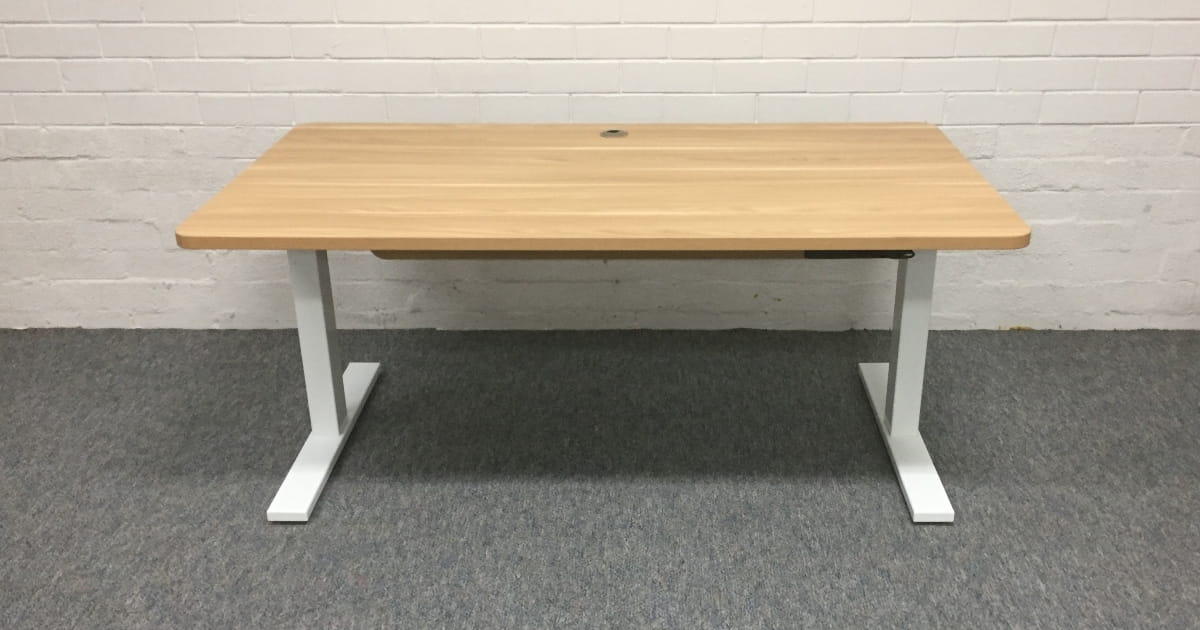
Our Elevate Sit-Stand Desk adjusts from 640 mm to 1,290 mm, which covers a wide range of user heights. The electric motors make it easy to switch between your sitting and standing positions throughout the day without interrupting your workflow.
Mouse and keyboard position
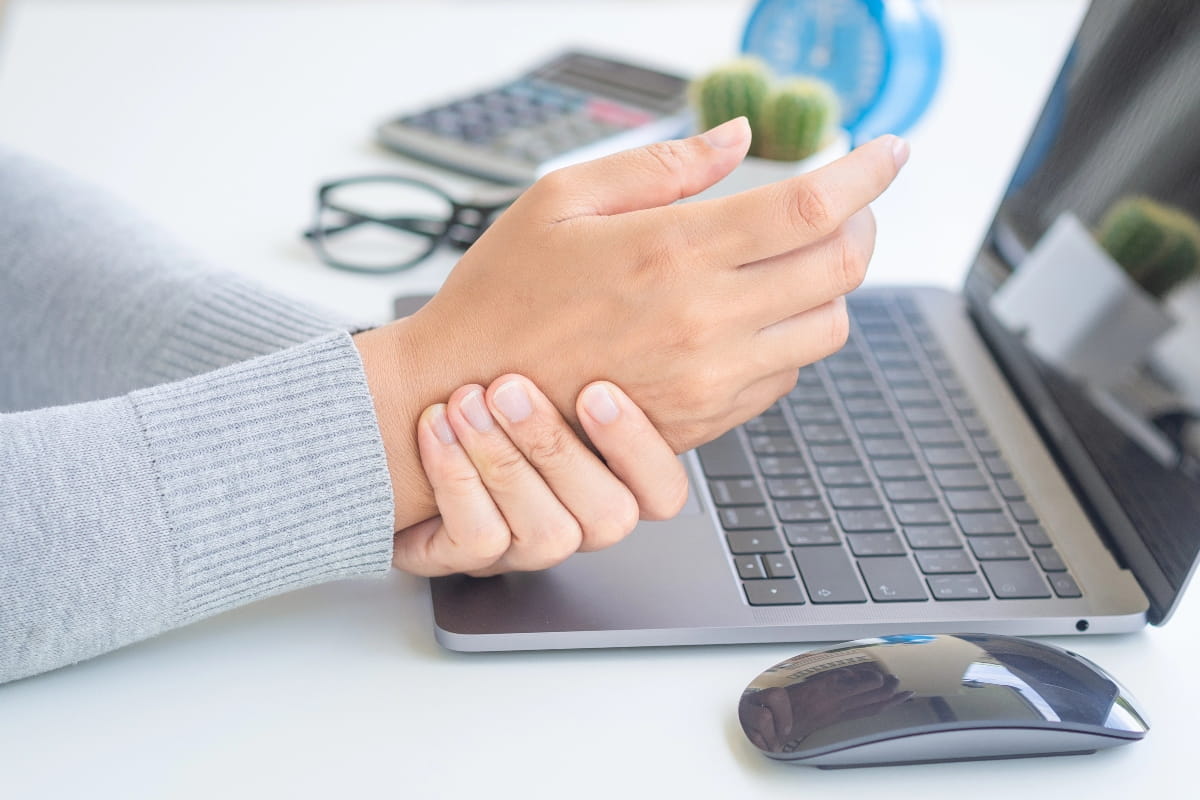
One thing people often overlook: Your keyboard and mouse should sit close together and at a similar height. This helps your arms stay relaxed and keeps your wrists in a neutral position.
Why positioning matters
If your keyboard and mouse are at different heights or too far apart, you may:
- Twist or angle your wrist
- Reach with your arm or shoulder
- Shift your posture without noticing
Over time, this can lead to increased strain, especially during long periods at your desk.
What to aim for
Set up your workstation to support a natural standing desk posture:
- Wrists stay straight, not bent up or down
- Elbows rest close to your body
- Shoulders stay relaxed, not raised or tense
Small adjustments to height and angle can make a noticeable difference in comfort and long-term use.
Monitor position and eye level
Your monitor setup directly impacts your neck and upper back. If your monitor height is too low, you spend hours looking down. This puts constant strain on your neck muscles and can lead to ongoing discomfort, often referred to as “tech neck”.
Set the correct monitor height
Position your screen to support a neutral head position.
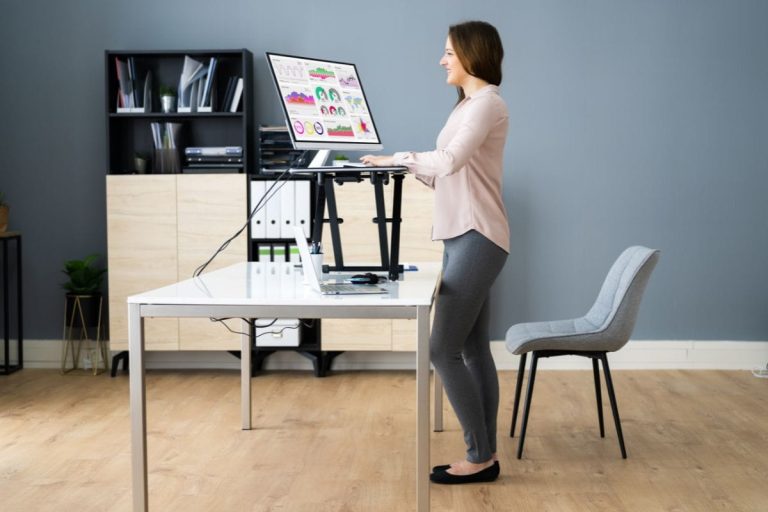
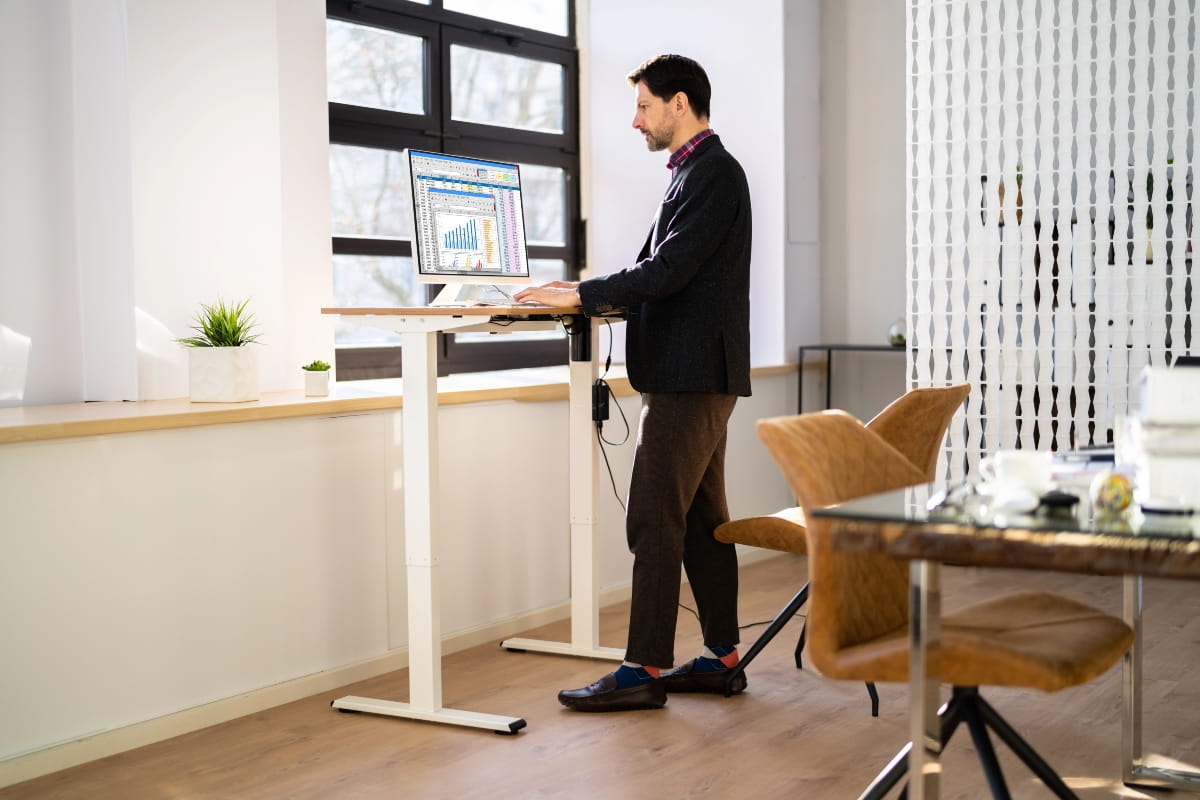
- The top of the monitor should sit at or slightly below eye level
- Your eyes should naturally land on the upper third of the screen
- Keep the screen about an arm’s length away
- Aim for roughly 50 to 75 cm from your face
Multiple monitors
A poor dual-screen setup can lead to repeated neck movement.
- Place your primary monitor directly in front of you
- Position the second monitor to the side
- Angle it slightly inward for easier viewing
- Adjust the angle based on how often you use each screen
- Keep both monitors at the same height
Using a laptop
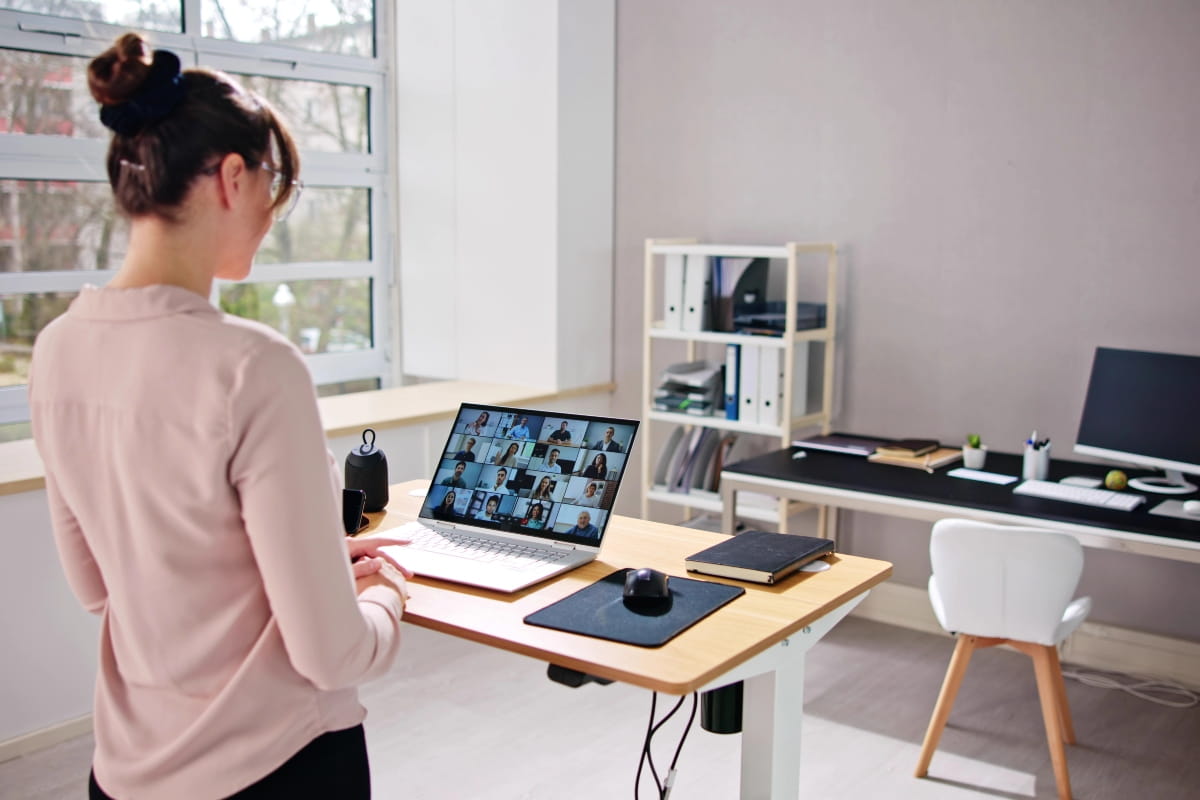
Laptops are not designed for long hours at a desk. The screen sits too low when placed flat, which forces you to look down.
To improve your setup:
- Use a laptop stand to raise the screen to eye level
- Connect an external keyboard and mouse
- Keep your arms and wrists in a natural position
It takes a bit more setup, but it makes a clear difference if you are working on a laptop for extended periods.
Proper standing posture
Standing upright does not mean staying still. Your body needs movement and flexibility, even when you are on your feet.
Start with alignment
Focus on keeping your body in a natural, balanced position:
- Ears, shoulders, and hips stacked in a straight line
- Shoulders relaxed, not hunched or raised
- Slight chin tuck to support a neutral spine
- Light core engagement for support
You are not bracing or tensing. Just stay aware and adjust when you start to slouch.
Support your lower body
Your stance plays a big role in comfort and stability:
- Keep your knees slightly bent, never locked
- Distribute your weight evenly across both feet
- Avoid leaning on one hip for long periods
Leaning may feel easier at first, but it places uneven stress on your body over time.
Keep moving
Small movements make a big difference:
- Shift your weight from one foot to the other
- Stand briefly on one foot, then switch
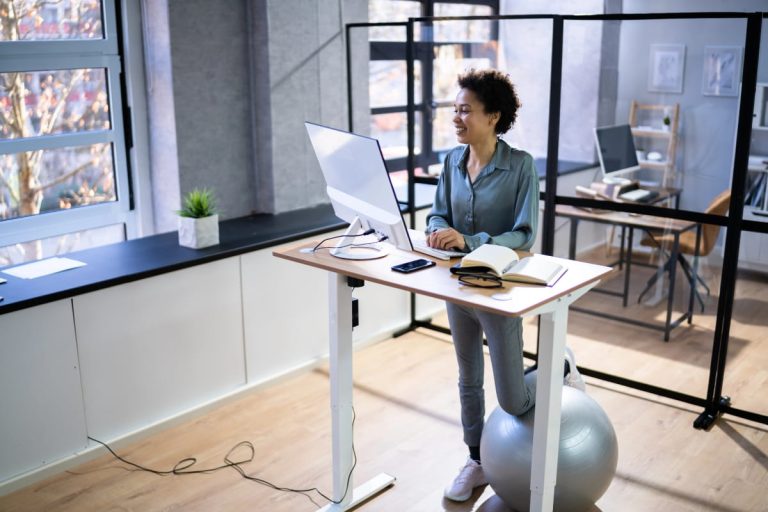
- Use a footrest to alternate foot positions
These movements reduce stiffness, improve circulation, and help prevent fatigue.
Foot position and posture
Your stance should feel natural and balanced, supporting your body throughout the day.
- Keep your feet around hip-width apart
- Point your toes forward or slightly outward
- Avoid locking your knees
- Shift your weight regularly to prevent stiffness
A stable but relaxed stance helps reduce strain on your hips and lower back.
Footwear matters
The shoes you wear can directly impact your comfort when standing.
- Choose supportive, low-heel shoes for better weight distribution
- Avoid high heels as they push your weight forward
- Reduce lower back pressure with proper support
- Wear breathable footwear to stay comfortable in Perth’s warm climate
When you’re standing all day, wearing good footwear helps minimise fatigue and improve overall posture.
Anti-fatigue mats
Standing on hard surfaces can increase pressure on your joints. Office floor mats enhance comfort at work by:
- Provide cushioning for feet, knees, and lower back
- Help reduce discomfort during prolonged standing
- Make standing more comfortable, even for shorter periods
- Encourage subtle movements that improve circulation
These small movements can reduce fatigue and improve comfort over time.
Using a footrest
A footrest helps you vary your posture and reduce lower back strain.
- Elevate one foot at a time
- Shift your weight to reduce pressure on your lower back
- Avoid staying in one position for too long
Choose an adjustable footrest so you can easily adapt it to your height and desk setup.
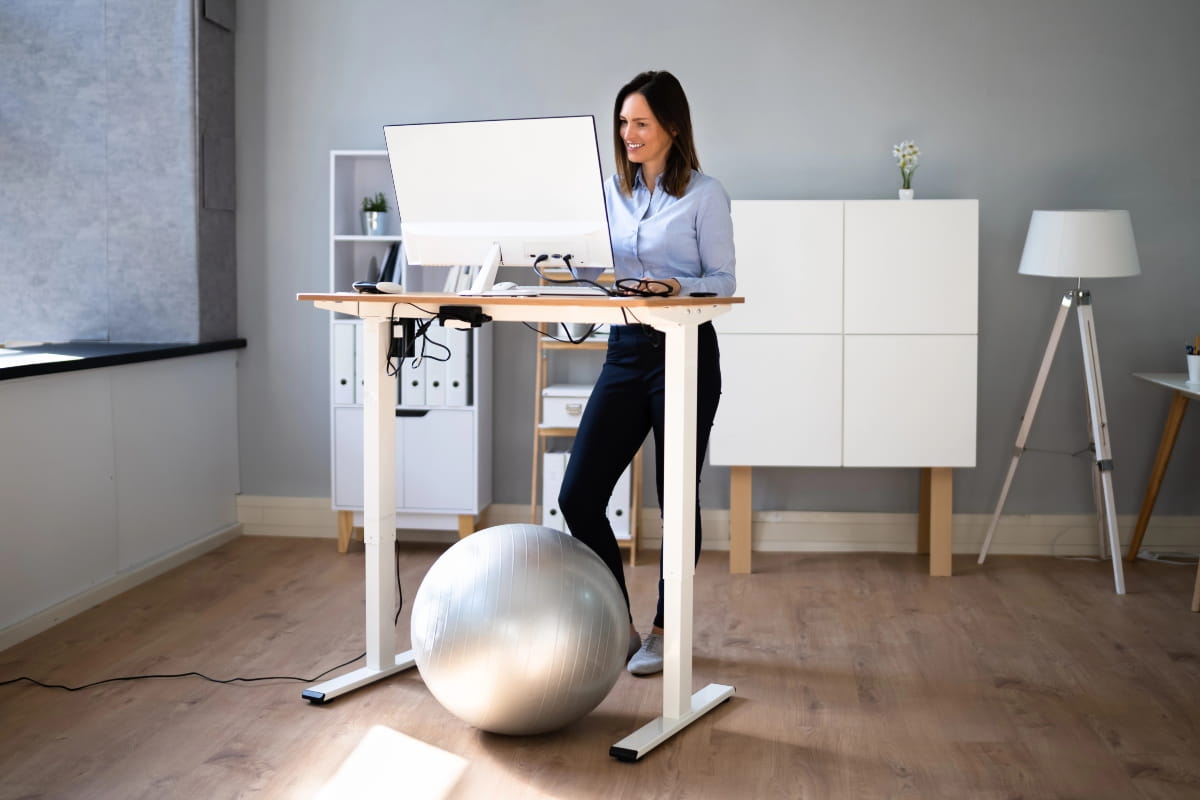
How long should you stand at a standing desk?
Standing all day is not the goal. Long periods of standing can be just as uncomfortable as sitting for too long. The key to how long you should stand is to alternate between positions and keep your body moving throughout the day.
Find the right balance
Instead of choosing between sitting and standing, aim for a mix of both.
A good starting point:
- Around 2 hours of standing or light movement in an 8-hour day
- Gradually increase to about 4 hours as your body adapts
- Break up long periods in one position with regular changes
Use a simple routine
One practical way to structure your day is the 20-8-2 rule:
- Sit for 20 minutes
- Stand for 8 minutes
- Move for 2 minutes
This creates a steady rhythm that keeps you active without overloading your body.
Start slow and build up
If you are new to a height-adjustable desk, ease into it:
- Begin with 15 to 30 minutes of standing at a time
- Increase your standing time gradually
- Pay attention to how your body feels
Building up slowly helps reduce fatigue and discomfort.
Make switching positions easy
An ergonomic sit-stand desk makes it simple to change positions throughout the day.
Adjustable standing desk features that help:
- Quiet and fast electric adjustments
- Smooth transitions between sitting and standing
- Preset height settings for quick changes
With the right standing desk setup, switching positions becomes part of your natural workflow.
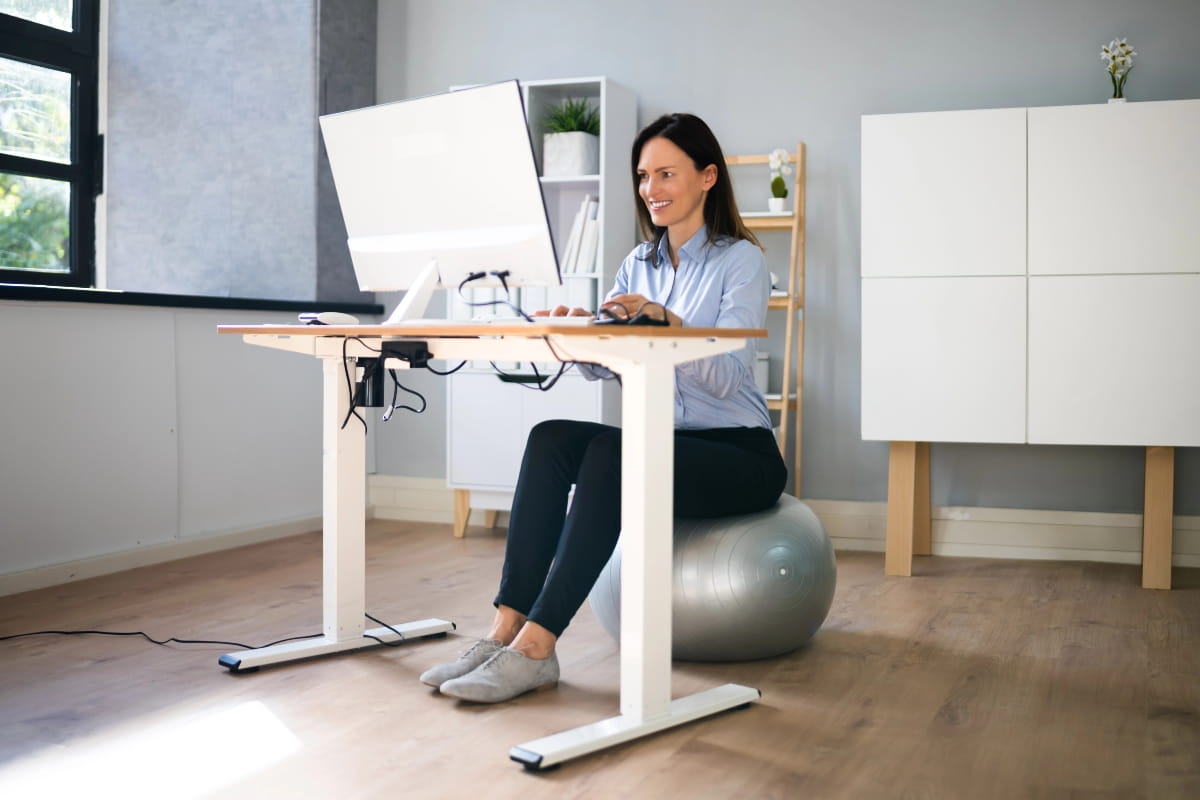
Standing desk ergonomics: Movement and micro breaks
Movement matters more than whether you are sitting or standing. Your body is not designed to stay in one position for long periods. Regular movement helps improve circulation, reduce muscle fatigue, and keep your focus sharp throughout the day.
Why movement matters
Staying in one position for too long can lead to stiffness, fatigue, and reduced productivity. Adding small amounts of movement throughout your day can help:
- Improve blood flow and circulation
- Reduce muscle tension and fatigue
- Support better posture
- Maintain energy and concentration
How often should you take a break?
Aim to move every 30 to 60 minutes. These breaks do not need to be long to be effective.
Simple ways to incorporate movement:
- Walk to another part of the office
- Stretch your arms overhead
- Roll your shoulders
- Do a few calf raises while standing
Even two to three minutes of movement can help reset your posture and reduce stiffness.
Easy standing desk stretches
You do not need a full workout to feel the benefits of a standing desk. Small stretches at your desk can make a difference:
- Neck rolls
- Shoulder shrugs
- Hip flexor stretches
- Wrist extensions
These office exercises help relieve tension built up from sitting or repetitive tasks.
Build movement into your routine
Small changes to your environment can encourage more movement throughout the day:
- Place your printer away from your desk
- Keep your water bottle out of reach
- Stand up when taking phone calls
- Walk around during short breaks
These habits add up and help keep your body active.
Don’t forget hydration
In Perth’s warmer weather, hydration becomes even more important. Heat can increase fatigue, especially if you are standing for longer periods.
Make it part of your routine:
- Take regular water breaks
- Walk to refill your bottle
- Step outside for fresh air when possible
This helps maintain your energy levels while giving your body a chance to move.

Common standing desk ergonomics mistakes to avoid
Even with the best intentions, it’s easy to make setup mistakes that undermine the benefits of a sit-stand desk. Here are the most common errors we see:
Setting the desk too high or too low
This is probably the most frequent mistake. If your desk is too high, your shoulders will shrug upward, which strains your upper back and neck. If it’s too low, you’ll hunch forward, which puts pressure on your spine. Take the time to adjust your desk height until your elbows rest at a 90-degree angle.
Placing the monitor too low
When your monitor sits below eye level, you’ll spend hours looking downward. This creates chronic neck strain that can take weeks to recover from once it sets in. Raise your monitor so the top of the screen is at or slightly below eye level.
Locking your knees while standing
Locked knees reduce circulation and increase fatigue. Keep a slight bend in your knees and shift your weight regularly to avoid stiffness.
Leaning on one hip for long periods
This creates uneven spinal loading and can lead to muscle imbalances and hip pain. Distribute your weight evenly across both feet, and use a footrest to alternate which foot is raised.
Standing too long without breaks
Standing continuously can lead to leg fatigue, varicose veins, and decreased productivity. Follow the sit-stand ratio we mentioned earlier, and make sure you’re moving regularly throughout the day.
Cable clutter
Tangled cables can force you into awkward reaches or create trip hazards. Our adjustable desks come with optional cable trays that keep your workspace tidy and your cables organised.
Tips for creating an ergonomic standing workspace
Beyond standing desk height and monitor position, a few additional adjustments can make your workspace ergonomic, comfortable and functional.
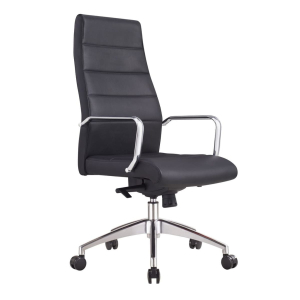
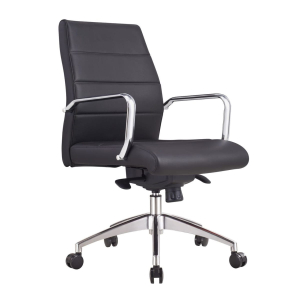
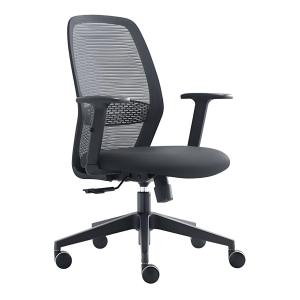
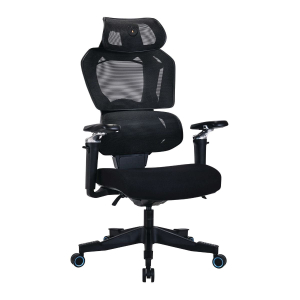
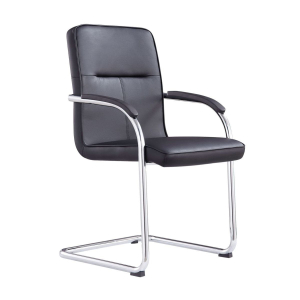
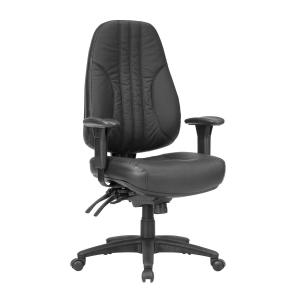
- Choose an ergonomic chair for your sitting periods. A good office chair supports your lower back, allows you to adjust the height and armrests, and encourages proper posture. ARTEIL make custom ergonomic office chairs to suit individual requirements, so if you need something specific, we can help.
- Position frequently-used items within easy reach. You shouldn’t have to stretch or twist your body to grab your phone, notebook, or coffee cup. Keep these items within about 35 to 40 centimetres of where you’re working.
- Make sure your workspace has good lighting. Aim for 300-500 lux and position your light source to minimise glare and reflections on your screen. Avoid placing lights or windows directly in front of or behind your monitor. Instead, aim for lighting that comes from the side or is diffused evenly across your workspace.
- Keep your workspace organised. A cluttered desk can make it harder to maintain proper posture because you’re constantly reaching around objects or adjusting your position to accommodate them. Clear desk space also makes it easier to switch between sitting and standing without moving items around.
Setting up your standing desk for long-term comfort
Proper standing desk ergonomics isn’t about perfection. It’s about making small, consistent adjustments that support your body throughout the workday.
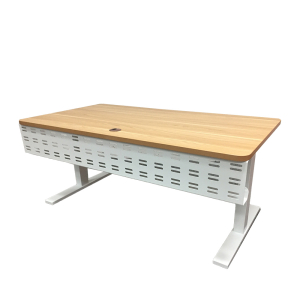
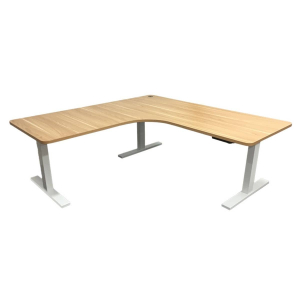
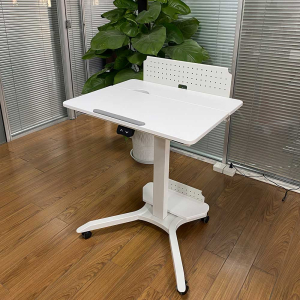
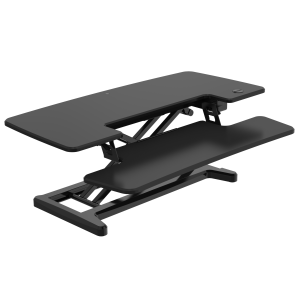
Our Elevate range is designed to make these adjustments easy. Select your desk surface and style, including the Standard Sit-Stand Desk, L-Shape, Mobile Sit-Stand Desk, Computer Riser, and Sit-Stand Desk Converter. With electric motors, programmable height presets, and a range of desktop sizes, you can create a workspace that fits your body and your work style
Whether you want to purchase a sit-stand desk or build your own custom chair, ARTEIL has the solution. Visit our O’Connor showroom to test our Elevate range, or contact our team today for expert advice!
Frequently asked questions
Ergonomics is the study of how people interact with their work environment. It focuses on designing tools, furniture, and workspaces to fit your body and movements. The goal is to reduce strain, improve comfort, and help you work more efficiently while lowering the risk of injury over time.
The best height allows your elbows to rest at roughly a 90-degree angle when typing, with your forearms parallel to the floor. This typically ranges from 99 cm for someone who is 5'4" to 110 cm for someone who is 6'0", but your ideal height depends on your arm length and body proportions.
The top of your monitor should sit at or slightly below eye level, about an arm's length away (50 to 75 centimetres). This helps prevent neck strain and keeps your gaze naturally aligned with the upper third of the screen.
Start with about 2 hours of standing or light activity during an 8-hour workday, and gradually increase to around 4 hours as your body adapts. The key is alternating between sitting and standing rather than staying in one position all day.
An anti-fatigue mat isn't essential, but it can significantly improve comfort during standing periods. These mats reduce stress on your feet, knees, and lower back, and they encourage subtle movements that improve circulation.
Good posture starts with proper alignment and awareness of your body's position throughout the day. Small adjustments can make a big difference in reducing strain and keeping you comfortable.
- Stand upright with your ears, shoulders, and hips aligned.
- Keep your shoulders relaxed, your knees slightly bent (not locked), and your weight evenly distributed across both feet.
- Engage your core lightly for support, and shift your weight occasionally to prevent stiffness.
Supportive, low-heel footwear works best for standing periods. High heels shift your body weight forward and put extra pressure on your lower back, which can cause discomfort during extended standing.
Take a short break every 30 to 60 minutes to walk, stretch, or change position. Even 2 or 3 minutes of movement helps reset your posture and reduce muscle fatigue.