Highlights
- Set your standing desk height correctly to keep your elbows at around 90 degrees, your wrists straight, and your shoulders relaxed while you work.
- Position your monitor at eye level to avoid leaning forward, straining your neck, or rounding your shoulders during the workday.
- Avoid common setup mistakes by keeping your desk neither too high nor too low, using laptop accessories, and changing position regularly.
- Check your full workstation setup because your chair, keyboard, monitor and standing desk height all work together to support better posture.
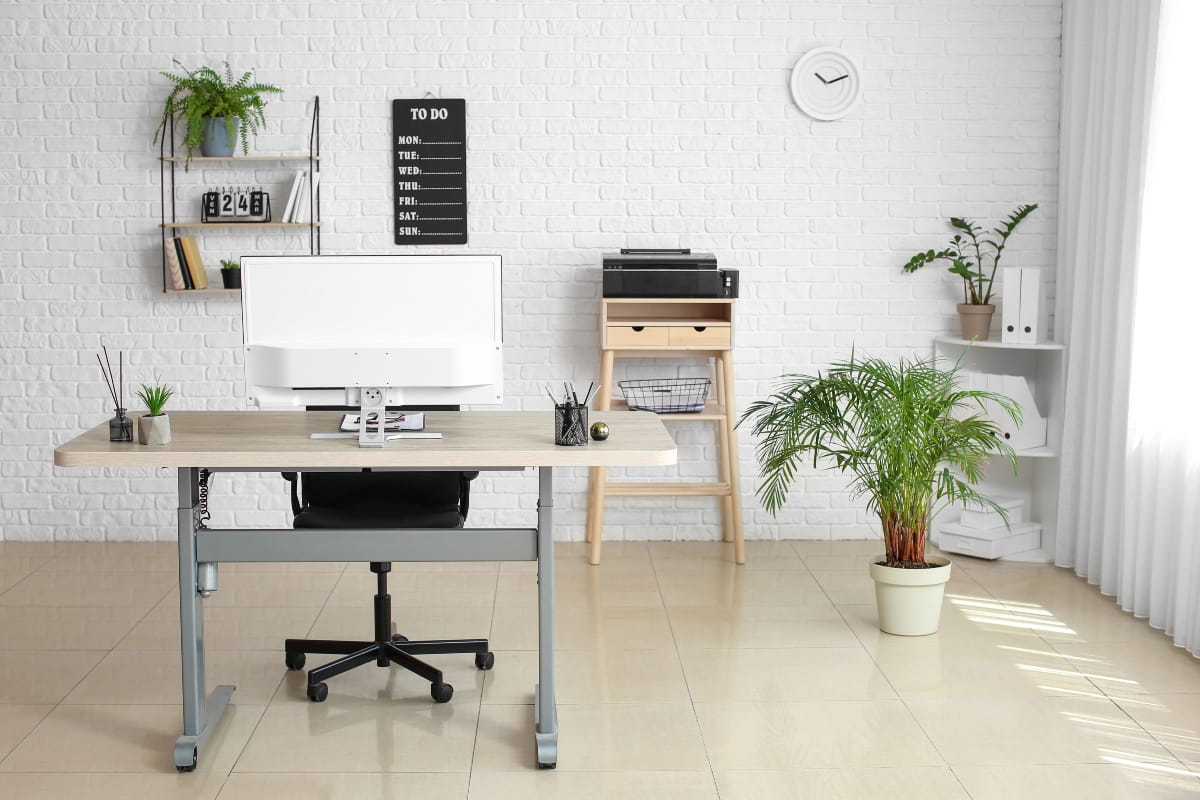
An adjustable desk can be a great way to make your workday more comfortable, but only if it is set up properly. Many people adjust their desk once and assume it is right, when small changes to height, screen position and keyboard placement can make a noticeable difference to posture and comfort.
Getting your standing desk height right is one of the simplest things you can do to protect your posture, reduce strain and actually feel better at the end of the day than when you started. Our guide can help you find the ideal height and make setup adjustments that work perfectly for your body.
Why standing desk height matters
Whether standing desks are good for you or not often depends on how they are set up and used throughout the day. They are great for reducing prolonged sitting and can support comfort, focus, and well-being when used right. However, if the height is incorrect, it could start to cause you harm. Set it too high, and your shoulders creep upward, your wrists bend back, and the tension builds. Set it too low, and you start to lean forward, rounding your shoulders and straining your neck and upper back.
Safe Work Australia recommends designing workstations and work practices so workers can vary posture and movement, including reducing long periods of sitting. The benefits are more likely to occur when standing desk ergonomics and height are prioritised.
Comfort also depends on more than just your height. Your screen position, footwear, floor surface and the equipment you use all affect how your body responds to standing work.

What is the ideal standing desk height?
There is no single ideal standing desk height that works for everyone. Your body is the best guide.
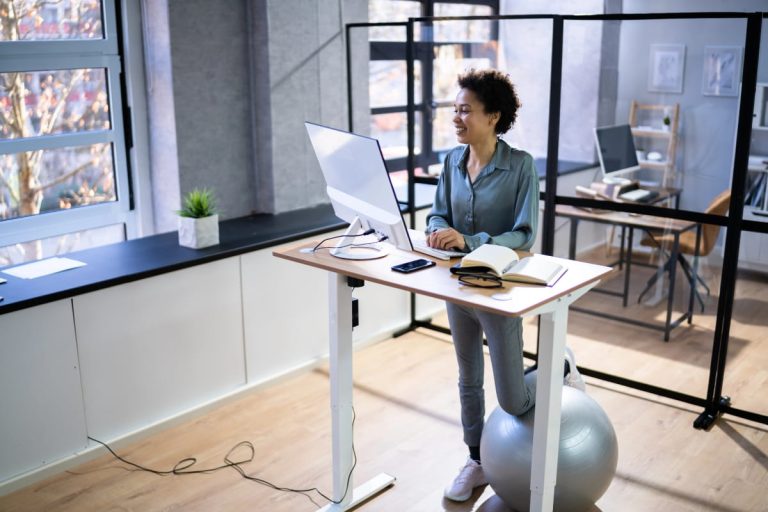
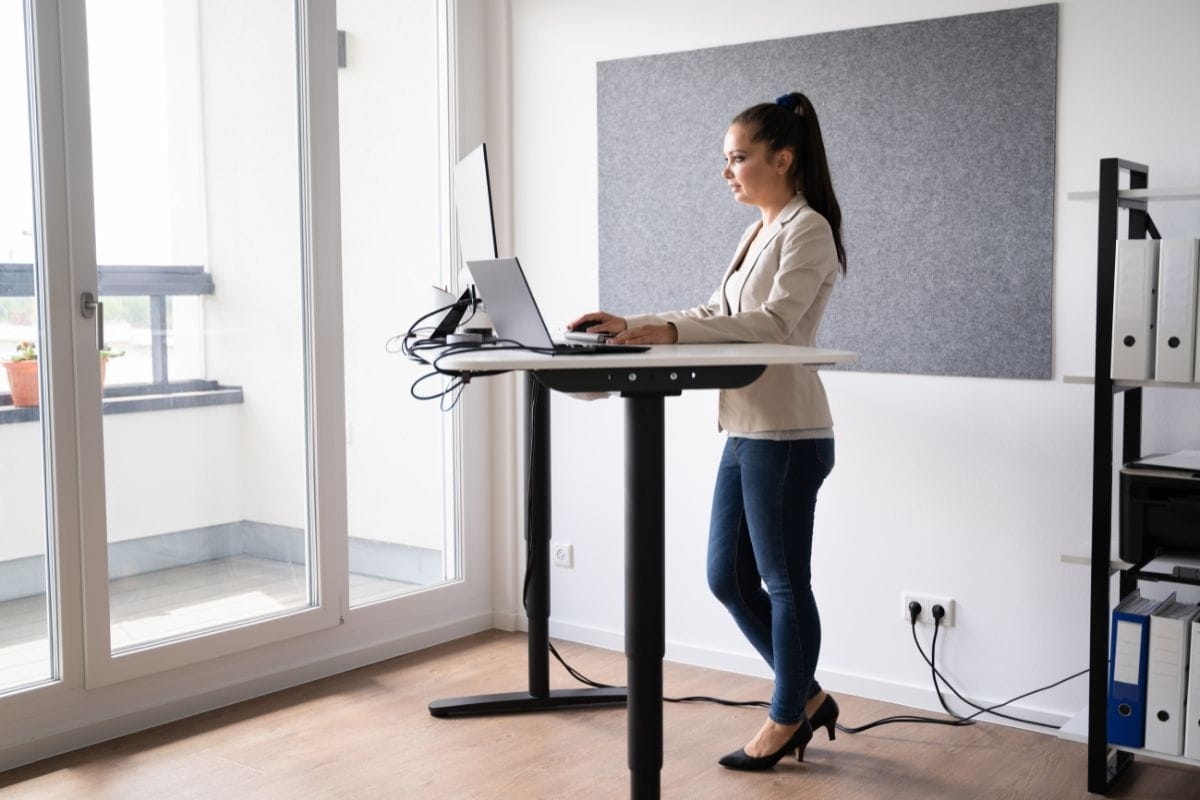
As a general rule, the desk surface should sit at roughly your elbow height when you are standing upright. Your elbows should be bent at around 90 degrees, with your forearms parallel to the floor. Wrists should stay straight and relaxed while typing, and your shoulders should feel loose, not raised or tense.
The guidance on using sit-stand desks often mentions these simple rules: relax your shoulders, bend your elbows to 90 degrees, and raise the desk to just below your forearms. Small adjustments from there can make a noticeable difference to your comfort.

Standing desk height chart by user height
The table below provides a starting point for determining the proper height for your standing desk. However, every body type is different, so the figures should be used only as a starting point.
| Your height | Standing desk height |
| 150 cm | Around 91 cm |
| 160 cm | Around 96 cm |
| 170 cm | Around 101 cm |
| 180 cm | Around 106 cm |
| 190 cm | Around 111 cm |
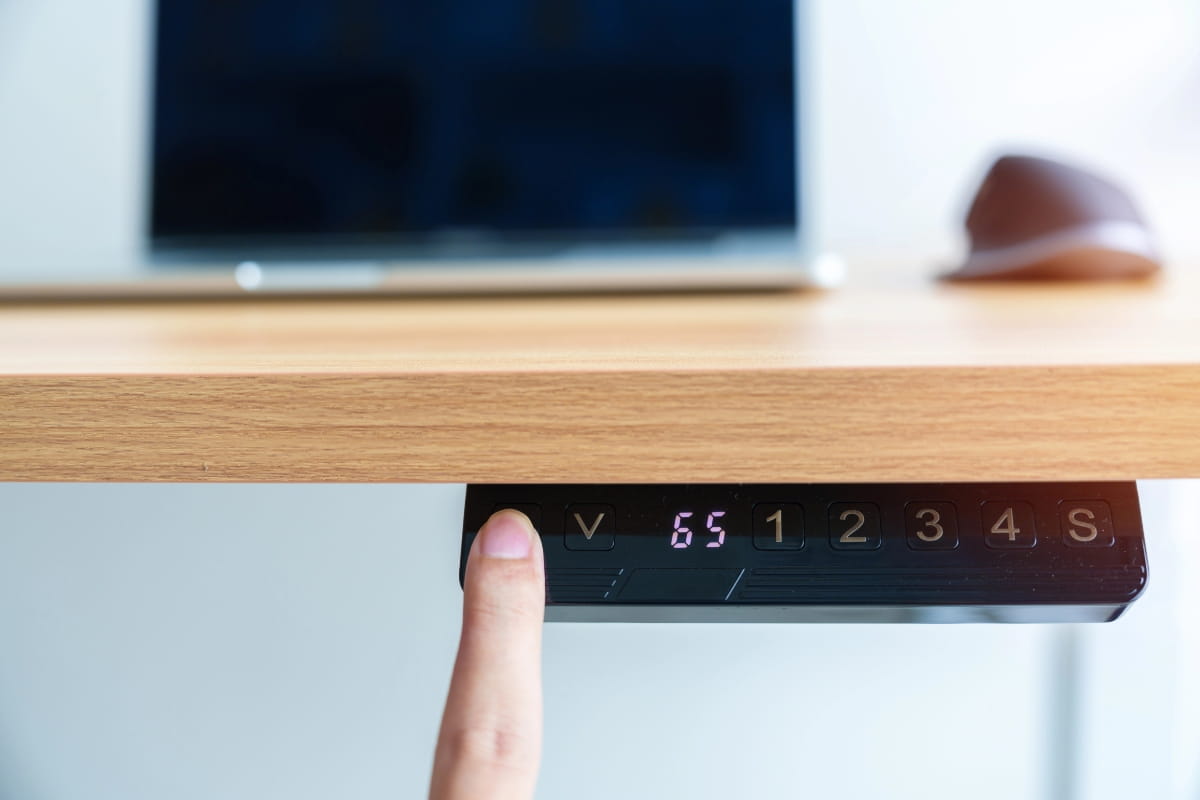
Keep in mind that footwear adds height, which affects where the desk should sit. If you wear thick-soled shoes at work, you may need to raise the desk a centimetre or two. If you work barefoot at home, account for that too. If multiple people share the same desk, each person should save their own preset.
How to set your standing desk height
1. Stand in a natural position
Before you adjust anything, stand upright with your feet flat on the floor. Keep your weight balanced between both feet, your knees soft (not locked), and your shoulders relaxed. This is your neutral standing position.
2. Position your elbows and keyboard
Bend your elbows to around 90 degrees. Raise or lower the desk until the keyboard sits at elbow height. Your forearms should be roughly parallel to the floor, and you should not need to reach up or drop your hands down to type. If your wrists are bending upward or downward, adjust the desk, keyboard position or keyboard angle. The position of your elbows is often the key to achieving a sustainable and strain-free standing desk posture.
If you are working from a laptop, consider using a separate keyboard and mouse. Laptop keyboards are often awkward to position at standing height, and a detached setup offers much more flexibility.
3. Set your monitor at eye level
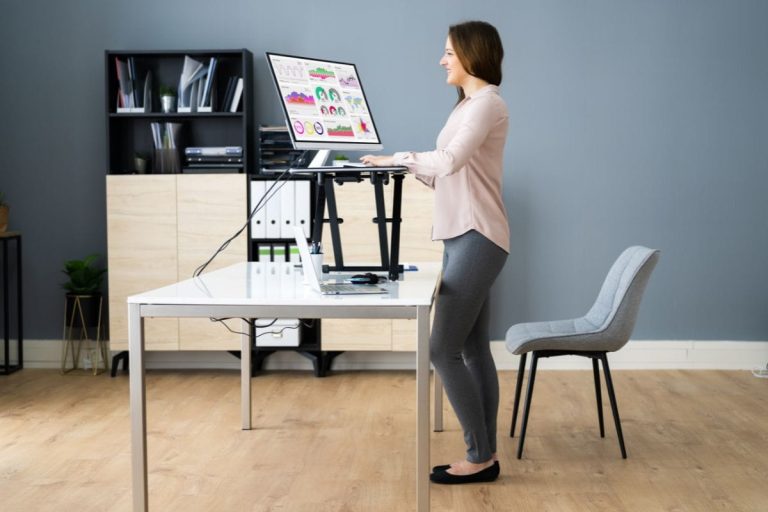
The top third of your screen should be at or slightly below eye level. Keep the monitor directly in front of you, at about an arm’s length away. If you find yourself leaning in to read, increase your text size rather than moving closer. A computer riser makes it easy to adjust screen height independently of the desk, which may be useful if you use multiple monitors or share a workstation.
Common standing desk setup mistakes
Setting the desk too high
This is a common setup issue with height-adjustable desks, and often happens when the desk is raised to lift the screen, rather than using a separate monitor arm or riser.
A desk just 5 cm above your optimal height can increase the load on your shoulder muscles. Your shoulders lift to compensate, which loads the upper trapezius muscles. Over time, this contributes to neck strain and shoulder tension.
Setting the desk too low
A desk that is too low causes you to lean forward and round your shoulders. Bending your neck forward more than 20 degrees can often lead to neck strain. Over time, the extra strain on your neck and upper back can make typing and using a mouse uncomfortable.
Standing still for too long
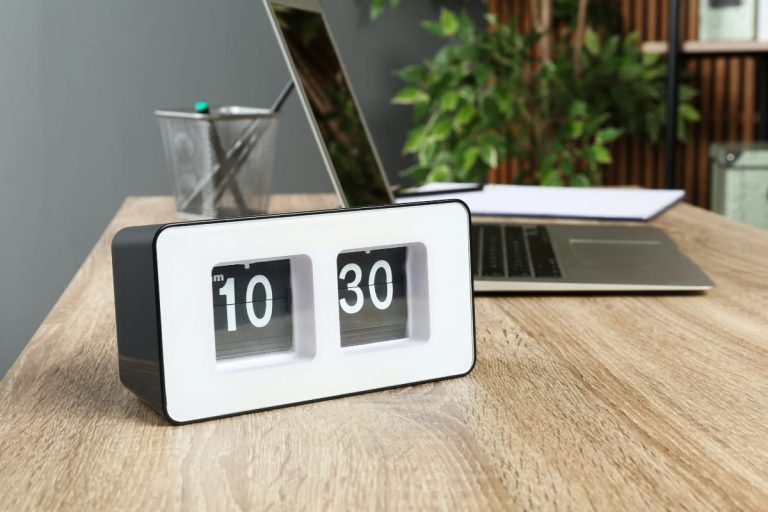
Staying in one position for too long, whether sitting or standing, leads to fatigue. There are many different opinions on how long you should stand at a standing desk, but the general consensus is to alternate between sitting and standing every 30 to 45 minutes. If you are standing on hard flooring, such as the polished concrete common in Perth offices, an anti-fatigue mat can make a real difference to how your feet and legs feel by the end of the day.
Using a laptop without accessories
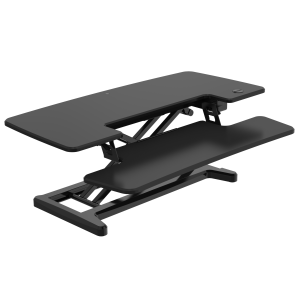
Laptop screens often sit too low, which can encourage a downward neck posture and contribute to neck or shoulder strain over time. A laptop stand paired with an external keyboard and mouse gives you the right screen height without compromising your arm and wrist position. ARTEIL’s Sit-Stand Desk Converter is a practical option that finds the optimal position without moving the entire desk.
When to adjust your standing desk height
Your body will usually tell you when something is off. Adjust your desk or workstation setup if:
- Your shoulders feel tense or raised during or after work
- Your wrists feel sore or strained after typing
- You find yourself leaning forward to see the screen
- Your neck aches by the end of the day
- You change your footwear or move to a different floor surface
Getting your whole setup working together
Standing desk height is just one piece of the puzzle. Your monitor position, chair height, keyboard placement and footwear all interact. When you adjust one, check the others.
The best ergonomic setup is the one that supports a relaxed, neutral posture throughout your working day. Use the height chart and guidelines here as a starting point, then fine-tune based on how your body feels.
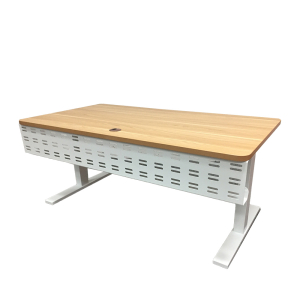
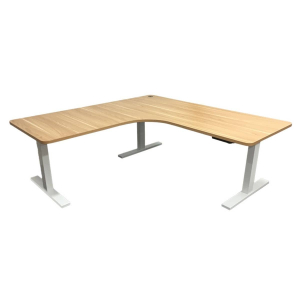
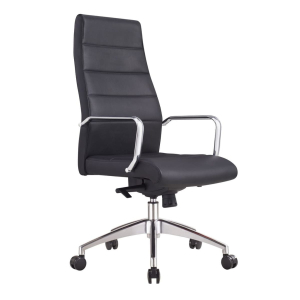
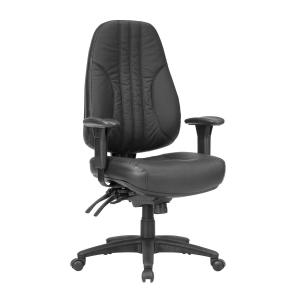
If you are ready to upgrade your workspace, our Elevate Standard Sit-Stand Desk or L-Shaped Sit-Stand Desk (for larger workstations) are the perfect way to introduce standing into your routine. We also have a wide range of ergonomic office chairs if you want to enhance your seated comfort. You are welcome to contact us for advice tailored to your setup, or browse our range online.
Frequently asked questions
Slightly lower, at or slightly below elbow height. It keeps your shoulders relaxed and your wrists in a neutral position while typing.
The 20-8-2 rule is a practical guide: 20 minutes sitting, 8 minutes standing, 2 minutes moving. Safe Work Australia advises against remaining in a static posture for extended periods. Aim to change posture or move every 30 to 40 minutes.
When your desk is set too high, it can cause your wrists to bend upwards while typing. Over time, this may place extra pressure on the wrist and contribute to discomfort. Some ergonomic guidance suggests keeping your wrists close to neutral, as repeated typing with bent wrists may increase the risk of strain or conditions such as carpal tunnel syndrome.