Highlights
- The best standing desk routine balances sitting, standing and movement, rather than replacing sitting all day with standing all day.
- Safe Work Australia recommends breaking up static posture at least every 30 minutes, whether you are sitting or standing.
- Beginners should build standing time gradually, starting with shorter intervals before working towards longer standing periods across the day.
- Good posture, supportive footwear, an anti-fatigue mat and the right office chair can help reduce discomfort while using a sit-stand desk.
Adjustable desks have become a popular feature in offices across Perth and the rest of Australia, and it’s easy to see why. When used properly, they can help reduce lower back discomfort, support better energy levels, and make it easier to stay focused throughout the workday.
However, it’s common for people to start too enthusiastically. They raise the desk on the first day, stand for a couple of hours, then wonder why their legs feel tired or their back feels uncomfortable. When this happens, many wonder the same thing: are standing desks good for you?
It isn’t just about trying to stand as much as you can while at a standing desk, but how you stand, when you switch, and how you should build up over time to optimise your long-term health goals.
The right amount of standing desk time depends entirely on your body, current workstation setup, and daily work habits. In this guide, we explain how long to stand for during the workday, how often to switch positions, and the simple habits that can help you get more from your sit-stand desk.
How long should you stand at a standing desk?
So, how long should you stand at a standing desk? There’s no single number that suits everyone, but there are some solid guidelines to work from.
It is generally recommended to break any static posture, whether sitting or standing, at least every 30 minutes. Staying in one posture for too long can place extra strain on the body, as we are designed to move regularly throughout the day. Gentle movement helps support circulation, keeps muscles active and maintains energy levels, making it an important part of healthy desk use.
For office workers, a helpful goal is to build up to around two hours of standing and light movement across an eight-hour workday, with the option to gradually increase this over time. This does not need to be done all at once. Short, regular intervals throughout the day are usually the most comfortable and practical approach.
However, standing for too long has the potential to cause discomfort, fatigue and undue pressure on the lower limbs. A practical approach is to alternate sitting, standing and light movement throughout the day, building up gradually and changing position if discomfort appears.

What sit-stand ratio should you use?
A good sit-stand routine gives your body regular movement without forcing you to stand all day. Two common approaches are the 1:1 ratio and the 2:1 ratio:
1:1 ratio
A 1:1 ratio might mean sitting in your office chair for 30 minutes, then standing for 30 minutes. This may suit some people who are already comfortable using a standing desk and prefer a more even split between sitting and standing. However, it is not necessary for everyone, and some people may find shorter standing periods easier to maintain throughout the day.
2:1 ratio
A gentler option is a 2:1 ratio, such as sitting for 40 minutes and standing for 20 minutes. This is often a good starting point if you are new to a standing desk, as it allows your body to adjust gradually. Standing for too long too soon can lead to tired legs, sore feet or poor posture, so it is better to build up slowly rather than push through discomfort.
There is no single perfect sit-stand ratio that works for everyone. The right balance depends on your comfort and on allowing time for the body to adjust. You may prefer to stand during phone calls or lighter admin tasks, then sit for more focused work. Pay attention to how your body feels and adjust your routine throughout the day so your desk setup supports you, rather than becoming another source of strain.
Can you stand at a standing desk all day?
Standing all day is not the goal of using a sit-stand desk. While standing can help reduce long periods of sitting, staying on your feet for hours at a time can create its own issues. It places pressure on your joints, muscles and circulation, particularly if you’re leaning or locking your knees.
Locking your knees while standing can place stress on your joints and may affect circulation over time, especially if you stay in the same position for long periods. When your leg muscles are not moving, they are not helping blood flow back towards the heart as effectively. This is why simply replacing sitting all day with standing all day is not always the best solution.
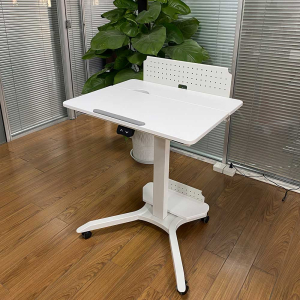
The benefits of standing desks truly can be reaped when they help you move more often. The aim is to change positions throughout the day, not replace one static posture with another. Our Elevate Mobile Sit-Stand Desk is designed for maximum movement, equipped with wheels so you can keep moving and switch between sitting and standing at the touch of a button.
Signs you have been standing too long
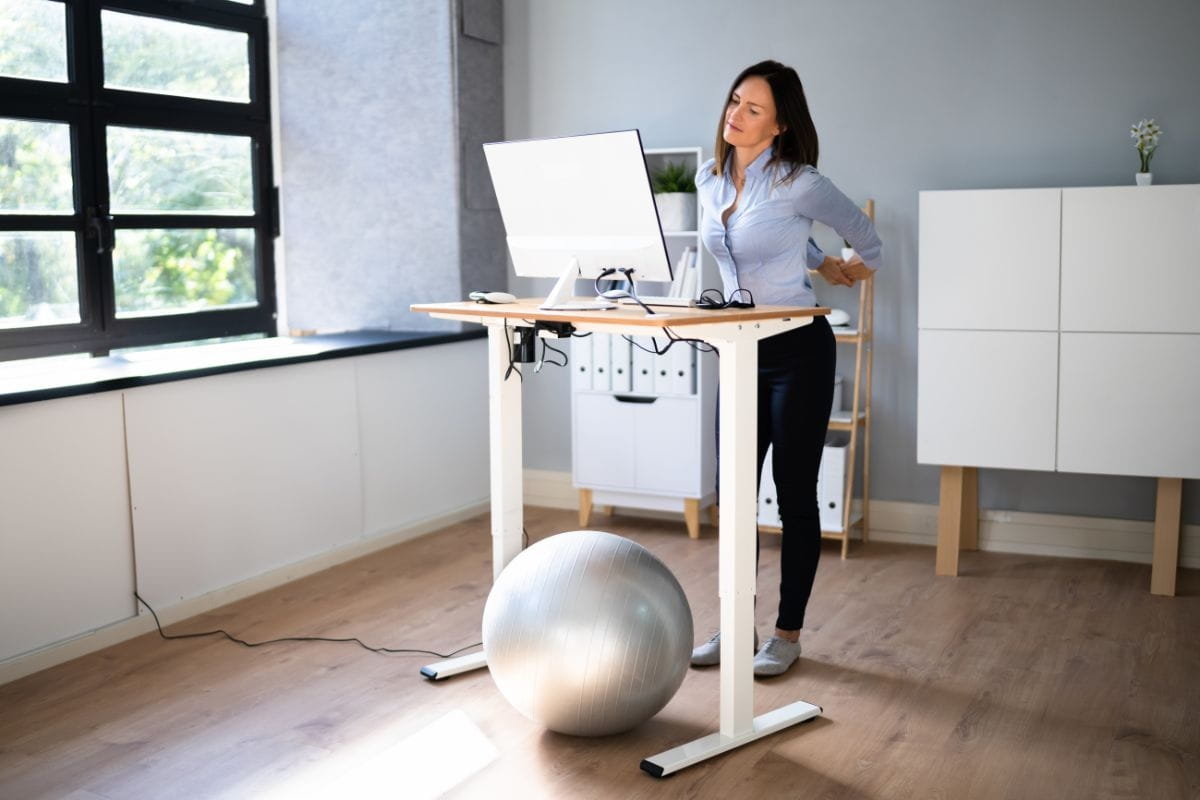
Prolonged standing at work has been linked to certain health concerns. Your body needs movement, and holding one position for too long can cause a range of issues. Here are some possible signs you’ve been standing for too long:
- Leg pain, muscle fatigue, leg cramps
- Sore feet or ankles
- Lower back discomfort
- Swollen legs or heavy legs
- Fatigue, tiredness and body discomfort
- Physical discomfort may make it harder to focus
If you’re experiencing any of these right now, it may be time to move, sit or adjust your setup.
How to build up your standing time gradually
Jumping straight into long periods of standing can leave you feeling tired, stiff or uncomfortable. Your body needs time to adjust, especially if you are used to sitting for most of the day.
As a general guide, you could build up your standing time like this:
| Stage | Guide |
| Starting Out | Aim for short standing breaks across the day, such as 5 to 10 minutes at a time, then return to sitting. This might add up to around 30 to 60 minutes of standing in total, depending on your comfort level. |
| Building A Routine | Once short standing breaks feel manageable, gradually increase your standing intervals. Some people find a pattern such as 20 minutes sitting, 8 minutes standing and 2 minutes moving works well. Others may prefer a simple sit-stand ratio, such as standing for one part of the hour and sitting for the rest. |
| More Regular Use | Over time, you may be able to work towards 2 hours of standing and light movement across the workday, with some people progressing towards 4 hours. The key is to avoid staying still for too long in any one position. Try to change posture, sit, stand or move at least every 30 to 45 minutes. |
The keyword is gradual. Add small amounts of standing time as your body adapts, rather than forcing yourself to stand for long stretches straight away. If your legs feel sore, your back feels tight, or you start to feel stiff, sit down, move around and reset.
How to listen to your body
While general sit-stand ratios can be helpful, your body will usually give you the clearest signal about when it is time to change position. Pay attention to signs like tired legs, sore feet, lower back discomfort, shoulder tension or changes in your posture.
Some tasks may also feel better in different positions. You might prefer to sit for detailed work that needs focus, while standing may feel better for calls, meetings or shorter admin tasks. The key is to notice what works for you, rather than forcing yourself to follow a strict routine.
Try to switch positions before discomfort builds. If you wait until you feel sore or fatigued, you may already be placing too much strain on your body. A good sit-stand routine should help you stay comfortable and moving throughout the day.
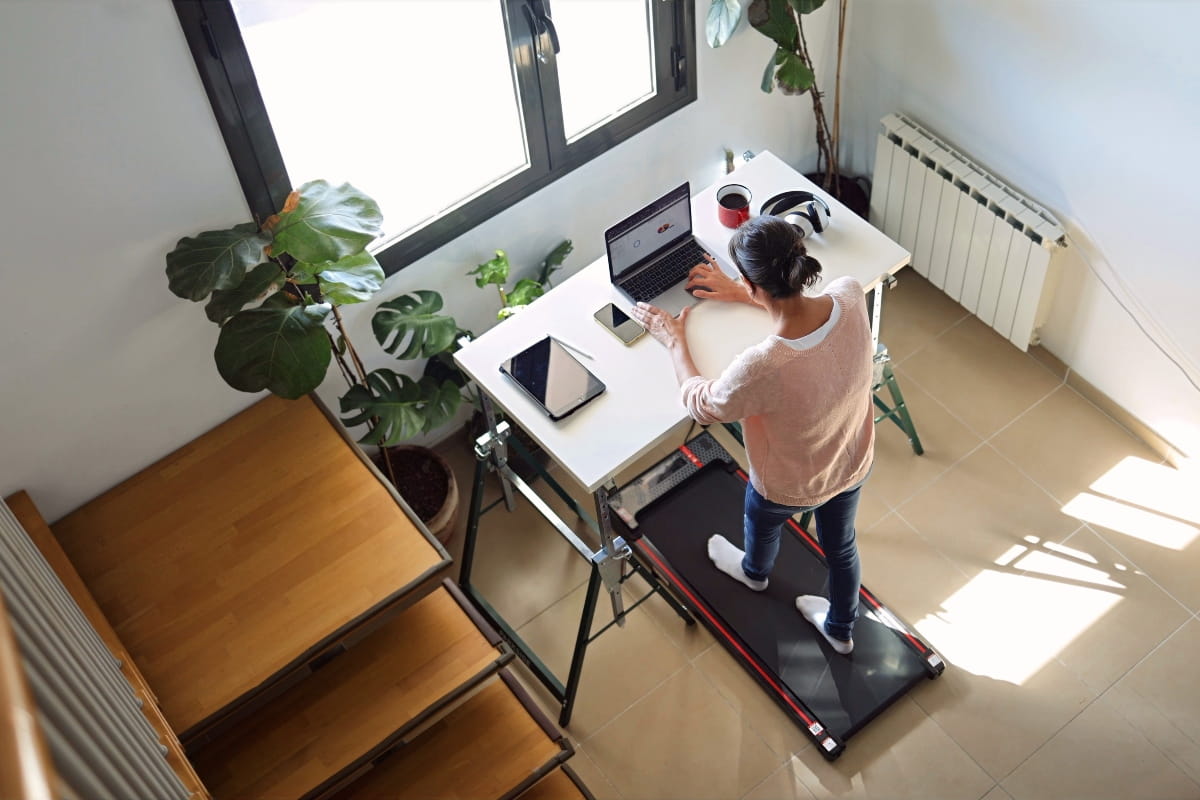
Ergonomic tips for your standing desk setup and posture
Getting the time right is only part of it. How you stand matters just as much. Standing desk posture is so important for avoiding future neck pain, back strain, and shoulder tension.
It’s important to prioritise standing desk ergonomics whenever you can. It only takes a few simple adjustments:
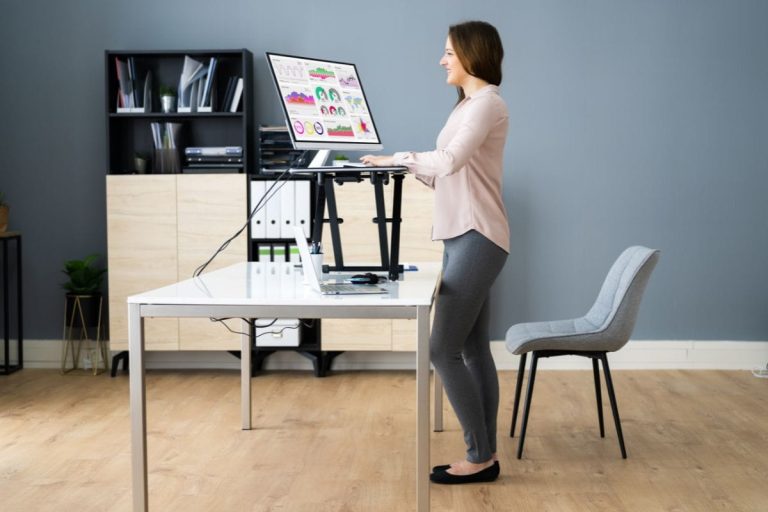
- Desk height: Desk height matters a lot for posture. Your elbows should sit at roughly 90 degrees when your hands rest on the keyboard. This keeps your shoulders straight and relaxed, shifting you into a comfortable position you can sustain without neck or shoulder pain.
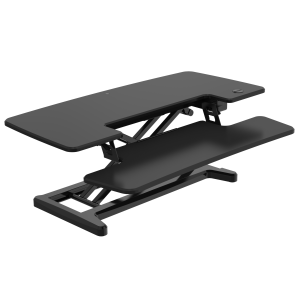
- Monitor height: The top of your screen should be at or just below eye level, roughly arm’s length away. Too low and you’ll hunch; too high and your neck will strain. ARTEIL’s Elevate Computer Riser is a great solution if you don’t want to invest in an entirely new desk.
- Keyboard tray: A keyboard tray works the opposite of a monitor riser, lowering your typing surface without lowering the screen.
- Feet and legs: Try to stand with your weight balanced evenly and your knees relaxed rather than locked. Shift your weight from time to time and avoid staying in the exact same position for too long.
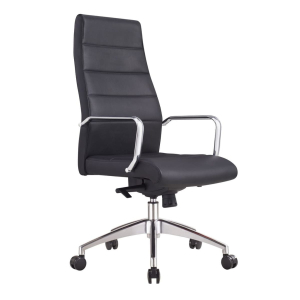
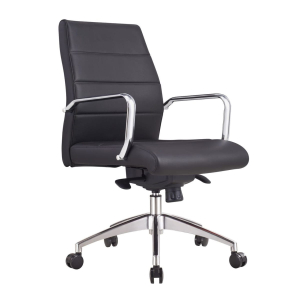
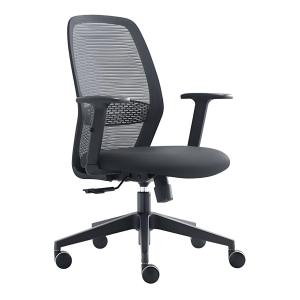
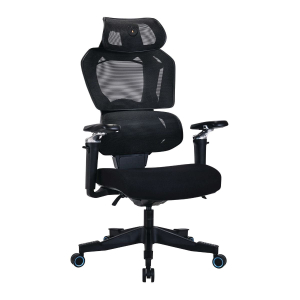
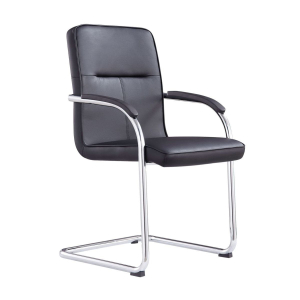
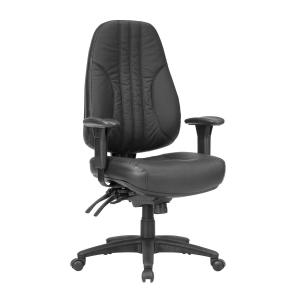
- Supportive office chair: The right office chair, such as one from ARTEIL’s office chair range, can help to reduce strain by keeping your back, hips and shoulders properly supported while you work.
- Keep frequently used items within easy reach. Items such as a keyboard, mouse, phone, and notebook should be close to you to reduce excessive stretching and twisting.
Ergonomic tools to invest in that make a real difference
Even with good posture, a sensible standing desk schedule, and an ergonomic desk setup, some people may still experience discomfort in their feet, legs, or lower back during prolonged standing periods. When this persists, many people wonder: is standing better than sitting?
These symptoms are more likely to occur if you stand still for extended periods, stand on hard flooring, or increase your standing time too quickly. A few ergonomic tools can make your transition to standing more comfortable and sustainable.
Anti-fatigue mat
Research on prolonged standing suggests anti-fatigue office floor mats can help reduce perceived lower-limb and lower-back discomfort compared with harder flooring, although the level of benefit can vary depending on the mat, the person and how long they stand for. They may help by providing a more forgiving surface and encouraging small posture adjustments, but they should still be used alongside regular movement and position changes.
If you regularly spend time standing at your desk, especially on hard floors, an anti-fatigue mat is worth considering.
Supportive footwear
Flat, hard-soled shoes on a hard floor are a recipe for sore feet. Supportive shoes with some cushioning, even a sneaker-style option. Look for brands that offer models with firm arch support, plush cushioning and a wide, stable base to keep your feet properly aligned.
Footrest or small stool
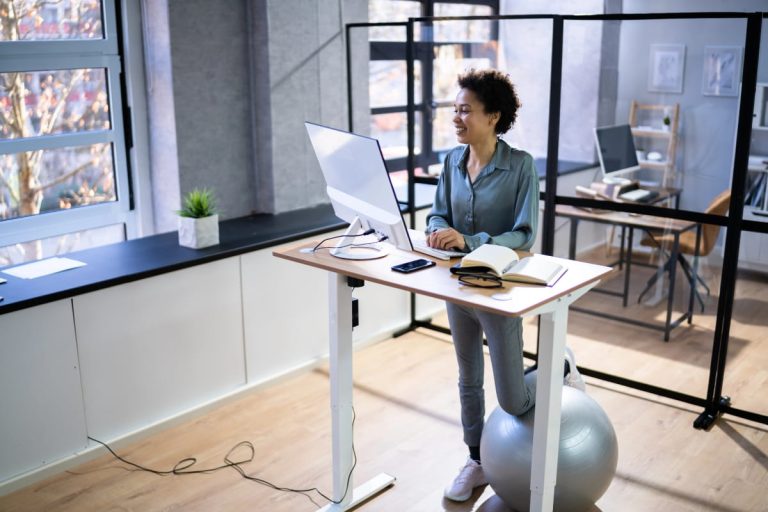
Office chair footrests allow you to rest one foot slightly elevated while you stand, which can reduce lumbar load. A subtle shift in weight can relieve pressure on your lower back and legs, and may help reduce strain and fatigue by encouraging posture changes.
Step-by-step sit-stand desk routine for your workday
A sit-stand desk routine does not need to be strict or complicated. The aim is not to stand for as long as possible, but to regularly change posture, add light movement and avoid staying in one position for too long.
The routine below is an example you can use as a starting point. Adjust the timing based on your comfort, workload, energy levels and any advice you have received from a health professional or workplace ergonomics adviser.
Early morning: 9am onwards
- Once you arrive at your desk, start seated for the first 30 minutes while you settle in, check your schedule and organise your day.
- After this first seated block, raise your desk and stand for around 10 to 15 minutes. Use this time for lighter tasks, such as checking emails, reviewing your to-do list or handling quick admin. Keep your shoulders relaxed, your elbows close to your body, your screen at or slightly below eye level, and your weight balanced across both feet.
- When you have finished your first standing block, sit back down for another 30 minutes. This can be a useful time for tasks that require more focus, but the best position will depend on what feels comfortable and sustainable for you. Some people concentrate better while seated, while others prefer to stand for short periods during certain tasks.
- Continue alternating between sitting, standing and brief movement breaks throughout the morning. The exact timing does not need to be perfect. A good guide is to avoid sitting or standing in the same position for extended periods.
Lunch: 12pm
- After lunch, take a short walking break if you can. Even a few minutes of gentle movement can help you break up sedentary time and may support how you feel after eating. It does not need to be long or intense.
- When you return to your desk, sit again for about 30 to 45 minutes as you ease back into your work.
Afternoon
- As the afternoon goes on, alternate between sitting and standing every 30 to 45 minutes, depending on how your body feels. If your legs, feet or lower back start to feel tired, sit down sooner. If you feel stiff from sitting, stand up, stretch gently or take a short walk.
- Try not to treat standing as the “healthier” position by default. Standing for too long can also lead to discomfort, especially in the legs, feet and lower back. The main goal is regular posture variation.
End of day
- Use the final part of the day for a short standing block while you wrap up lighter tasks, such as replying to emails, checking your calendar or planning tomorrow’s priorities.
- This can help you add movement near the end of the workday without making your routine feel harder to maintain.
Remember, this routine is only a starting point. The best sit-stand desk routine is one you can follow comfortably and consistently. Focus on changing position often, listening to your body and using your desk as a tool for movement rather than a reason to stand all day.
Choosing the right office chair and desk setup
None of this works without a desk that actually adjusts smoothly and holds its position reliably. A desk that wobbles or drifts in height mid-session is frustrating and discourages you from switching positions.
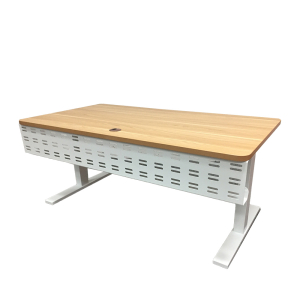
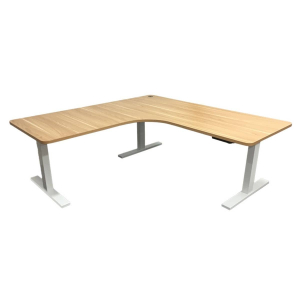
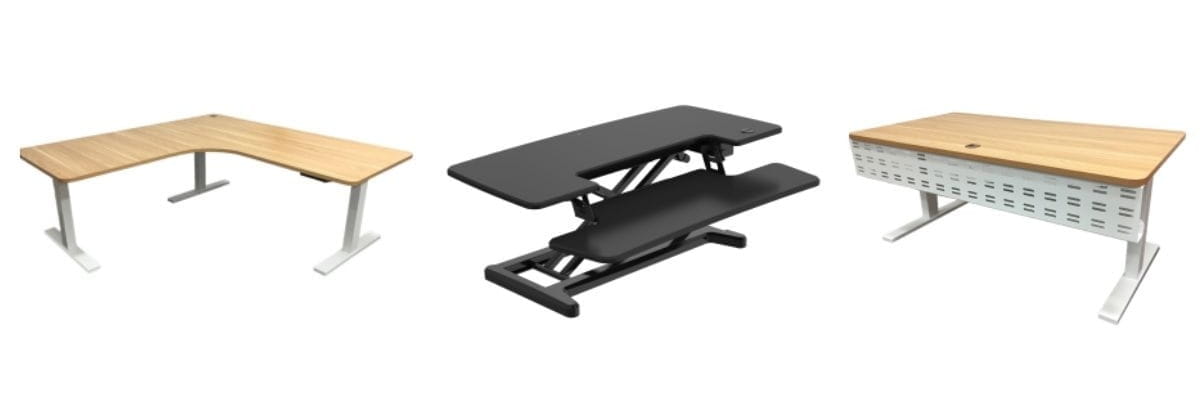
ARTEIL stocks a range of sit-stand workstations built for everyday office use. The Elevate Sit-Stand Desk suits most single-screen setups, while the Elevate L-Shape Sit-Stand Desk is well-suited to larger workstations or dual monitors.
If you’re not sure which option suits your space, visit our O’Connor showroom, and we can walk you through the options in person, or contact our team online and let us discover your perfect set-up.
Quick guide: Standing desk routine
| Time of day | Suggested routine | Best tasks | Quick reminder |
| Early morning, 9am onwards | Sit for the first 30 minutes while you settle in, then stand for 10 to 15 minutes. Continue alternating between sitting, standing and short movement breaks throughout the morning. | Checking your schedule, organising your day, emails, admin and focused work. | Keep your shoulders relaxed, elbows close, screen at or slightly below eye level and weight balanced across both feet. |
| Late morning | Move between sitting and standing in a way that feels comfortable, rather than sticking to exact timings. | Focused work, planning, admin or lighter tasks. | Avoid staying in the same position for too long. |
| Lunch, 12pm | Take a short walking break after eating, then return to your desk and sit for around 30 to 45 minutes. | Easing back into work after lunch. | Gentle movement is enough. It does not need to be long or intense. |
| Afternoon | Alternate between sitting and standing every 30 to 45 minutes, depending on how your body feels. | General work, meetings, calls and computer tasks. | Sit sooner if your legs, feet or lower back feel tired. Stand, stretch or walk if you feel stiff. |
| End of day | Use a short standing block while wrapping up lighter tasks. | Replying to emails, checking your calendar and planning tomorrow’s priorities. | Aim for regular posture changes, not standing all day. |
Frequently asked questions
Standing still for an hour or more is not ideal for most desk workers. Safe Work Australia advises against staying in one static posture for long periods. Aim to change posture or move every 30 to 40 minutes.
One of the most practical frameworks comes from Professor Alan Hedge at Cornell University's Ergonomics program. His 20-8-2 rule breaks every 30 minutes into three parts: 20 minutes sitting, 8 minutes standing, and 2 minutes moving. The aim is to reduce prolonged static posture by building in regular posture changes and movement.
Some people may notice sore legs or tired feet when they first start using a standing desk, especially if they stand for too long too soon.
An anti-fatigue mat, supportive footwear, and the proper standing desk height will help. If discomfort persists, check your desk height and posture, or speak with a health professional.