Highlights
- Standing desk posture plays an important role in reducing strain on your back, neck, shoulders and joints during the workday.
- The correct desk height should allow your elbows to rest at a 90-degree angle, supporting neutral wrists, relaxed shoulders, and better alignment.
- Monitor positioning matters because a screen set at eye level can help reduce forward neck posture, hunching and upper back tension.
- Small posture habits such as soft knees, even weight distribution, an engaged core and relaxed shoulders can make standing more comfortable.
- Movement is essential because good standing desk posture is not about standing still all day but about switching positions and supporting your body with the right setup.
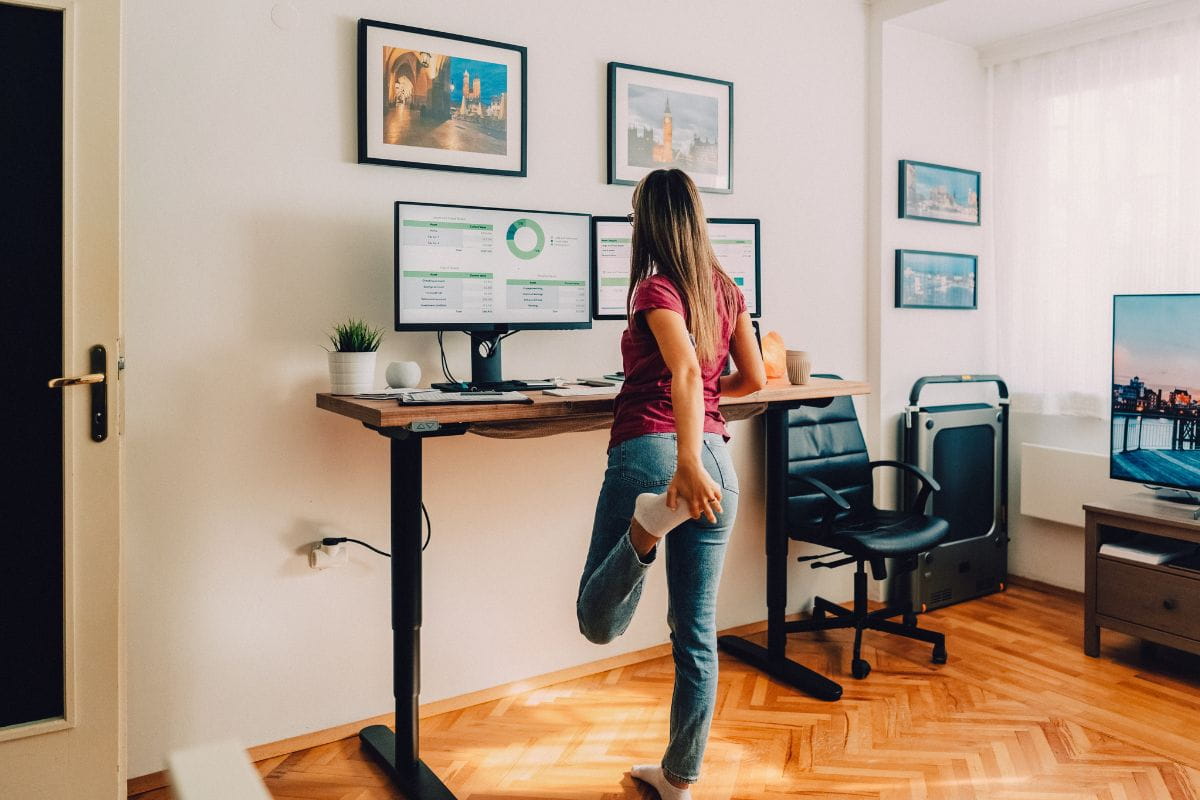
Standing desk posture can make or break your comfort at work, but have you ever thought about whether standing the wrong way could be just as harmful as sitting too long?
Adjustable desks have become a common feature in modern workplaces, often promoted as a healthier alternative to sitting all day. But while they can support better movement, you may still be asking if standing desks are good for you. They are not a cure-all. Poor posture, locked knees, uneven weight distribution and slouching over your desk can still place pressure on your joints, muscles and spine.
Over time, these small habits can lead to stiffness, discomfort and ongoing strain. The good news is that a few simple adjustments can make a big difference.
This guide will walk you through how to stand comfortably, adjust your setup and build healthier habits at your standing desk.
What is standing desk posture?
Standing desk posture refers to the way your body is positioned while using a standing desk. It includes the alignment of your head, neck, shoulders, spine, hips, knees and feet, as well as the position of your desk, monitor, keyboard and mouse.
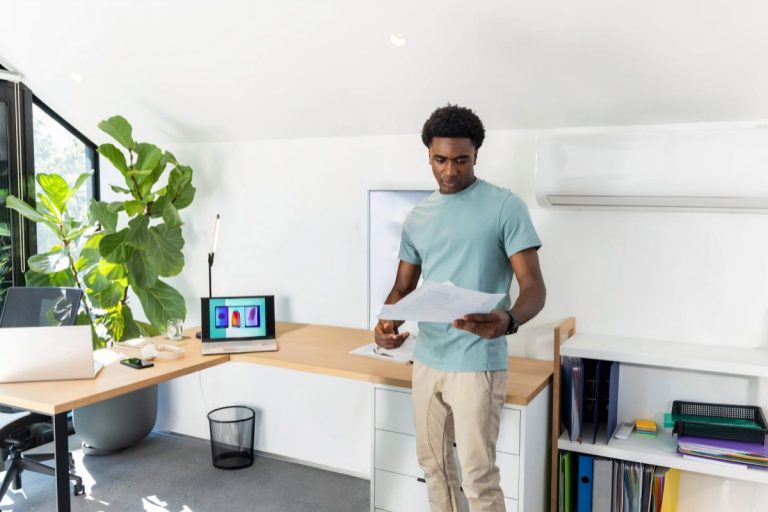
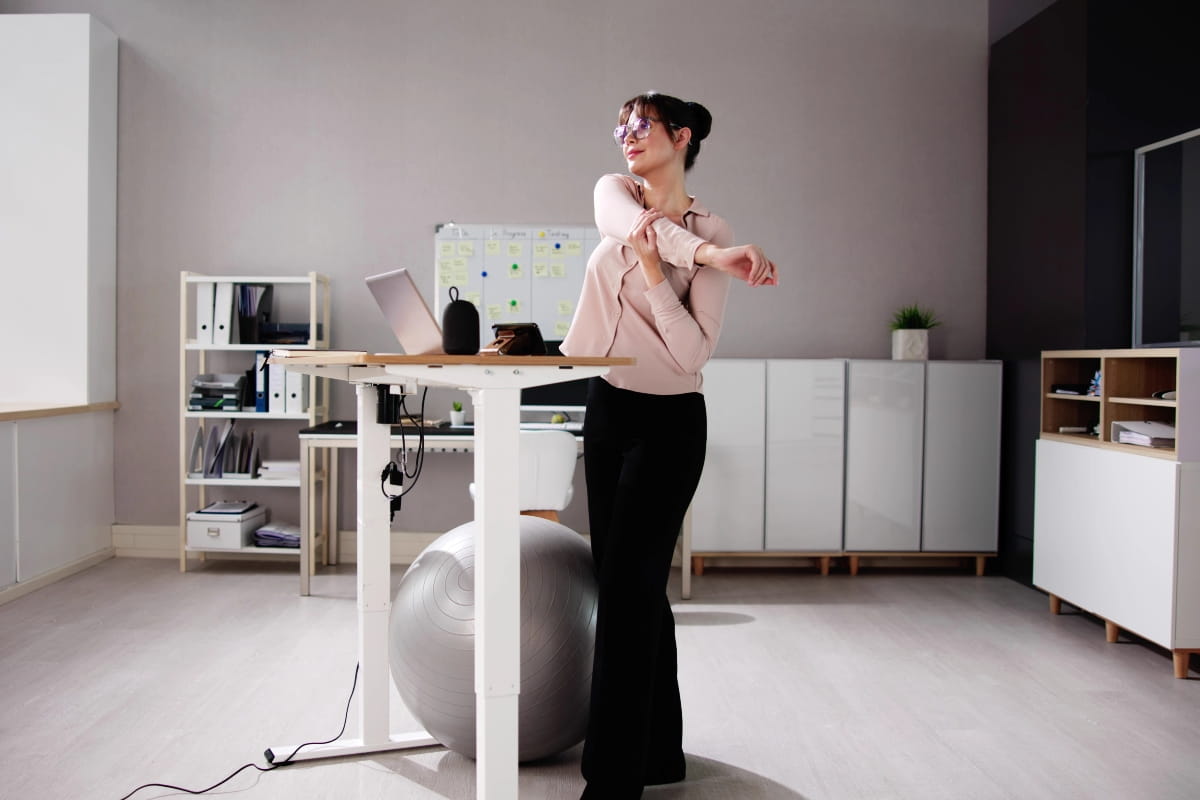
Good standing desk posture should feel balanced and comfortable, not stiff or forced. Your head should stay level, your shoulders should remain relaxed, your elbows should sit close to a 90-degree angle, and your weight should be evenly shared between both feet. Your knees should also stay slightly soft rather than locked.
Tips on maintaining correct posture to stand all day comfortably
Posture is one of the main factors in long-term musculoskeletal health and can help reduce the risk of back and shoulder discomfort, yet it is often overlooked. Here’s how to improve standing desk ergonomics, with tips you can implement immediately:
- Stand with your head level and centred. Imagine a string is pulling your head towards the ceiling.
- Keep your shoulders relaxed and positioned back; don’t force it!
- Align your body so that your feet are shoulder-width apart. This optimises balance and evenly distributes weight across the knees.
- Allow for a slight bend in the knees; this prevents locking, reduces strain on the ligaments, and improves blood flow.
- Keep your core engaged and your pelvis neutral; without it, the lower spine is forced into an exaggerated arch, which leads to weakened glutes, a protruding belly, and stiff hip flexors.
The optimal standing desk ergonomics
You are doomed from the get-go if your standing workstation isn’t set up with appropriate positioning in mind. Here are some considerations to help you get it right:
The elbow height rule
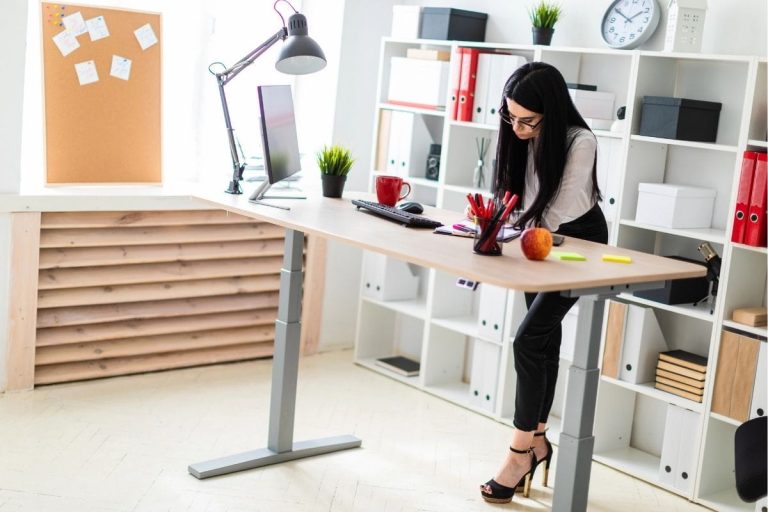
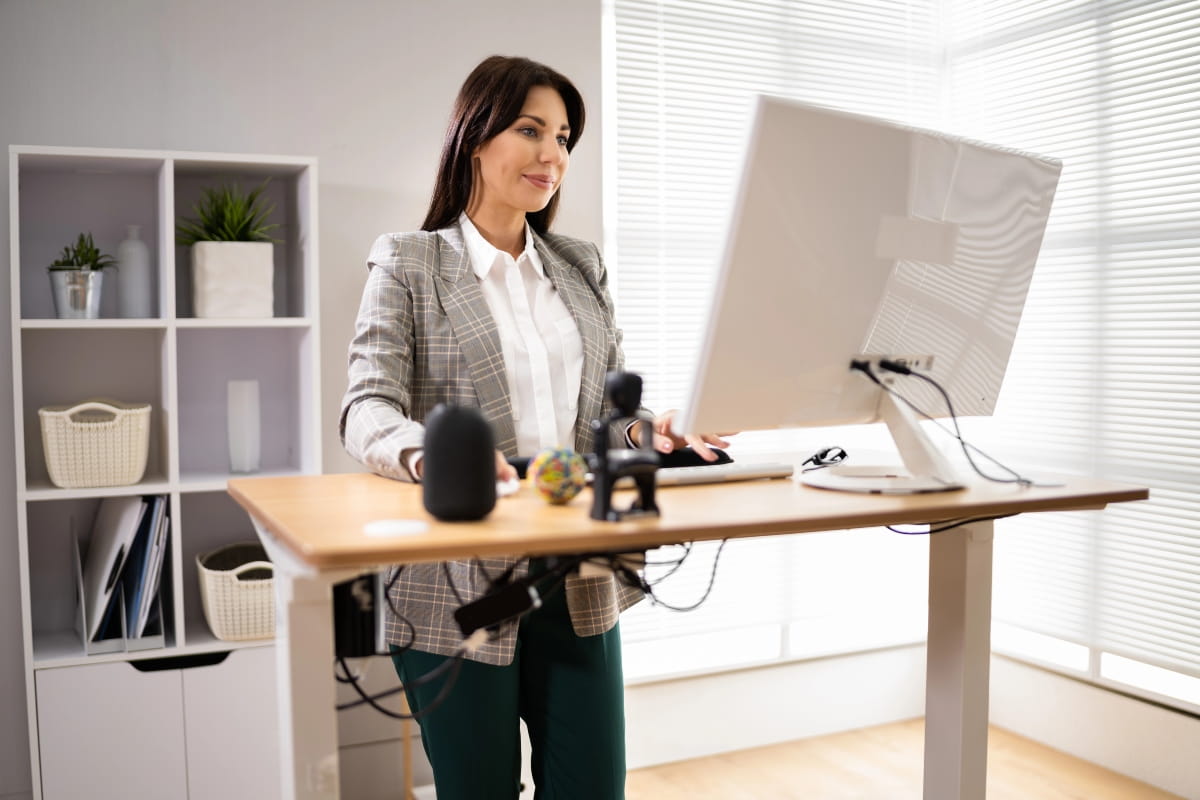
When setting up your sit-stand desk, the most important thing is to remember the elbow rule: the desk needs to be at elbow height, so you can rest comfortably on the table’s surface at a 90-degree angle. This ensures optimal standing desk ergonomics by minimising shoulder tension and maintaining a neutral posture, thereby preventing overextension of the arms and wrists.
Monitor height
The monitor height is another important adjustment to make. It needs to be placed at eye level, with about 25 to 30 centimetres of distance between the eyes and the screen. This is essential for maintaining neutrality in the neck, arms, and spine, and neutrality is the key to stability.
Anti-fatigue mats
Standing on anti-fatigue mats is another way to avoid persistent joint pains. You may think they’re just there to cushion the soles of your feet, but they actually work by creating an unstable platform that invites subtle movements. These micro-movements are small but have an enormous impact, boosting circulation and reducing strain on office workers’ hearts, joints, and lower backs.
Footwear and foot positioning
Poor footwear can increase pressure through the feet, ankles, knees and lower back. Supportive footwear and small posture changes can help reduce fatigue.
Foot support when using a standing desk:
- Wear supportive shoes if standing for longer periods.
- Avoid unsupportive flat shoes or heels for long standing blocks.
- Shift weight gently between both feet.
- Consider using a footrest to alternate feet.
Keyboard and mouse position
If your keyboard or mouse is too far away, your shoulders roll forward, and your arms overreach. This can lead to shoulder, wrist and upper back strain.
Position your keyboard and mouse correctly:
- Keep the keyboard and mouse close to the body.
- Avoid reaching forward.
- Keep wrists neutral.
- Avoid resting wrists on sharp desk edges.
Movement breaks and stretching
Standing still for too long can cause muscle fatigue and stiffness. Small movements support circulation and help reduce joint pressure.
Take movement breaks throughout the day:
- Stretch your calves, hips and shoulders.
- Try office exercises, such as calf raises, shoulder rolls, and hip flexor stretches.
- Walk around between tasks.
- Shift weight gently rather than locking into one position.
- Use phone calls or short meetings as opportunities for movement.
Common standing desk posture mistakes
| Cause | Effect | Why it matters |
| Desk set too high | Shoulders lift and tense | Can lead to shoulder and neck discomfort. |
| Desk set too low | User bends forward | Can increase strain through the upper back and neck. |
| Monitor too low | Head tilts down | Can contribute to forward neck posture. |
| Keyboard too far away | Arms reach forward | Can round the shoulders and increase upper back tension. |
| Standing too long | Feet, legs and lower back fatigue | Can make standing desks feel uncomfortable or unsustainable. |
| Locked knees | Reduced movement and extra joint strain | Can make standing feel stiff and tiring. |
| Leaning on one leg | Uneven loading through hips and spine | Can contribute to imbalance and discomfort. |
| No sitting breaks | Same muscles stay loaded | Can increase fatigue even with good posture. |
| Unsupportive shoes | More pressure through feet and legs | Can make standing harder on hard floors. |
| Poor chair support during sitting breaks | Body does not properly reset | Can reduce the benefit of switching between sitting and standing. |
What does poor standing desk posture look like?
Poor posture involves spinal misalignment, so it can manifest in several ways.
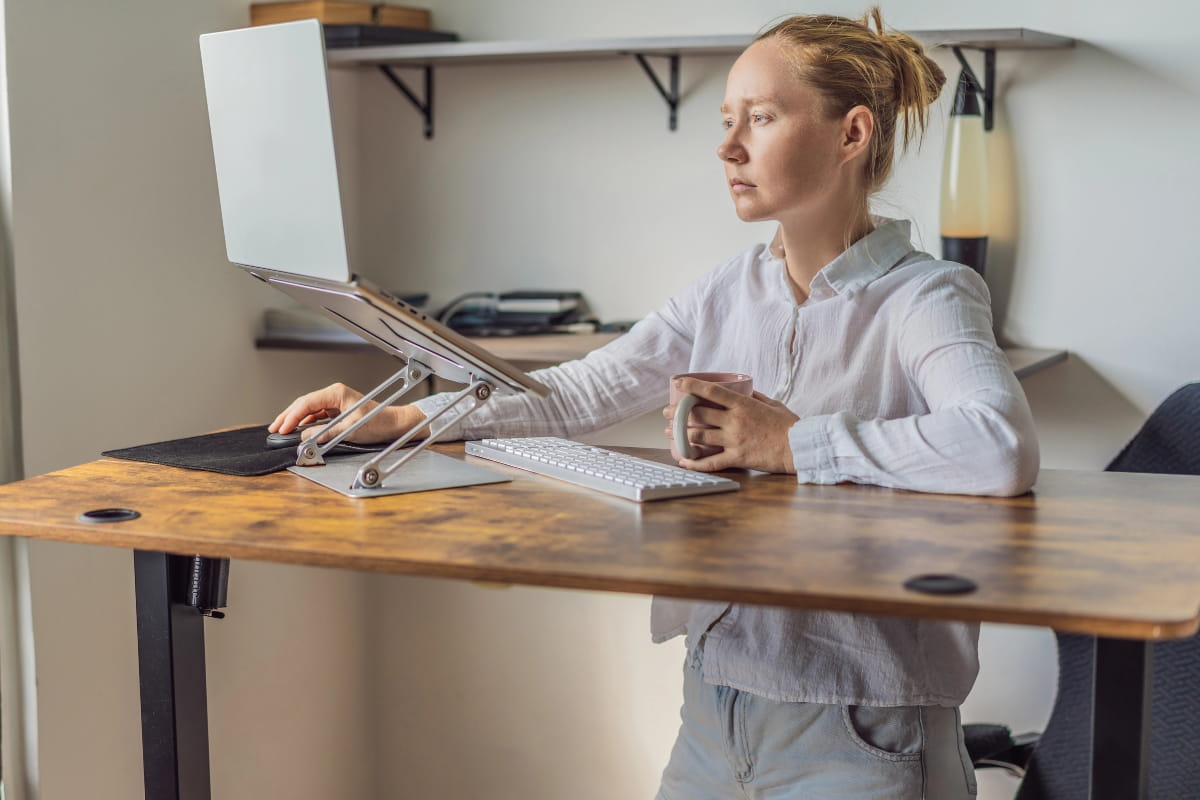
Hunching
Hunching is the most common issue to watch for when using a standing desk. When your shoulders are rounded, the discs in the vertebrae are forced to bear uneven weight loads. They weren’t designed to handle this, so the spine gets under considerable stress if it’s locked in this position throughout the working day.
Forward neck position
This is another common issue. If you find your head leaning forward toward the monitor, rather than staying aligned with your spine, this could be dangerous for your musculoskeletal health. It exerts compressive forces on cervical spine tissues, and many studies have shown that this can lead to a variety of musculoskeletal disorders over time.
Leaning
Leaning on a favoured hip or leg is another sign of inferior standing posture. By forcing the spine into a ‘C’ curve, your pelvic muscles are in a state of imbalance. Over time, this undue strain on the sacroiliac joint, which connects the base of the spine to the pelvic bones, may contribute to ongoing discomfort.
Signs that indicate you have poor standing desk posture
Whilst symptoms like neck pain and lower back twinges are the obvious contenders, there is an array of little, unconventional ways your body flags that it’s time to straighten out that spine. If you find yourself relating to any of these, you may need to take a step back and assess how you are approaching your sit-stand desk.
Headaches
Pounding head at the end of the work day? This may not be from stress alone. Slouching could be a major contributor to this type of headache.
When you hold your neck forward, your neck and upper back muscles must sustain significant strain. This tension overextends and tightens the supporting neck muscles and creates ‘trigger points’ that send pain signals to the brain.
If the majority of your headaches start at the base of your skull, there is a high likelihood they’re coming from your standing desk posture.
Muscle fatigue
Slumping the spine is not a position it wants to stay in, and it means your muscles are working harder to support your body. A forward-shifted head can place additional kilos on your supporting muscles, and this standing position for seven or eight hours a day is a sure way to increase muscle fatigue and imbalances.
Mental and emotional well-being
Poor posture at your standing desk could be causing stress and anxiety. Prolonged sitting and poor posture can restrict blood and oxygen flow, significantly affecting mental and emotional well-being. Slouching or hunching over restricts your breathing, reducing oxygen intake so your brain doesn’t receive the oxygen it needs to think clearly.
How long should you stand at a standing desk?
If you’re asking, how long should you stand at a standing desk, the answer is there is no perfect amount of time that suits everyone. A standing desk is not designed to keep you standing all day. It is designed to help you move more, change positions and avoid staying seated for long periods.
If you are new to using a standing desk, start slowly. Try standing for 20 to 30 minutes at a time, then sit down again when your legs, feet or lower back start to feel tired. As your body adjusts, you may be able to stand for longer periods without discomfort.
Sitting and standing ratio
There is no strict sitting and standing ratio that works for every person. The goal is not to replace sitting all day with standing all day. Instead, your standing desk should help you move between different positions so your body is not under the same type of pressure for hours at a time.
The best ratio is one you can maintain comfortably. Sitting gives your feet and legs a break, while standing helps reduce long periods of inactivity. Regular movement between the two can support circulation, reduce stiffness and help you maintain better standing desk posture throughout the workday.
Choosing the right standing desk and chair
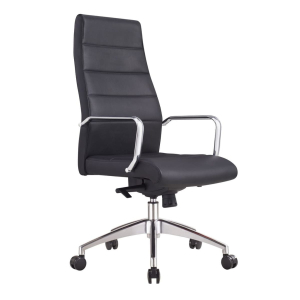
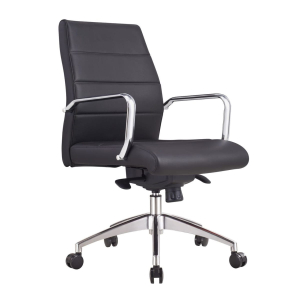
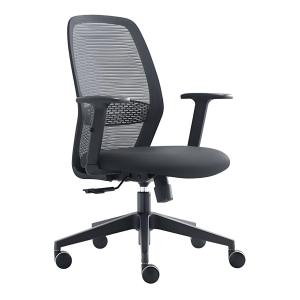
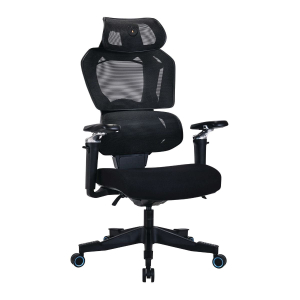
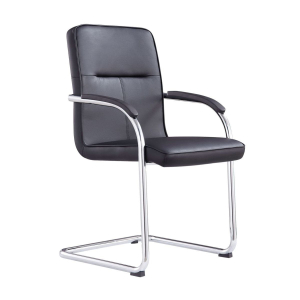
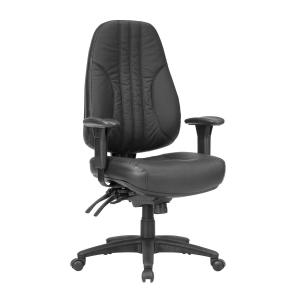
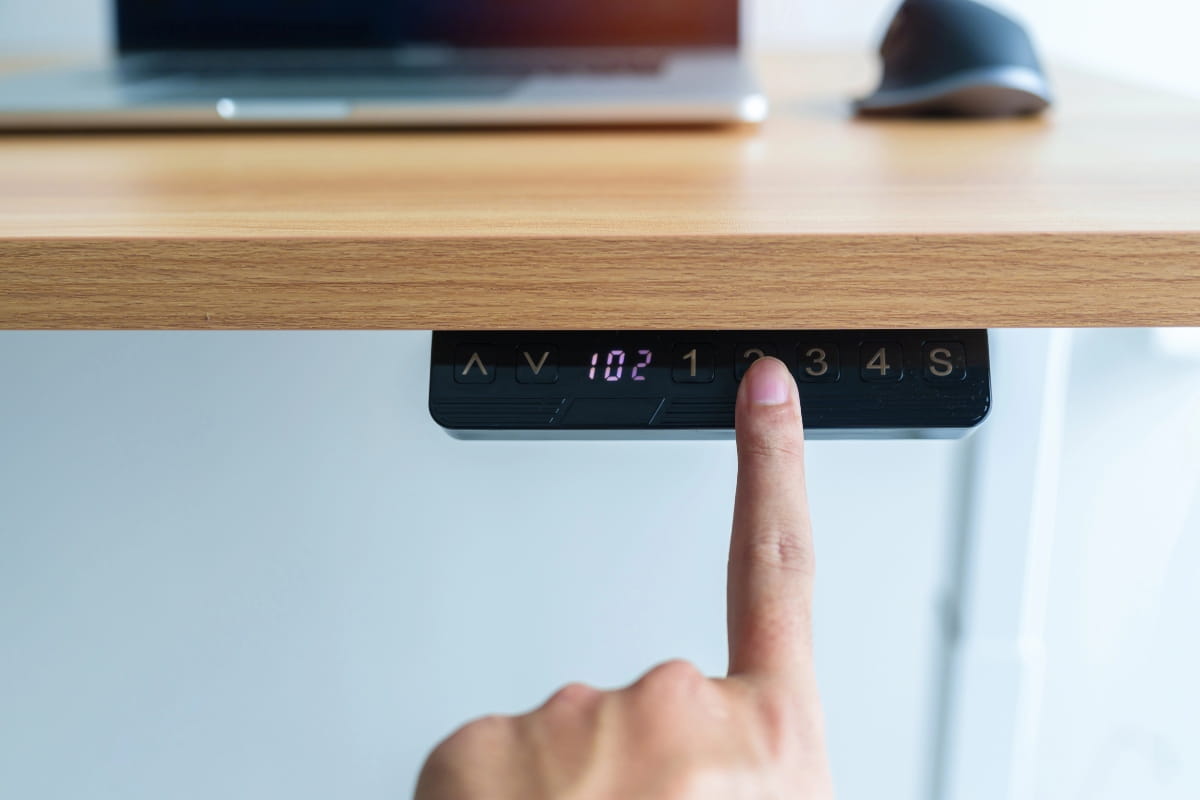
The right standing desk and chair should work together to support comfort throughout the day. A standing desk helps you change position and reduce long periods of sitting, while an ergonomic chair gives your body proper support when it is time to sit and reset.
What to look for in an ergonomic standing desk setup:
- Easy height adjustment.
- Stable desk frame.
- Enough space for monitor, keyboard and mouse.
- Suitable chair for sitting breaks.
- Optional monitor arm.
- Anti-fatigue mat.
- Cable management to avoid awkward reaching.
A good setup should make it easy to move between sitting and standing without disrupting your work. When both your desk and chair are adjusted correctly, you can reduce strain, support better posture and stay more comfortable across the workday.
Start improving that standing posture now!
Good standing desk posture is not about standing perfectly still all day. Instead, it is about creating a workstation that supports movement, comfort and better alignment.
By making small changes now, you can reduce pressure on your joints, support your spine and feel more comfortable throughout the workday. However, posture also depends on the right setup. Standing desks make it easier to switch between sitting and standing, while an ergonomic chair supports your body when it is time to sit and reset.
ARTEIL offers a range of adjustable desks and office chairs designed with ergonomics, comfort and everyday use in mind. To find the right fit for your workspace, get in touch with our friendly team today.
Frequently asked questions
The body is designed for movement. Long periods of sitting can slow circulation, reduce movement and contribute to stiffness.
When a workspace is ergonomic, it becomes a space of comfort and enjoyment. Pain is a powerful physical distraction. A comfortable desk setup can reduce distractions and help support focus throughout the day. It means less time wasted constantly shifting and adjusting, and fewer excessive breaks. Office workers who are comfortable generally have high morale, which consistently correlates with increased productivity.
We can’t be sure, but evidence suggests the first standing desks date back to the 1400’s. It is rumoured that Leonardo Da Vinci used a standing desk to come up with his brilliant inventions!