Highlights
- L-shaped standing desks provide more workspace, making them ideal for multiple monitors, equipment and larger workstations.
- Choosing the right desk size is important, with factors such as room layout, desktop dimensions and available space affecting your setup.
- Key features such as height adjustment, weight capacity and stability matter, helping you find a desk that suits your daily workflow.
- An L-shaped desk isn’t right for everyone, so consider the extra space, cost and setup before choosing it over a straight standing desk.

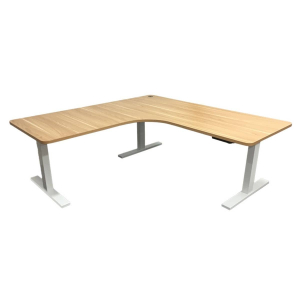
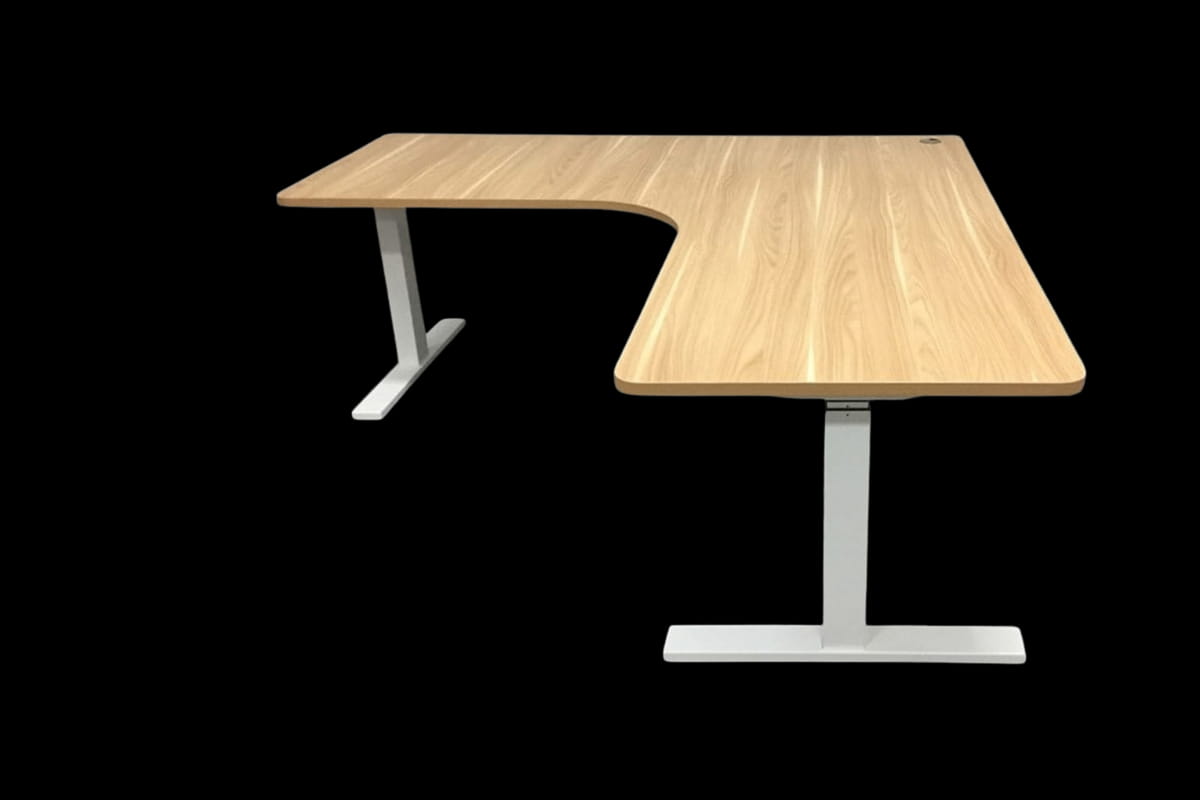
An L-shaped standing desk combines a corner-style workspace with the flexibility of an adjustable sit-stand setup. The two connected desktop areas provide more room for monitors, equipment and different work tasks.
An L-shaped sit-stand desk suits home offices, creative workspaces, and workplaces where a standard desk doesn’t offer enough surface area. When choosing an L-shaped standing desk, consider desktop dimensions, height range, weight capacity and frame stability.
What is an L-shaped standing desk?
L-shaped standing desks are among several adjustable desk types that offer flexibility for different workspace needs. Their spacious corner design provides room for equipment and tasks while allowing users to adjust their working height for greater comfort throughout the day.
Why choose an L-shaped standing desk over a straight desk?
A straight standing desk provides one continuous surface. An L-shaped desk provides two connected work areas, so one side can support your main computer setup while the other provides space for documents, accessories or a second task.
An L-shaped desk can be a good choice if you:
- Use multiple monitors or larger screen setups
- Want separate areas for different tasks
- Work from a home office and need a dedicated workstation
- Want to make better use of an unused corner
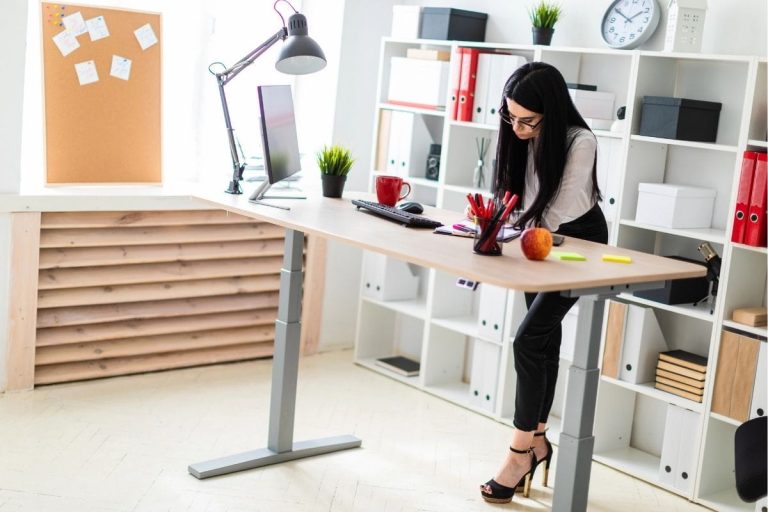
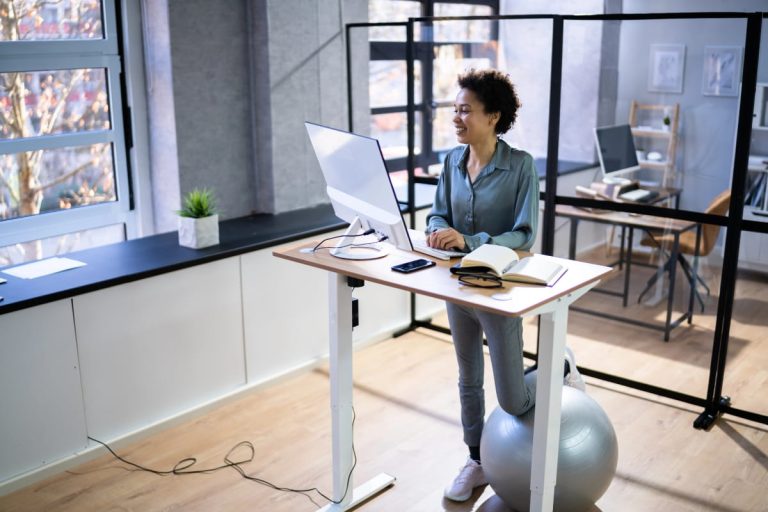
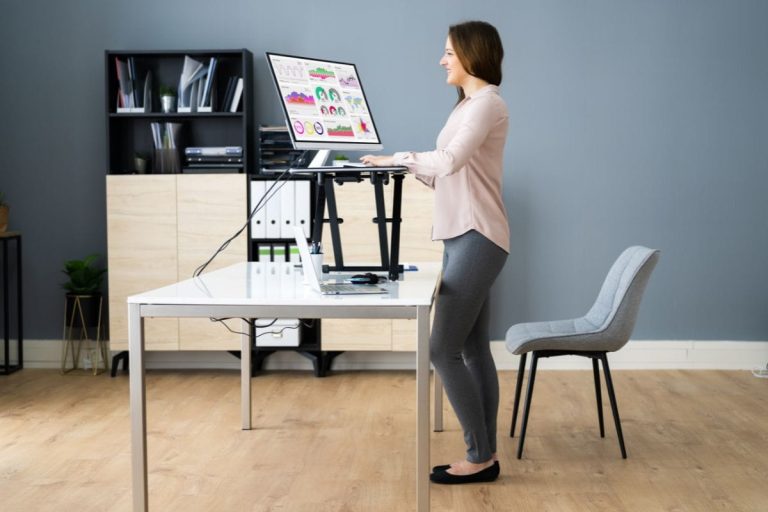
Alternating between sitting and standing throughout the day can help reduce prolonged sitting and encourage more movement. If you’re wondering whether standing desks are good for you, consider how often you change positions and use your workstation. Proper standing desk posture is also essential for staying comfortable and reducing strain while you work.
How much space do you need, and how do you measure it?
An L-shaped desk takes up more floor space than a straight desk, so measure carefully before you buy.
- Measure both walls from the corner. Check that each wall is long enough for its section of the desk and compare the measurements with the product dimensions.
- Check the desk depth. Measure how far each section will extend into the room.
- Allow for chair clearance. Leave enough room to push your chair back and move comfortably between sitting and standing.
- Check for obstructions. Look for skirting boards, heaters, vents, window sills and shelves that could interfere with the desk, including when it is raised to standing height.
- Keep walkways and doors clear. Make sure the door, desk drawer and cupboards can still open fully.
- Locate power points. Note where power and data points are so cables can reach both sections of the desk.
- Check the delivery path. Measure doorways, hallways, and stairs to ensure the desk components can reach the room.
For home offices, choosing the right home office desk involves more than measuring available space. Consider desk placement, natural lighting, equipment positioning, and how easily you can move around your workspace to create a comfortable, practical setup.
Should you choose a left or right return?
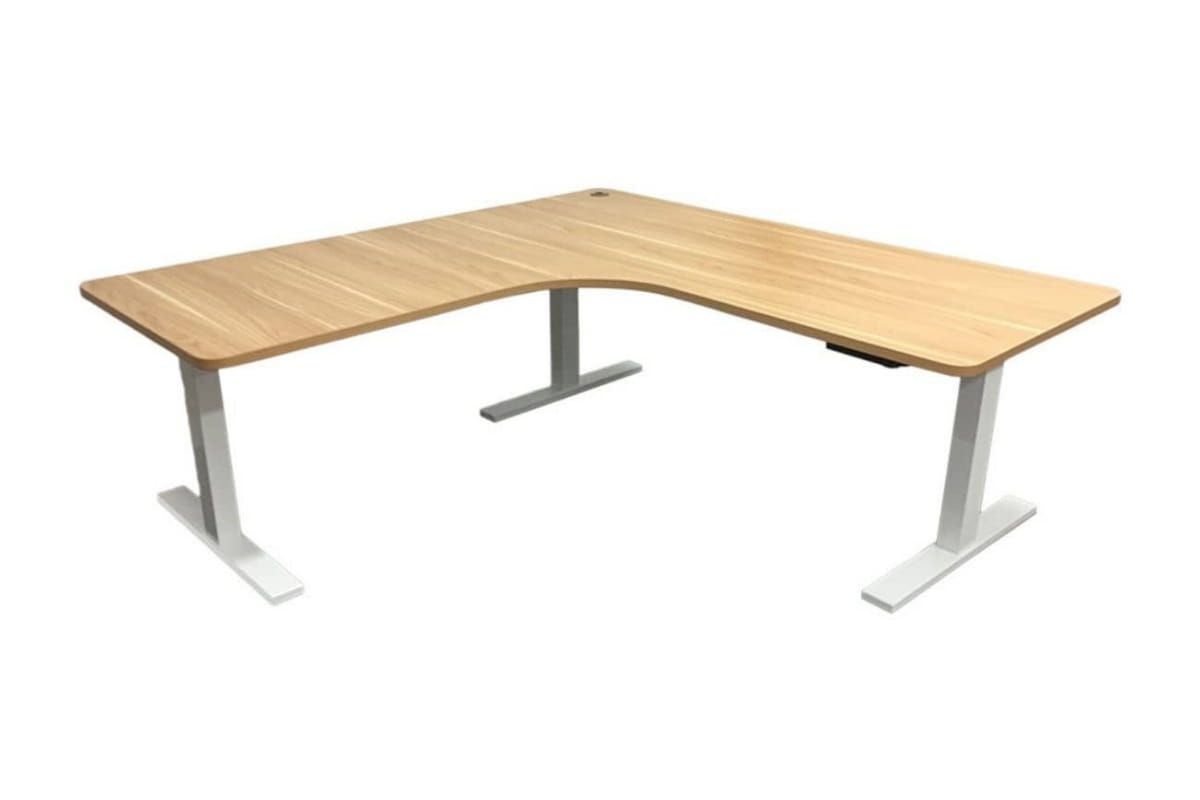
The return is the shorter section of an L-shaped desk that extends from the main desktop. A left return sits on your left when you face the main section, while a right return sits on your right. Consider:
- Room layout. The corner, doors and windows will often decide the orientation for you. Position the desk so you are not sitting with your back to the door or facing glare from a window.
- How you work. Place the return where you naturally reach for secondary tasks. Many people prefer writing, documents or a second screen on the side of their dominant hand.
- Monitor position. Place your main screen directly in front of you, with less frequently used screens or items on the return.
- Power access. Choose the orientation that keeps cable runs short and tidy.
- Future moves. Some frames can be assembled with the return on either side, which helps if you change rooms later. Check this before you buy.
What size L-shaped standing desk should you buy?
The right size L-shaped desk depends on how you plan to use it. A smaller setup with a laptop and a single monitor needs less surface area, while larger workstations with multiple screens, accessories, or equipment need more room.
Before choosing a desk size, consider everything that needs to sit on the desktop, including monitors, keyboard and mouse, laptop stands, documents and other everyday items.
| Your setup | What to consider |
| Laptop and basic workstation | A smaller desktop area may provide ample space for everyday tasks |
| Single monitor with accessories | Allow room for your screen, keyboard and frequently used items |
| Dual monitor setup | Prioritise extra width and depth for comfortable screen positioning |
| Multiple monitors or equipment | Choose a larger surface area with enough capacity for your setup |
An L-shaped desk gives you the flexibility to create different work zones, but a larger desk isn’t always better. The ideal size fits your room and gives you enough desk space for how you work.
Choosing the right height and adjustment range
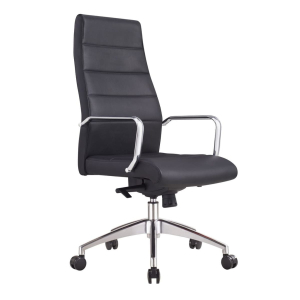
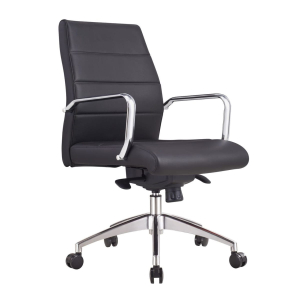
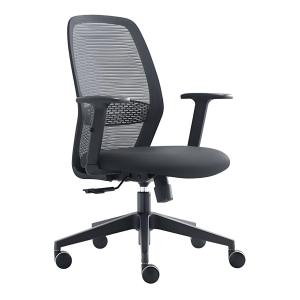
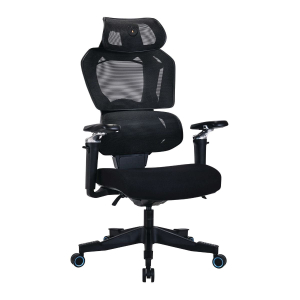
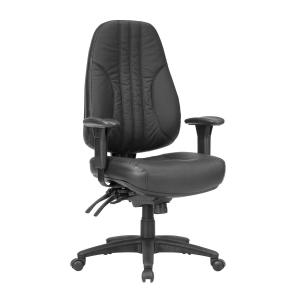
A good L-shaped desk should offer enough height adjustment to support both sitting and standing. The right height depends on factors such as your height, chair setup, monitor position and how you use your workstation. Pairing your desk with a suitable ergonomic office chair can also help create a more comfortable workstation.
Safe Work Australia recommends designing workstations so people can vary their posture and avoid staying seated or standing for long periods.
Getting your desk height right is essential for maintaining a comfortable workstation. Understanding standing desk ergonomics helps you improve posture and screen positioning, while the right standing desk height ensures your desk is properly adjusted for both sitting and standing.
What features should you look for in an L-shaped standing desk?
Beyond size and layout, an L-shaped standing desk’s features affect how stable, practical, and comfortable it is to use each day. When comparing sit-stand desks, look for a frame, adjustment system, controls, and accessories that best suit your workspace.
1. Electric height adjustment
Electric motors make it easier to switch between sitting and standing positions throughout the day. For larger L-shaped standing desks, dual-motor systems can distribute weight more evenly across the frame and provide smoother height adjustments for heavier setups.
2. Stable frame construction
A strong frame helps keep the desk steady, especially when raised to standing height or supporting larger monitor setups. Frame design and build quality matter more as desk size and equipment load increase.
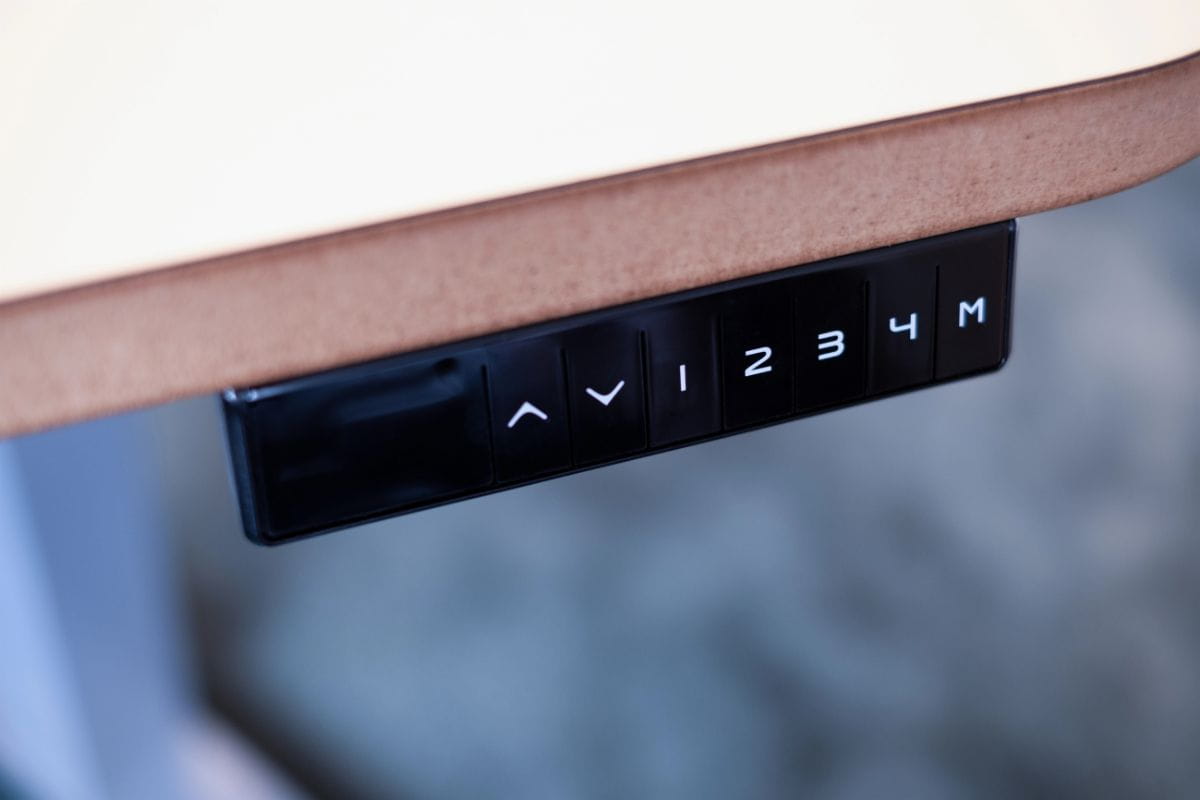
3. Memory presets
Memory controls let you save preferred sitting and standing heights, so you can adjust your desk faster throughout the day.
4. Cable management and accessories
A well-organised workspace is easier to maintain. Cable trays, power solutions, and monitor arms can keep equipment tidy while making better use of your desktop space.
5. Assembly and setup
Before purchasing an L-shaped sit-stand desk, consider how easy it is to assemble and set up. Clear assembly instructions and a straightforward setup process can make preparing your workstation easier.
What are the disadvantages of an L-shaped standing desk?
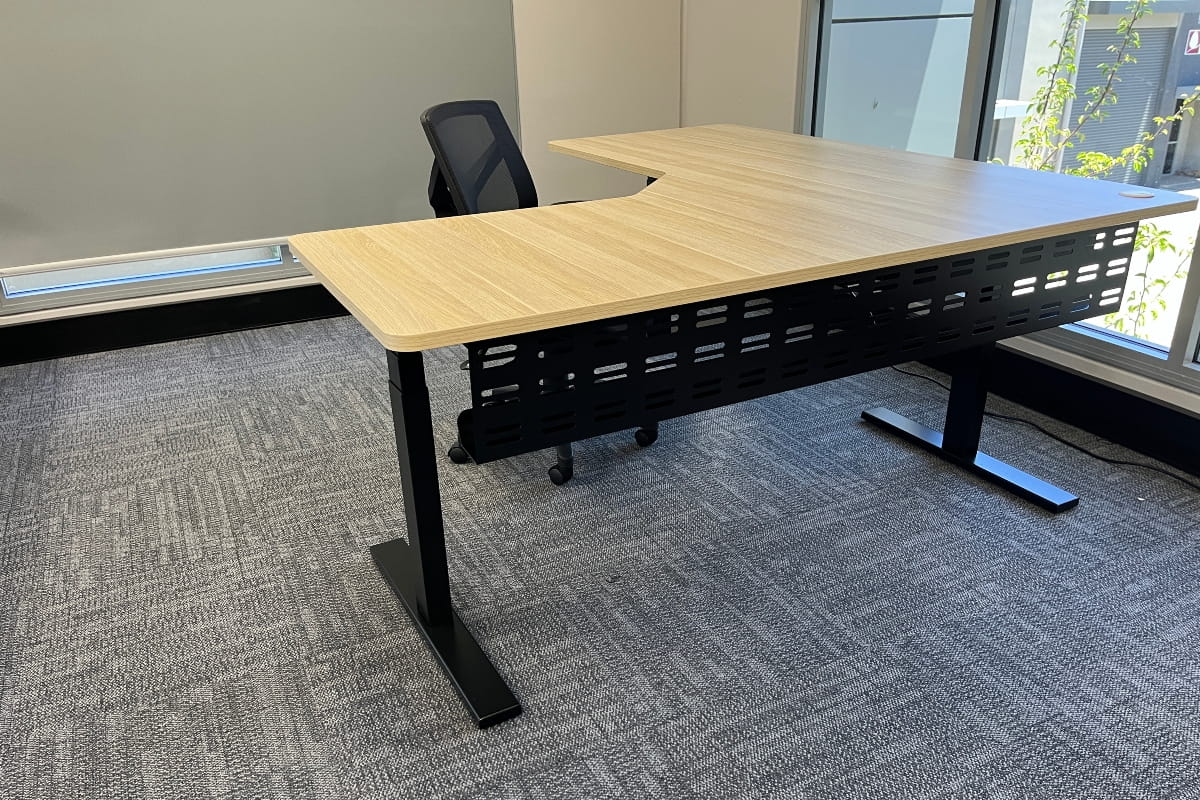
An L-shaped standing desk is not the right choice for every workspace. Before buying, consider these trade-offs:
- Requires more floor space. The desk needs room along two walls, plus clearance for your chair.
- More complicated to measure and position. You need to plan both sections, the return orientation and access to power.
- Typically heavier. A larger frame and desktop weigh more than a straight desk.
- Assembly can take longer. More components need to connect and align.
- Moving it later is more difficult. Relocating or reconfiguring the desk takes more effort.
- Cable management can be more involved. Cables may need to run across both desk sections.
- Larger frames may cost more. A bigger frame and multiple motors can increase the price.
- Poorly positioned work zones can encourage twisting. If your main screen and keyboard are not directly in front of you, you may twist to reach the return. WorkSafe Queensland recommends placing your keyboard and mouse directly in front of you and positioning screens so you don’t have to twist your neck and spine.
- It’s not worthwhile if you rarely use the extra surface. If the return ends up as storage space, a straight desk may be the better option.
Who should not buy an L-shaped standing desk?
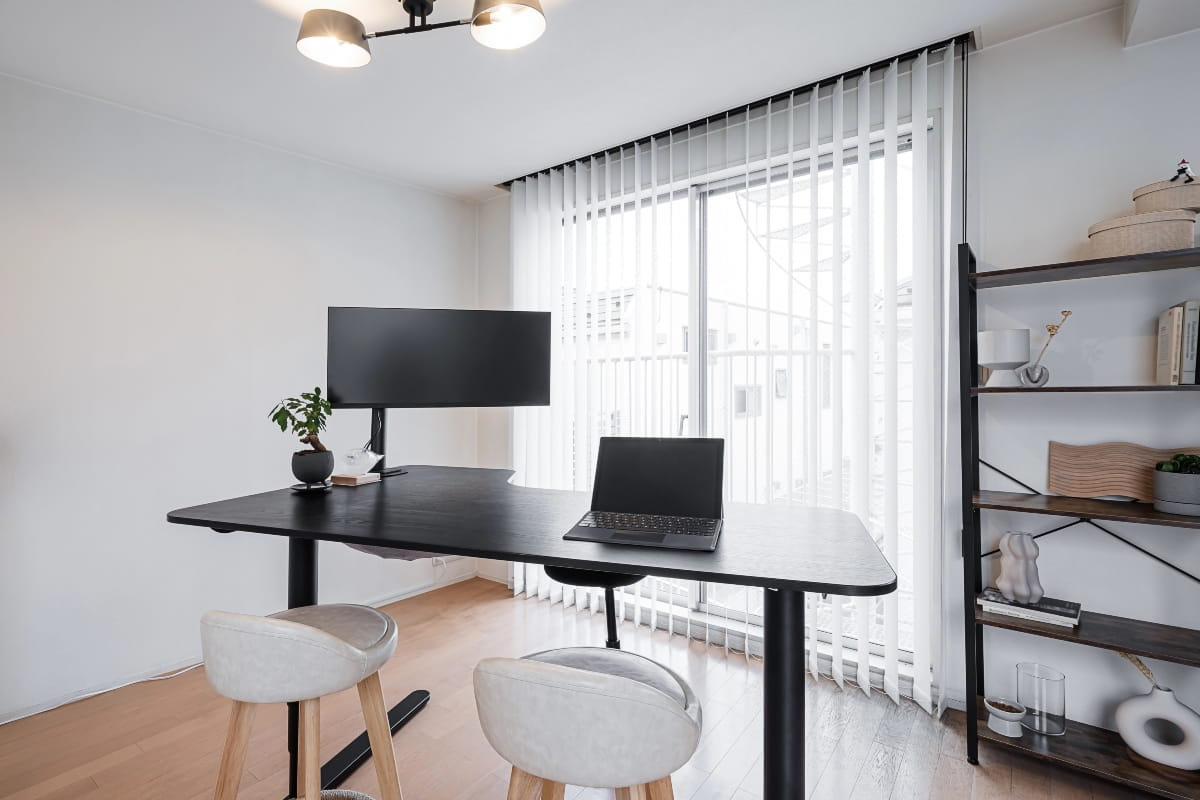
A straight standing desk might suit you better if:
- You mainly use a laptop or single monitor
- Your room is narrow
- You regularly move your workstation
- You do not need separate work zones
- Budget is more important than maximum workspace
- The available corner would restrict movement
Find the right L-shaped standing desk for your workspace
Choose an L-shaped standing desk that suits your workspace, equipment and daily workflow. ARTEIL designs workspace solutions for home offices and commercial environments, with adjustable desks available to suit different layouts and working styles.
If you need help choosing the right option for your workspace, contact ARTEIL to discuss your requirements.
Frequently asked questions
An L-shaped standing desk can be worth it if you will use the extra surface regularly and have the space for it. The larger layout can support multiple monitors, equipment and different tasks. If you mainly work from a laptop or have a narrow room, a straight standing desk may suit you better.
Yes, L-shaped standing desks are designed for corners. Measure both walls and allow room for your chair, then choose a left or right return to suit your room layout.
The weight capacity of an L-shaped standing desk depends on the frame, motor system and construction quality. Consider the combined weight of your monitors, computer equipment, and accessories to ensure the desk can support your setup and stay stable when adjusted.