Highlights
- Transition to a standing desk gradually by starting with short standing sessions and increasing your standing time as your body adjusts.
- Set comfortable sitting and standing heights before you begin, then save them as presets where available.
- Alternate between sitting and standing throughout the day instead of remaining in either position for prolonged periods.
- Change position when discomfort develops and review your footwear, desk height, monitor position and overall setup.
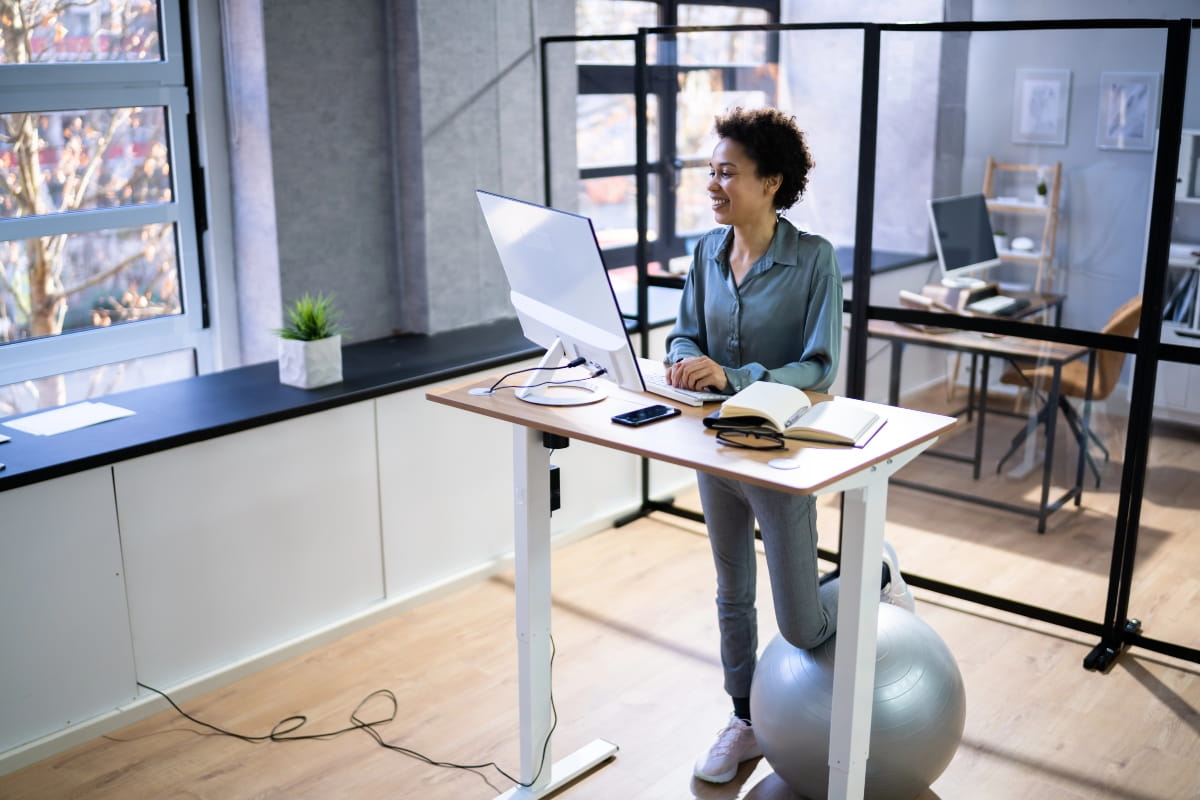
Switching to one of ARTEIL’s adjustable desks does not mean you need to spend the entire workday on your feet. The best way to transition to a standing desk is to begin with short standing sessions, alternate regularly between sitting and standing, and increase your standing time as the routine becomes more comfortable.
A gradual approach gives your body time to adjust while helping you identify the right desk height, monitor position and daily schedule. This blog explains how to start using a standing desk, choose suitable standing tasks, and build a balanced routine that supports regular movement throughout the workday.
Why transition to a standing desk gradually?
Standing places different demands on your feet, legs and lower back than sitting, so increasing your standing time too quickly could lead to fatigue or discomfort. A gradual transition gives you time to adjust your routine and identify any issues with your desk height, monitor position or footwear.
The goal is not to stand for as long as possible. A standing desk is only good for you as part of a routine that includes sitting, standing and regular movement throughout the day.
Guidance on prolonged sitting and standing also recommends varying your posture and moving throughout the workday rather than staying in one position for long periods.
Prepare your workstation before you begin
Before using a sit-stand desk for the first time, set comfortable sitting and standing positions. Preparing the workstation in advance makes it easier to change position without interrupting your work or repeatedly rearranging your equipment.
Set your sitting and standing desk heights
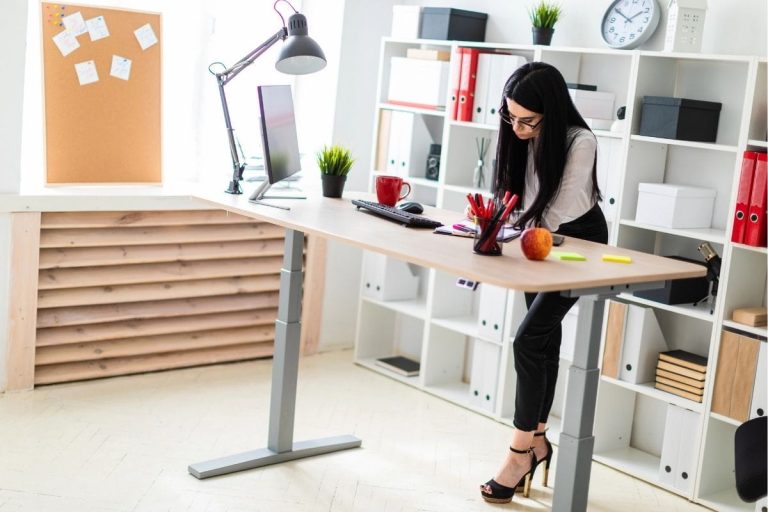
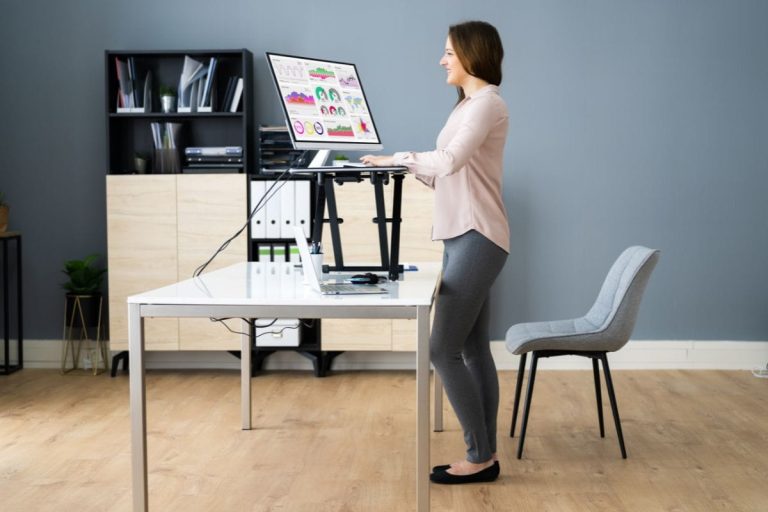
Begin with a comfortable seated position. Keep your feet supported, shoulders relaxed, and forearms resting naturally near the desktop. When standing, raise the desk to the correct height, with the desktop around elbow height and your elbows sitting at approximately a right angle.
Body proportions, footwear and equipment all affect the ideal position, so use general measurements as a starting point rather than a fixed rule. Setting the correct standing desk height helps reduce unnecessary reaching, leaning and shoulder tension.

Position your monitor, keyboard and mouse
Place the keyboard and mouse close together and within easy reach. Keep your wrists straight and your shoulders relaxed rather than raised or rounded forward.
Position the monitor directly in front of you, with the top of the screen at or slightly below eye level. Good standing desk ergonomics also involve checking viewing distance, screen angle, and the placement of frequently used items.
If you work from a laptop for extended periods, use a laptop stand or riser with a separate keyboard and mouse. This allows you to raise the screen without lifting your shoulders or holding your wrists and forearms at an uncomfortable angle, which also aligns with workstation setup recommendations.
Make changing position easy
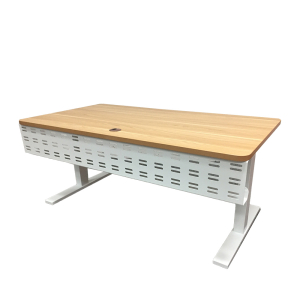
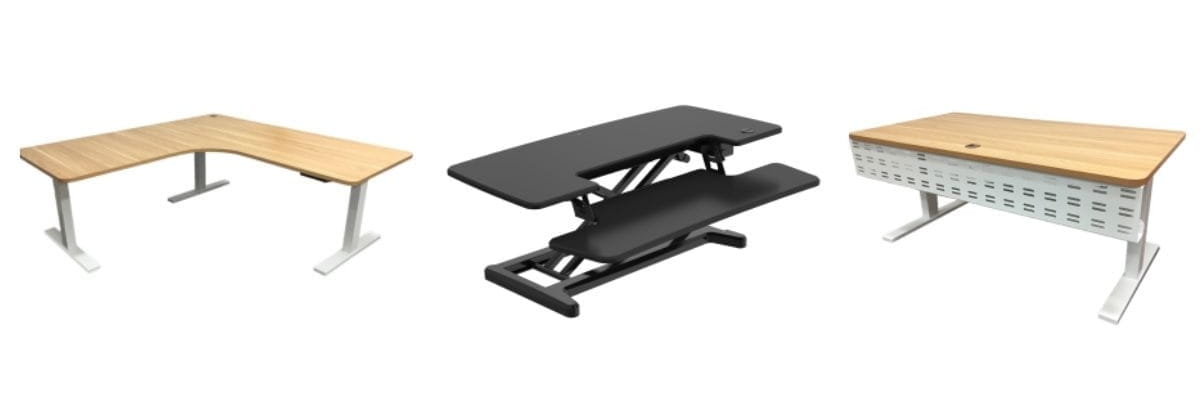
Changing between sitting and standing should take as little time and effort as possible. An electric adjustable desk, such as the Elevate Sit-Stand Desk, lets you raise or lower the desktop while keeping your equipment in place.
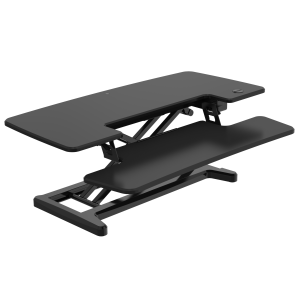
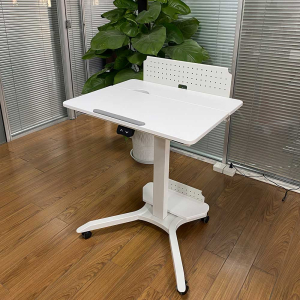
For an existing workstation, the Elevate Computer Riser provides another way to introduce height adjustment. Whichever option you choose, check that the screen, keyboard and mouse remain comfortably positioned at both working heights.
Before raising the desk, check that power, monitor and charging cables have enough slack to move safely between sitting and standing heights. Keep loose cables away from your feet, chair and moving desk components.
A gradual plan to transition to a standing desk
No single schedule suits everyone, but the following plan provides a practical starting point. Adjust each stage according to your comfort, work tasks and previous experience with prolonged standing.
| Stage | Standing time | What to focus on |
| Days 1 to 3 | 10 to 15 minutes, two or three times a day | Start with simple tasks such as emails or phone calls. Return to sitting before your feet, legs or back become noticeably tired, and use these first few days to check your desk height, screen position and standing desk posture. |
| Days 4 to 7 | 15 to 20 minutes at a time, where comfortable | Continue alternating between sitting and standing. Use meetings, calls or other regular activities as reminders to change position. |
| Week 2 | 20 to 30 minutes for selected sessions | Gradually increase your standing time while including short movement breaks. There is no single rule for how long you should stand at a standing desk, so adjust each session according to how you feel. |
| After two weeks | Adjust according to your comfort | Continue switching positions rather than aiming for a fixed number of standing hours. The goal is a balanced routine, not deciding whether standing is better than sitting for every task. |
Continue alternating between sitting and standing, take regular breaks, and walk briefly throughout the day. The goal is to reduce prolonged periods in any one position and keep movement part of your routine.
Choose the right tasks for standing
Standing tends to feel more natural during shorter tasks that do not require long periods of intense concentration or precise computer work. Matching your position to the activity makes it easier to introduce standing without disrupting your productivity.
Suitable tasks for standing could include:
- Taking phone calls
- Reading and responding to short emails
- Attending video meetings
- Reviewing your schedule
- Planning upcoming tasks
- Reading short documents
- Having informal discussions with colleagues
- Completing brief administrative work
Detailed writing, design work, data entry and other tasks requiring sustained concentration might feel more comfortable while sitting. Rather than forcing yourself to stand, use a sit-stand desk to change positions based on the task and how your body feels.
Work activities can also act as natural reminders. You might stand for a scheduled meeting, return to sitting for focused work and take a short walk after completing a larger task. Combining position changes with simple office exercises adds more movement to the day without relying only on standing.

How to stand comfortably at a standing desk
Standing comfortably does not mean holding your body in one rigid position. When standing:
- Keep your head balanced over your shoulders.
- Keep your shoulders relaxed and your elbows close to your sides.
- Keep your wrists straight while using the keyboard and mouse.
- Distribute your weight evenly across both feet.
- Keep your knees relaxed rather than locked.
- Shift your weight and take a few steps regularly.
- Avoid leaning heavily against the desktop.
These subtle movements form an important part of improving your posture with a sit-stand desk.
Supportive footwear and a stable floor surface also affect comfort. Standing on a hard floor for extended periods could contribute to tired feet and leg fatigue. A suitable anti-fatigue mat adds cushioning beneath the workstation, although it should support movement rather than encourage standing too long.
Most importantly, change position before discomfort becomes distracting. Sit down, walk briefly, or shorten your next standing session rather than staying upright just to reach a target.

Common problems when adjusting to a standing desk
If discomfort develops during the first few days, you could be standing for too long, or your workstation setup may need adjusting. Don’t push through pain or fatigue just to complete a planned standing session.
| Problem | Possible cause | What to adjust |
| Tired feet and legs | Standing too long, staying still or placing too much weight on one leg | Shorten standing periods, shift your weight and take brief walks throughout the day. |
| Lower back discomfort | Incorrect desk height, reaching forward or leaning on the desktop | Check your desk height, keep your elbows close to your body and reduce your standing time while adjusting. |
| Neck and shoulder strain | Monitor, keyboard or desk positioned incorrectly | Keep the screen directly in front of you, around eye level, with your shoulders relaxed. |
| Wrist or forearm discomfort | Keyboard or mouse too far away or at the wrong height | Keep both close enough that your wrists and forearms stay neutral. |
| Forgetting to change position | Staying focused on one task for too long | Use calls, meetings, completed tasks or scheduled breaks as reminders to switch position. |
| Standing for too long | Treating standing time as the goal | Alternate between sitting and standing, take frequent breaks and include short walks. |
An appropriate health professional should assess persistent or worsening pain.
Create a more flexible workspace with ARTEIL
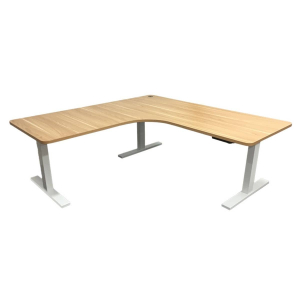
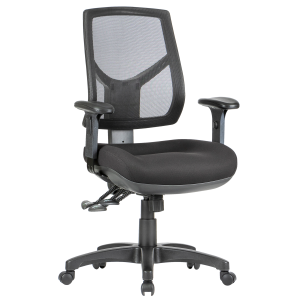
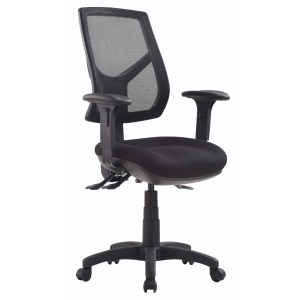
A well-planned sit-stand workspace makes it easier to change position throughout the day without disrupting your work. Explore the range of adjustable desks, computer risers and ergonomic office chairs from ARTEIL to find a setup that suits your workspace and routine.
For help choosing the right option, contact ARTEIL for practical advice.
Frequently asked questions
Yes. A supportive office chair remains important because a sit-stand routine involves alternating between sitting and standing throughout the day.
Yes. A sit-stand desk can accommodate a dual-monitor setup, as long as there's enough desktop space and the monitors can be positioned comfortably. Keep both screens at a suitable height and viewing distance, and make sure cables have enough slack when the desk moves between sitting and standing positions.
There is no single best time. Choose predictable tasks that make changing position easy, such as standing during calls or meetings and sitting for work that requires sustained concentration.
A timer can help remind you to change position when you first begin. You could also use predictable tasks, such as phone calls, meetings or completing a work block, as natural prompts to switch between sitting and standing.