Highlights
- Avoid common standing desk mistakes by setting the desk surface at the correct height to maintain a neutral posture and reduce unnecessary strain.
- Position the monitor screen correctly at around eye level and an arm’s length away to support visual comfort and reduce neck strain.
- Avoid locking your knees or leaning on one leg, as remaining in one standing position for long periods could contribute to fatigue and lower back pain.
- Alternate between sitting, standing and movement while taking regular breaks and using an ergonomic chair or anti-fatigue mat for proper support.
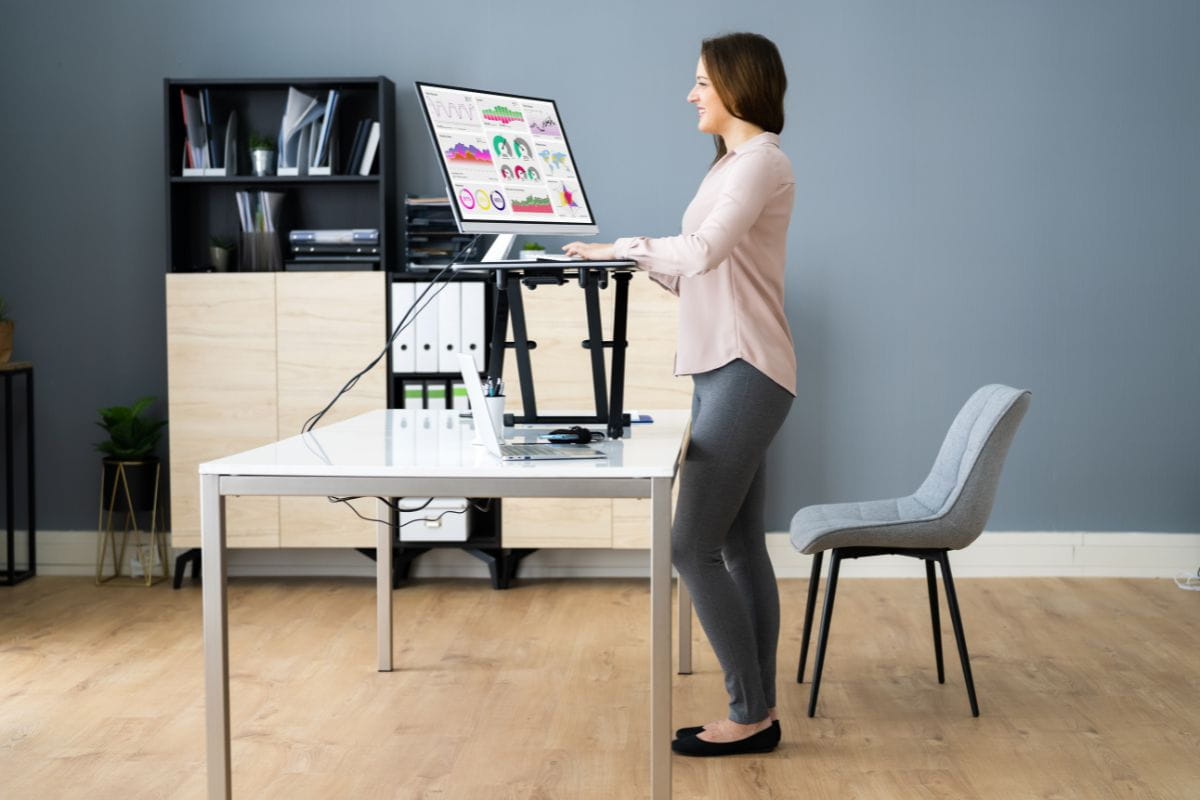
Using one of ARTEIL’s adjustable desks should make it easier to alternate between sitting and standing, but an incorrect setup or habits could still cause discomfort. Common standing desk mistakes include setting the desk at the wrong height, leaning on one leg, locking your knees, and staying in the same position too long.
Bad posture and ergonomic errors can place unnecessary strain on your neck, shoulders, wrists, lower back and legs. This blog explains how to spot these mistakes, adjust your workstation, and build a more comfortable sit-stand routine throughout the day.
Why do standing desk mistakes matter?
A height-adjustable desk does not automatically create an ergonomic workstation. If the desk surface, monitor, keyboard, or standing position is poorly adjusted, the setup can still contribute to discomfort in the neck, shoulders, wrists, lower back, or legs.
Whether standing desks are good for you often depends on how you set them up and use them. The goal isn’t to hold one perfect position all day, but to maintain a neutral posture, alternate between sitting and standing, and move regularly.
Safe Work Australia’s guidance on sitting and standing also recommends varying posture and movement rather than remaining in one position for prolonged periods.
Common standing desk mistakes and how to fix them
Even a well-designed sit-stand desk can feel uncomfortable if the workstation is set up incorrectly or you hold the same position for too long. You can usually fix these common mistakes with small changes to your desk height, equipment placement, and daily routine.
| Standing desk mistake | Why it matters | Quick fix |
| Desk at the wrong height | Can lead to raised shoulders, bent wrists or leaning | Set the desktop around elbow height and fine-tune for comfort |
| Monitor or keyboard positioned incorrectly | Can contribute to neck, shoulder, wrist or eye strain | Keep the screen in front of you and the keyboard and mouse within easy reach |
| Locking your knees or leaning on one leg | Creates uneven pressure and can contribute to fatigue | Keep your knees relaxed, balance your weight and change position regularly |
| Standing for too long | Can lead to tired feet, stiffness and lower back discomfort | Alternate between sitting, standing and short movement breaks |
| Forgetting to move | Replaces prolonged sitting with another fixed position | Use calls, meetings or task changes as reminders to move |
1. Setting the desk at the wrong height
A desk surface that is too high could cause you to raise your shoulders and bend your wrists while typing. If it is too low, you may lean forward, round your shoulders or place additional strain on your neck and lower back.
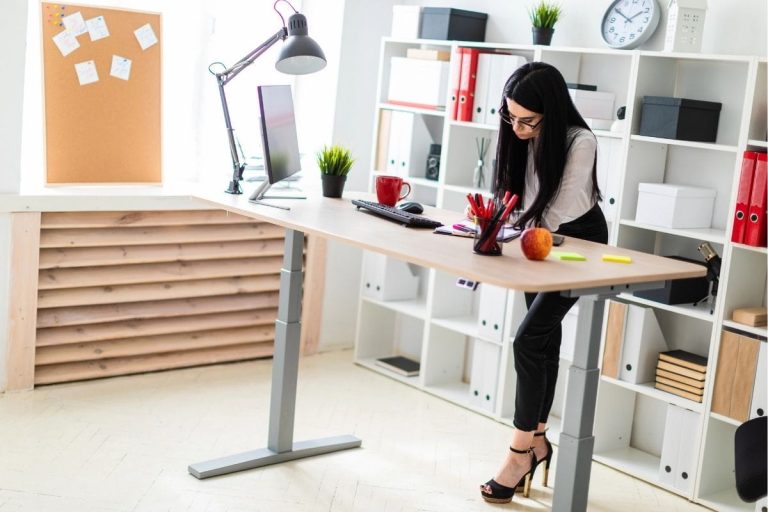
As a starting point, adjust the desktop to around elbow height while standing. At the correct height, your forearms should sit around the same level as the desk surface, with your elbows close to your sides and your wrists in a neutral position.
The right standing desk height depends on your body proportions, footwear and equipment. Make small adjustments until your shoulders feel relaxed and you can reach the keyboard and mouse without leaning or stretching.
2. Positioning the monitor, keyboard and mouse incorrectly
A monitor that is too low, too high or positioned to one side can encourage you to tilt your head, lean forward or repeatedly turn your neck. A computer screen that is too close could also affect visual comfort and contribute to eye strain.
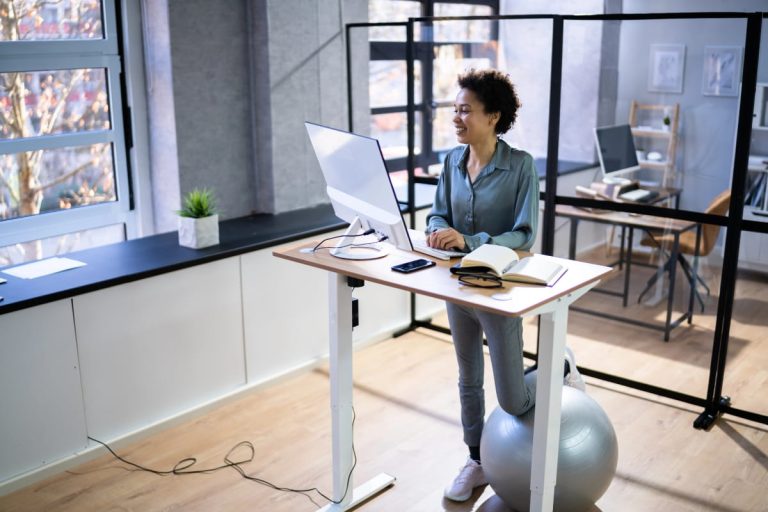
Position the monitor directly in front of you, with the top of the screen at or slightly below eye level and approximately an arm’s length away. The correct monitor height should let you view the screen without lifting your chin, bending your neck, or leaning toward the desk.
Keep the keyboard and mouse close together so your elbows stay near your sides, your shoulders stay relaxed, and your wrists stay neutral. Good standing desk ergonomics involves adjusting the entire workstation, not just the desk height, which also aligns with WorkSafe Queensland’s workstation setup recommendations.
3. Locking your knees or leaning on one leg
Locking your knees or placing most of your weight on one leg can create uneven pressure through your feet, hips and lower back. Holding either position for extended periods could also contribute to stiffness and general fatigue.
Keep your knees slightly relaxed and distribute your weight comfortably across both feet. Aim for a natural position along your spine rather than forcing your body into a rigid stance. Regular position changes can also support better posture throughout the day.
Shift your position regularly, take a few steps and avoid treating one posture as the correct position to hold throughout the day. Comfortable standing desk posture involves subtle movement rather than keeping your abdominal muscles tense or your body perfectly still.
4. Standing for too long
Standing for long periods can lead to tired feet, leg fatigue, stiffness and lower back discomfort. Replacing prolonged sitting with prolonged standing does not create a balanced or ergonomic work routine.
There is no single target that suits everyone, so increase your standing time gradually and change position before discomfort develops. Guidance on how long you should stand at a standing desk can help you build a routine around shorter standing sessions, regular breaks and movement.
Alternate between sitting and standing throughout the day, and include brief walks between work tasks. An anti-fatigue mat may provide extra support on a hard floor, but it should not encourage you to stand beyond your comfortable limit.
5. Forgetting to alternate between sitting, standing and movement
A sit-stand desk is most useful when it encourages regular position changes. Remaining seated or standing in one position for extended periods can still contribute to stiffness, fatigue and discomfort.
Use phone calls, meetings, or completed work tasks as prompts to change position. You could also use desk height presets or calendar reminders until switching between sitting and standing becomes part of your normal routine.
Regular movement matters just as much as switching between sitting and standing. Include short walks, office exercises and frequent breaks throughout the day rather than relying on standing alone.

A quick standing desk setup checklist
Before starting work, check that your computer workstation supports a comfortable posture in both sitting and standing positions. Small adjustments can help reduce strain from unnecessary reaching, leaning or awkward positioning throughout the day.
Check that:
- The desk surface sits around elbow height while standing.
- Your shoulders remain relaxed, and your elbows stay close to your sides.
- The monitor is directly in front of you, with the top of the screen at or slightly below eye level.
- The screen sits approximately an arm’s length away.
- The keyboard and mouse are close enough to keep your wrists neutral.
- Your feet are flat on the floor, and your knees remain relaxed.
- Your chair is adjusted correctly for seated work.
- Power and monitor cables have enough slack when the desk changes height.
- The area around and beneath the desk remains clear.
- You change position and take regular movement breaks before discomfort develops.
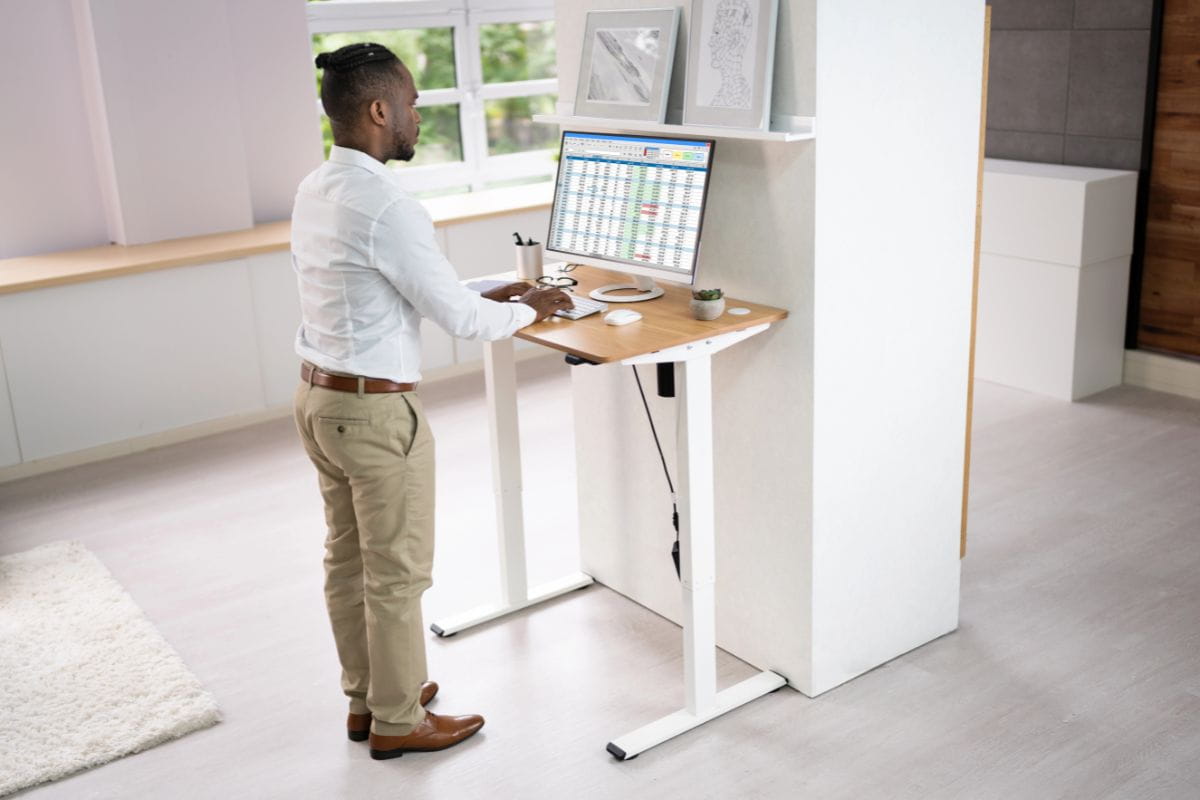
Review the setup if you regularly lean towards the screen, raise your shoulders, bend your wrists or shift most of your weight onto one leg. The aim is to feel comfortable while moving naturally, rather than holding one fixed posture for long periods.
Support your sit-stand setup with the right equipment
Correct posture is easier to maintain when your height-adjustable desk, adjustable chair, monitor, keyboard and surrounding workspace support comfortable sitting and standing.
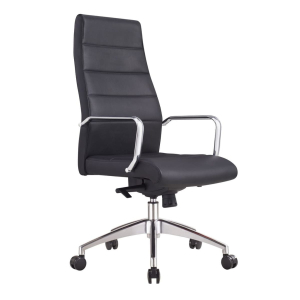
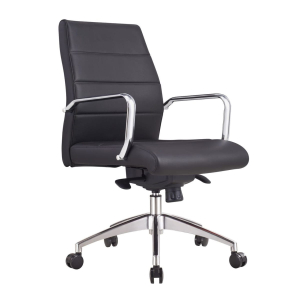
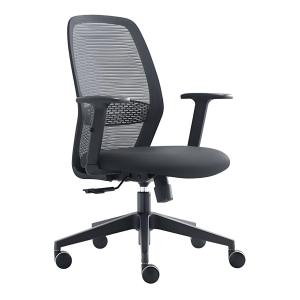
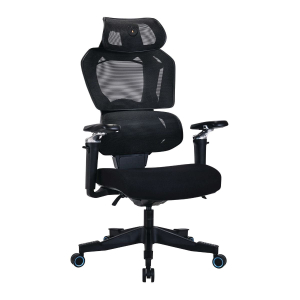
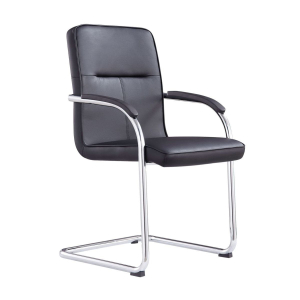
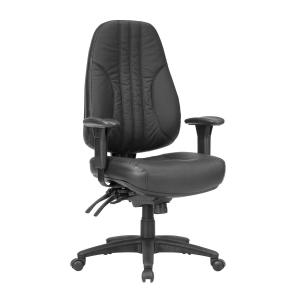
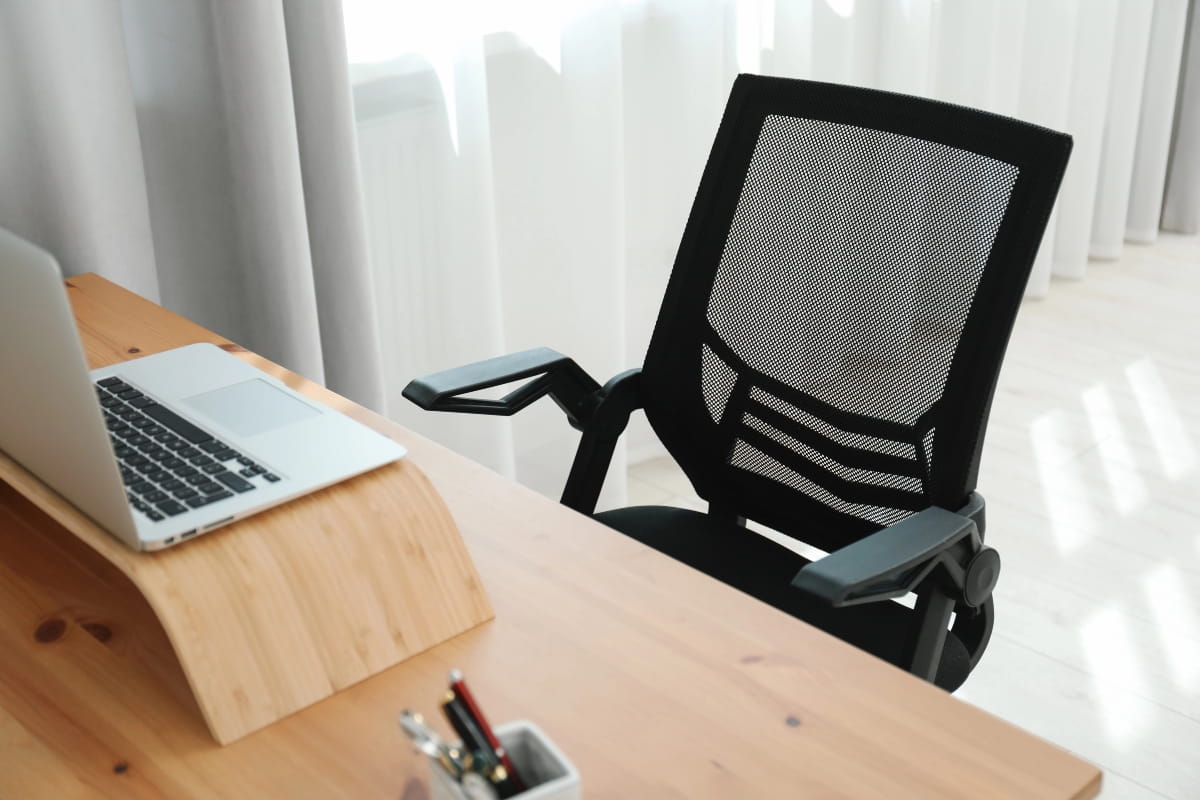
- Keep an ergonomic chair nearby: A supportive ergonomic office chair gives you a comfortable seated position when your feet or legs feel tired. Adjust it to support your lower back and keep your keyboard and mouse within easy reach.
- Consider an anti-fatigue mat: An office floor mat can make standing on hard flooring more comfortable. Keep it flat and clear of your chair, desk frame and cables, and continue taking regular breaks.
- Allow space for movement: If you have limited space, keep the area around and beneath your desk as clear as possible so you can easily reposition your feet and chair. Check that monitor, power and charging cables have enough slack as the desk changes height.
- Respond to discomfort: If pain or fatigue develops, reduce your standing time and review your desk height, monitor position, chair support and standing routine. Persistent pain, numbness or unusual discomfort should be assessed by a qualified health professional. If you have an existing medical condition, seek individual advice before making major changes to your standing routine.
Build better standing desk habits
A well-adjusted workstation still depends on how you use it throughout the day. If you are new to a sit-stand desk, begin with shorter standing sessions and increase them gradually, building a routine around your comfort, work tasks and activity levels.
Use everyday tasks as prompts to change position. You might stand during phone calls, online meetings or short administrative tasks, then sit for detailed work that requires steady concentration. Short walks to collect documents, refill water or speak with a colleague also add movement throughout the day.
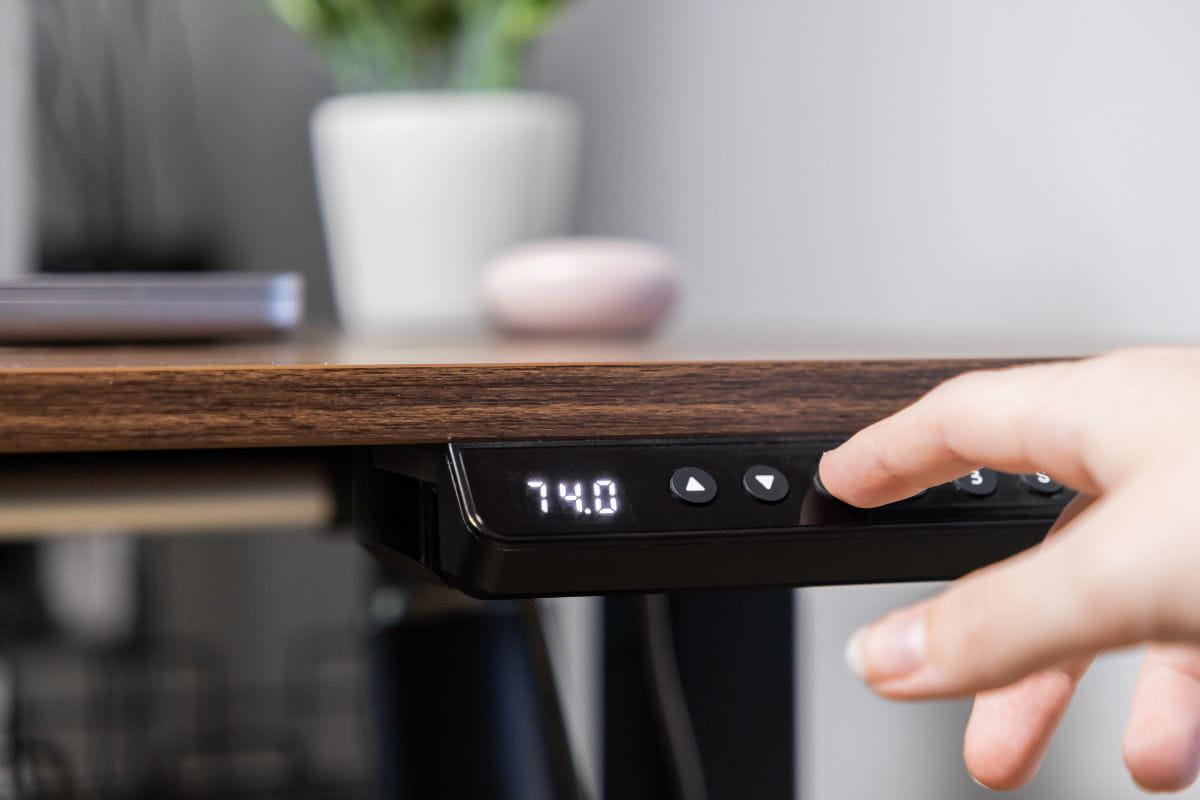
Height presets make it easier to alternate between comfortable sitting and standing positions. Review each setting while wearing your usual footwear and adjust it if you notice raised shoulders, bent wrists, leaning or uneven pressure through your feet.
Choose the position that suits the task and change before stiffness or fatigue develops. A flexible routine that combines sitting, standing and regular movement can support comfort, concentration, productivity and wellbeing throughout the workday.
Create a more ergonomic workspace with ARTEIL
Avoiding common standing desk mistakes becomes easier when your workstation supports comfortable movement between sitting and standing. ARTEIL offers a range of adjustable desks and ergonomic office chairs that can help you create a more flexible workspace suited to your daily tasks and work environment.
Consider the desk height range, available workspace, monitor setup and chair support when choosing your equipment. For help finding a setup suited to your home or workplace, contact ARTEIL for practical product advice.
Frequently asked questions
If the desktop remains too high or too low after adjustment, check whether the desk’s height range suits your body and chair. A keyboard tray could help adjust the keyboard and mouse positions, while a monitor arm allows the screen height to be adjusted separately.
These accessories should not force you to reach, lift your shoulders or bend your wrists. Where the desk cannot support comfortable sitting and standing positions, choosing a model with a broader height range may be the better long-term option.
You may need to adjust the monitor if changing the desk height moves the screen above or below a comfortable viewing position. A monitor arm can make this easier, especially when sitting and standing require different screen heights.
Check that the monitor remains directly in front of you, approximately an arm’s length away, with the top of the screen at or slightly below eye level.
A standing desk may feel less stable at its maximum height if it is sitting on an uneven floor, the feet are not level, fasteners have loosened, or equipment is unevenly distributed across the desktop.
Check that the desk is level, all components are securely fitted, and heavier equipment is positioned appropriately. If the movement continues, refer to the manufacturer’s setup instructions rather than using an unstable workstation.
Yes, as long as the desk’s height range and work surface suit each user. Everyone should adjust the desk, monitor, keyboard and chair to their own body rather than relying on one shared position.
Memory controls can make changeovers easier where several people use the same workstation, allowing each user to return to a preferred desk height more quickly.